MailMonitor Alternatives: 7 Deliverability Monitoring Tools (2026)
Key Takeaways
|
MailMonitor has built its reputation around enterprise deliverability monitoring, combining inbox placement testing with expert remediation and ongoing optimization. For organizations with dedicated email operations teams, that managed approach can be a strong fit.
However, not every business needs an enterprise engagement. Some teams simply want to run their own inbox placement tests, while others need mailbox warmup for outbound campaigns. Increasingly, growing businesses want continuous visibility into inbox placement, sender reputation, authentication, and DMARC, all from a self-service platform they can use every day.
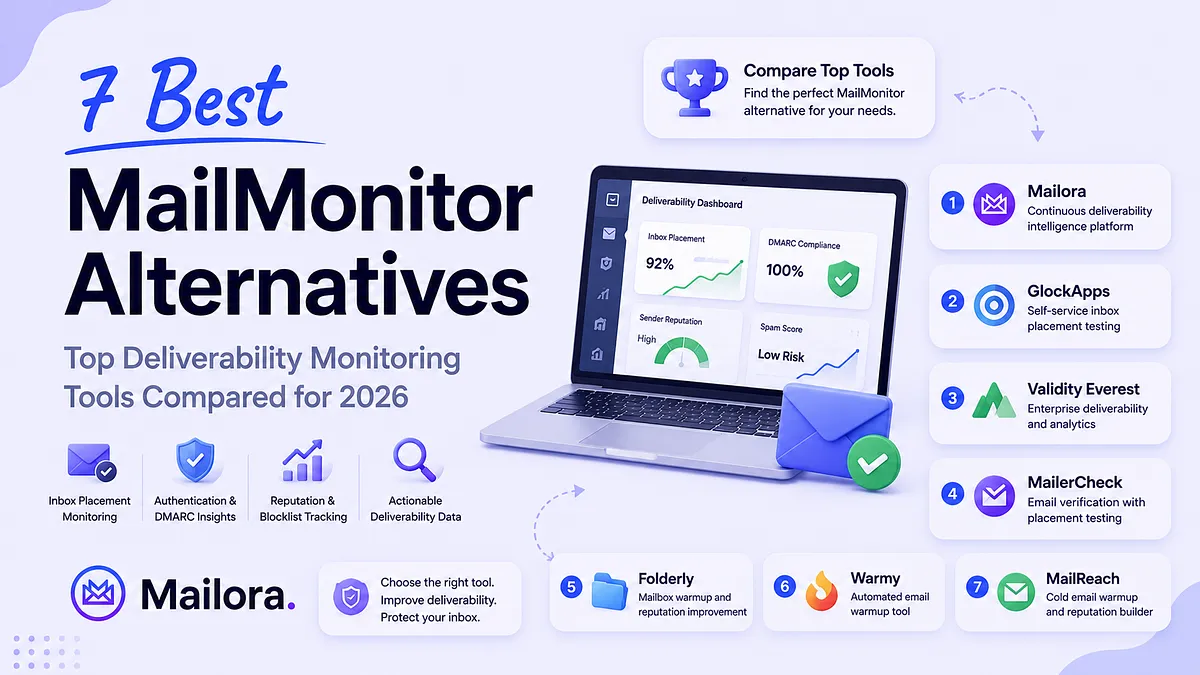
In this guide, we'll compare the best MailMonitor alternatives for 2026, explain where each platform excels, where its limitations lie, and help you choose the right solution based on your deliverability goals.
The Best MailMonitor Alternatives Compared in 2026
The comparison below highlights each tool's strengths, pricing, and ideal use case to help you find the right fit for your email program.
Tool | Starting Pricing | Best For | Core Strengths |
| Mailora | Free trial Paid plans from $29/month | Continuous deliverability intelligence | Inbox placement monitoring, SPF/DKIM/DMARC validation, DMARC analysis, reputation & blocklist monitoring, spam diagnostics |
| GlockApps | Free plan Paid plans from $59/month | Self-service inbox placement testing | Seed-list testing, spam filter analysis, DMARC analytics, blocklist monitoring, email content testing |
| Validity Everest | Custom pricing | Enterprise deliverability teams | Enterprise inbox placement testing, sender reputation monitoring, authentication analysis, campaign optimization, deliverability analytics |
| MailerCheck | Pay-as-you-go from $10 | Email verification with placement testing | Email verification, inbox placement testing, spam score analysis, authentication checks, deliverability reports |
| Folderly | Custom pricing | Mailbox warmup and sender reputation improvement | Automated warmup, inbox placement testing, deliverability diagnostics, spam prevention, mailbox health monitoring |
| Warmy | Custom pricing | Automated mailbox warmup | Email warmup automation, inbox placement monitoring, Google Postmaster integration, authentication monitoring, deliverability reports |
| MailReach | From $25/mailbox/month | Cold email warmup and reputation building | AI-powered warmup, spam testing, authentication checks, sender reputation monitoring, deliverability insights |
| Maildoso | From $2.50/mailbox/month | Affordable inbox placement testing | Seed-list inbox placement testing, self-healing mailboxes, IP rotation, deliverability monitoring, API access |
Below is a detailed overview of the best MailMonitor alternatives available today. Each platform approaches deliverability differently. Some focus on inbox placement testing, others specialize in mailbox warmup or enterprise analytics, while a few provide continuous monitoring across authentication, sender reputation, DMARC, and inbox placement. Understanding these differences will help you choose the solution that best fits your team's deliverability strategy.
Mailora
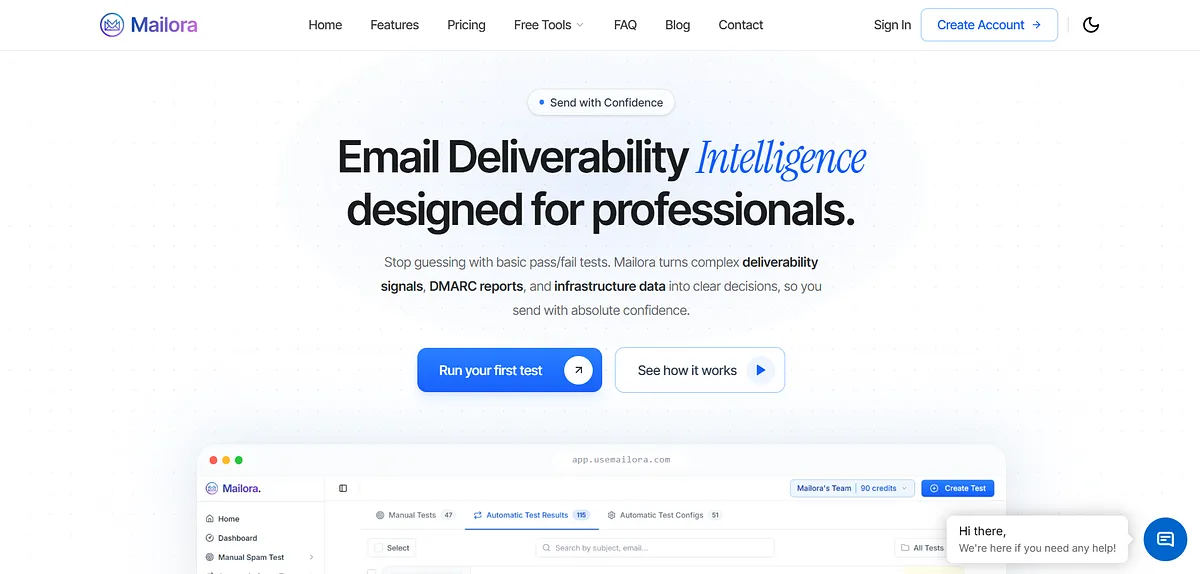
Mailora is an email deliverability intelligence platform that helps businesses monitor inbox placement, email authentication, DMARC reports, sender reputation, and spam risks in one place. It combines pre-send validation with continuous monitoring and actionable recommendations, enabling teams to identify deliverability issues early and make informed decisions before and after every email campaign.
Key Features
- Inbox Placement Monitoring: Test email placement across major mailbox providers to identify whether messages reach the inbox, Promotions tab, or spam folder.
- Authentication Analysis: Validate SPF, DKIM, and DMARC records while identifying configuration issues that can affect deliverability.
- DMARC Reporting & Insights: Analyze DMARC aggregate reports to monitor authentication performance, domain alignment, and unauthorized sending activity.
- Reputation & Blocklist Monitoring: Track sender reputation and monitor blocklists continuously to detect deliverability risks before they impact campaigns.
- Spam Diagnostics & Recommendations: Identify spam triggers and receive actionable recommendations to improve inbox placement and overall email performance.
Best for: Growth-stage and enterprise businesses that want continuous deliverability intelligence combining inbox placement, authentication, DMARC analysis, and reputation monitoring in a self-serve platform.
Pricing: Mailora offers five plans, from a free 14-day trial to Enterprise ($230/month), scaling spam test credits, SMTP connections, integrations, users, teams, blocklist monitoring, analytics retention, and automation. Higher tiers unlock API access, deliverability consultations, and larger limits, while paid add-ons include credit carry-forward and additional capabilities.
GlockApps

GlockApps is an email deliverability testing platform that helps businesses monitor inbox placement, spam filtering, authentication, and sender reputation. It allows users to run seed-list tests across major mailbox providers, analyze spam triggers, monitor blocklists, and troubleshoot email deliverability problems before launching campaigns.
Key Features
- Inbox Placement Testing: Run seed-list tests across major mailbox providers to see exactly where emails are delivered.
- Spam Filter Analysis: Identify content, authentication, and configuration issues that increase the likelihood of spam placement.
- DMARC Analytics: Monitor DMARC reports and authentication status to improve domain security and email trust.
- Blocklist Monitoring: Track domain and IP reputation against popular email blocklists.
- Email Content Testing: Analyze email content, links, and headers to identify potential spam triggers before sending.
Best for: Businesses that need affordable self-service inbox placement testing, spam analysis, and authentication checks across major mailbox providers.
Cons
- DMARC analysis is less comprehensive than dedicated DMARC platforms.
- Interface feels dated compared to newer tools.
- Focuses primarily on testing rather than continuous monitoring.
- Limited workflow automation.
- Collaboration features are relatively basic.
Pricing: GlockApps offers four monthly plans, from Free to Enterprise ($185/month), combining Inbox Insight, DMARC Analytics, and Uptime Monitoring. Higher tiers increase spam test credits, DMARC message limits, sending accounts, monitoring capacity, API access, and users, with custom plans available for high-volume senders and enterprises.
Related read: GlockApps Alternative: 7 Tools That Give You Clarity
Validity Everest

Validity Everest is an enterprise email deliverability platform that combines inbox placement testing, sender reputation monitoring, authentication analysis, campaign optimization, and deliverability analytics. It is designed for large organizations that require advanced deliverability insights, consulting, and ongoing optimization across high-volume email programs.
Key Features
- Inbox Placement Testing: Measure inbox placement across multiple mailbox providers using enterprise-grade seed lists.
- Sender Reputation Monitoring: Track IP and domain reputation to identify deliverability risks before campaign performance declines.
- Authentication Analysis: Monitor SPF, DKIM, and DMARC implementation alongside other deliverability signals.
- Campaign Performance Analytics: Analyze engagement, inbox placement, and deliverability metrics from a centralized dashboard.
- Deliverability Intelligence: Combine monitoring, benchmarking, and expert recommendations to optimize enterprise email programs.
Best for: Large enterprises with dedicated deliverability teams that need advanced deliverability analytics, consulting, and enterprise-grade monitoring.
Cons
- Requires experienced deliverability expertise to maximize value.
- Complex interface for smaller teams.
- Primarily built for enterprise email programs.
- More focused on analytics than self-service remediation.
- May be excessive for moderate sending volumes.
Pricing: Custom
MailerCheck

MailerCheck is an email deliverability platform that combines inbox placement testing, email verification, spam score analysis, and authentication checks. It helps businesses validate email lists, monitor deliverability, and identify configuration issues that may affect inbox placement before sending campaigns.
Key Features
- Inbox Placement Testing: Test email placement across major mailbox providers before launching campaigns.
- Email Verification: Validate email addresses to reduce bounces and improve sender reputation.
- Spam Score Analysis: Evaluate messages against common spam filters and identify content issues.
- Authentication Checks: Verify SPF, DKIM, and DMARC configuration to improve email authentication.
- Deliverability Reports: Review detailed diagnostics that highlight issues affecting inbox placement.
Best for: Businesses looking for email verification and inbox placement testing in a simple, self-service platform.
Cons
- Limited continuous monitoring capabilities.
- Less advanced DMARC analysis.
- Smaller feature set than enterprise platforms.
- Focuses primarily on testing rather than long-term monitoring.
- Limited automation beyond core deliverability checks.
Pricing: MailerCheck uses a pay-as-you-go pricing model starting at $10 for 1,000 credits ($0.01 per credit). Credits can be used for email verification, Email Insights, or Inbox Placement, with free trial credits available, no subscription required, and credits that do not expire.
Folderly

Folderly is an email deliverability platform focused on improving sender reputation through mailbox warmup, inbox placement testing, and deliverability optimization. It helps businesses diagnose spam placement issues, strengthen domain reputation, and improve email performance across major mailbox providers.
Key Features
- Mailbox Warmup: Build sender reputation gradually through automated warmup activities.
- Inbox Placement Testing: Check whether emails land in the inbox or spam folder across major providers.
- Deliverability Diagnostics: Analyze sender reputation and identify technical issues affecting email performance.
- Spam Prevention: Detect configuration and content problems that contribute to spam filtering.
- Performance Monitoring: Track deliverability trends and monitor mailbox health over time.
Best for: Businesses prioritizing sender reputation improvement through mailbox warmup alongside deliverability optimization.
Cons
- Warmup is the primary focus rather than ongoing monitoring.
- Limited DMARC reporting capabilities.
- Less suitable for deep authentication analysis.
- Fewer infrastructure monitoring features.
- Advanced diagnostics are relatively limited.
Pricing: Custom
Warmy

Warmy is an email warmup and deliverability platform that automates mailbox warmup, monitors inbox placement, and improves sender reputation. It helps businesses prepare new email accounts for outreach while providing deliverability insights to support more consistent inbox placement.
Key Features
- Automated Email Warmup: Gradually increase mailbox activity to strengthen sender reputation.
- Inbox Placement Monitoring: Track whether emails reach recipients' inboxes across supported providers.
- Google Postmaster Integration: Connect Google Postmaster Tools to monitor domain reputation and Gmail performance.
- Authentication Monitoring: Review SPF, DKIM, and DMARC status to support healthy email infrastructure.
- Deliverability Reports: Monitor mailbox health and identify issues that may impact future campaigns.
Best for: Teams preparing new mailboxes for outreach while monitoring sender reputation and inbox placement.
Cons
- Primarily centered around mailbox warmup.
- Limited authentication diagnostics.
- Not designed as a complete deliverability intelligence platform.
- Continuous monitoring capabilities are relatively lightweight.
- Less emphasis on domain-level analytics.
Pricing: Warmy offers volume-based pricing with separate plans for B2B senders, B2C senders, and custom enterprise needs. All plans include email warm-up, Google Postmaster integration, deliverability monitoring, and expert support, plus a 7-day free trial with no credit card required and tailored pricing via demo.
MailReach

MailReach is an email warmup platform that helps improve sender reputation through automated mailbox warmup and deliverability monitoring. It gradually increases mailbox trust while providing inbox placement insights that help businesses improve email performance over time.
Key Features
- AI-Powered Mailbox Warmup: Automatically warm mailboxes using realistic email conversations to build sender reputation.
- Spam Testing: Run inbox placement tests to determine whether emails reach the inbox or spam folder.
- Authentication Checks: Validate SPF, DKIM, and DMARC records to improve sending reliability.
- Sender Reputation Monitoring: Track reputation signals that influence inbox placement across providers.
- Deliverability Insights: Monitor mailbox performance and identify issues affecting email delivery.
Best for: Sales teams and cold email senders that want automated mailbox warmup with basic deliverability monitoring.
Cons
- Warmup remains the core functionality.
- Inbox placement testing is not its primary strength.
- Limited DMARC visibility.
- Minimal deliverability analytics beyond reputation monitoring.
- Not intended for enterprise deliverability management.
Pricing: MailReach uses usage-based pricing starting at $25 per mailbox/month for automated email warm-up, with spam testing purchased separately. Plans include AI-powered warm-up, spam testing, deliverability monitoring, authentication checks (SPF, DKIM, DMARC), reputation tracking, and agency pricing, with discounts available on annual billing.
Suggested read: 7 Best MailReach Alternatives in 2026
Maildoso
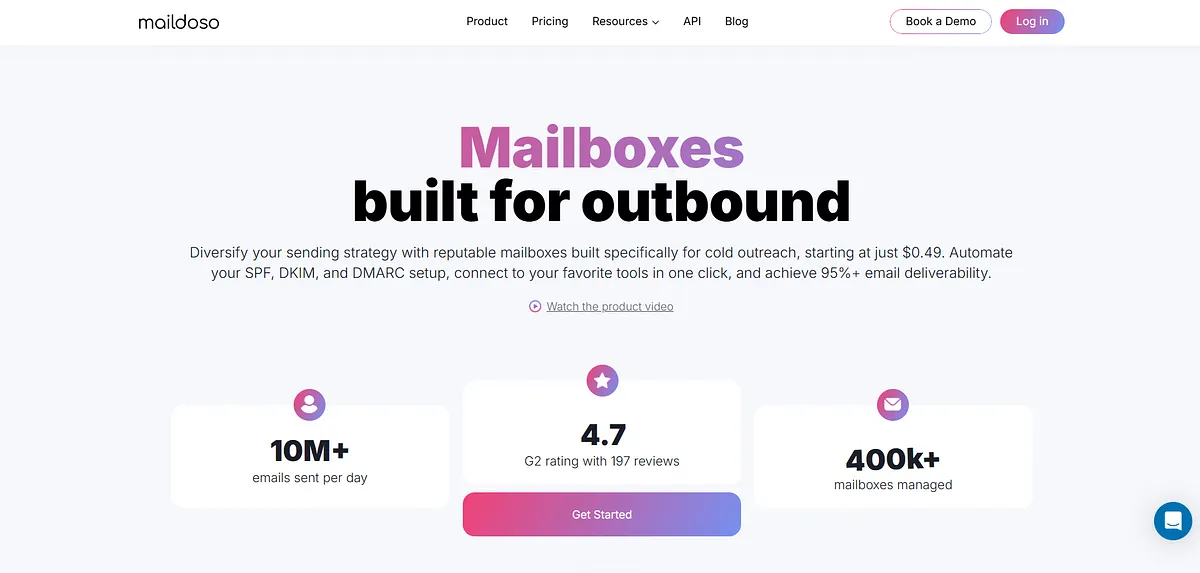
Maildoso is an email deliverability testing platform that helps businesses monitor inbox placement using seed-list testing across major mailbox providers. It enables users to perform routine deliverability checks, identify spam placement, and monitor sending performance before campaign issues become widespread.
Key Features
- Inbox Placement Testing: Measure where emails land across major mailbox providers using seed-list testing.
- Self-Healing Mailboxes: Automatically maintain healthy sending mailboxes for more consistent deliverability.
- IP Rotation: Distribute sending across multiple IP addresses to reduce reputation-related risks.
- Deliverability Monitoring: Track inbox placement trends and monitor email performance over time.
- API Access: Integrate deliverability testing and monitoring into existing workflows through API support.
Best for: Businesses that perform regular inbox placement testing across multiple mailboxes and domains.
Cons
- Focuses mainly on inbox placement testing.
- Limited authentication analysis.
- Fewer deliverability diagnostics than comprehensive platforms.
- Minimal reporting outside placement monitoring.
- Lacks unified deliverability intelligence across multiple signals.
Pricing: Maildoso offers mailbox-based pricing starting at $2.50 per mailbox/month, with lower per-mailbox costs at higher volumes. Every plan includes self-healing mailboxes, IP rotation, CAPTCHA protection, deliverability monitoring, API access, free deliverability audits, and a 30-day money-back guarantee.
Why Teams Choose MailMonitor

MailMonitor is an enterprise-focused email deliverability platform that helps businesses improve inbox placement by combining deliverability monitoring with expert remediation services.
It analyzes sender reputation, authentication, spam filtering, and mailbox provider signals, then provides hands-on guidance to resolve the issues affecting deliverability. For organizations managing large-scale email programs, it serves as both a monitoring platform and a deliverability consulting partner.
Teams typically choose MailMonitor for several reasons:
- Inbox Placement Monitoring: Tests email placement across a network of 400+ real mailboxes covering more than 90 mailbox providers and ISPs to identify whether emails reach the inbox, Promotions tab, or spam folder.
- Continuous Reputation Monitoring: Tracks sender reputation, blocklist status, spam traps, ISP feedback, and email infrastructure to detect issues before they impact campaign performance.
- Authentication Analysis: Reviews SPF, DKIM, and DMARC configurations to strengthen email authentication and improve sender trust.
- Expert Deliverability Services: Provides hands-on remediation, implementation guidance, and ongoing optimization from dedicated deliverability specialists.
- Root Cause Diagnostics: Identifies the technical and reputation-related factors responsible for spam placement instead of only reporting inbox placement results.
- Ongoing Deliverability Optimization: Continuously monitors email health and recommends improvements as mailbox provider filtering algorithms and sender reputation evolve.
For enterprises with dedicated email operations teams and complex sending environments, MailMonitor offers a combination of software and expert services that extends beyond traditional inbox placement testing.
Why Teams Look for MailMonitor Alternatives
As requirements, budgets, and workflows evolve, some teams begin evaluating platforms that better match how they manage deliverability internally.
They Prefer a Self-Service Platform
Many growing businesses want direct access to deliverability data without relying on scheduled consultations or expert-led remediation. Self-service platforms allow marketing and email operations teams to monitor performance, investigate issues, and take action whenever they need.
They Want Continuous Visibility Across More Signals
Inbox placement is only one part of deliverability. Many teams also want ongoing visibility into authentication, DMARC reports, sender reputation, blocklists, and domain health from a single dashboard instead of monitoring these areas separately.
They Need a Solution That Fits Smaller Teams
Enterprise deliverability platforms are often designed for organizations with dedicated email operations or deliverability specialists. Smaller teams may prefer platforms that surface actionable recommendations without requiring deep technical expertise or ongoing consulting.
They Need a Platform That Supports Their Sending Strategy
Different organizations have different priorities. Some primarily need inbox placement testing, while others focus on mailbox warmup, DMARC monitoring, or continuous reputation tracking. As sending programs mature, businesses often look for tools that align more closely with their specific deliverability workflows.
They Want Greater Flexibility
Some teams prefer platforms that are easier to adopt, integrate into existing workflows, and scale as their email programs grow. Rather than a managed engagement, they may simply want continuous deliverability intelligence they can access and act on themselves.
How to Evaluate MailMonitor Alternatives?
Before comparing features or pricing, identify the problem you're actually trying to solve. That makes it much easier to choose a platform that fits your workflow instead of paying for capabilities you won't use.
What to Look For
- Inbox placement visibility: Can you verify whether emails reach the inbox, Promotions tab, or spam folder across major mailbox providers?
- Authentication monitoring: Does the platform continuously validate SPF, DKIM, and DMARC, or only check them on demand?
- Sender reputation monitoring: Look for blocklist monitoring, reputation tracking, and alerts when your sending health changes.
- Continuous monitoring vs. one-off testing: Point-in-time spam tests are useful before campaigns, but continuous monitoring helps catch issues before they impact future sends.
- Ease of use: Decide whether you want a fully managed service with expert guidance or a self-serve platform your team can operate independently.
- Scalability: As sending volumes, domains, and team members grow, the platform should grow with you without becoming overly complex.
Your Scenario | What Matters Most | Best Pick |
| You need continuous visibility into inbox placement, authentication, DMARC, and sender reputation | Unified monitoring, alerts, actionable insights | Mailora |
| You primarily want affordable inbox placement testing before campaigns | Seed-list testing, spam diagnostics | GlockApps |
| Your organization has a dedicated deliverability team managing millions of emails | Enterprise analytics, consulting, advanced reporting | Validity Everest |
| Your biggest priority is improving new mailbox reputation for outbound campaigns | Automated mailbox warmup, reputation building | Warmy or MailReach |
| You want email verification alongside deliverability testing | Email verification plus placement testing | MailerCheck |
| You need ongoing deliverability intelligence without hiring deliverability specialists | Self-service monitoring, authentication analysis, DMARC reporting | Mailora |
| You're managing multiple domains and want to catch authentication or reputation issues before campaigns suffer | Continuous monitoring across SPF, DKIM, DMARC, blocklists, and inbox placement | Mailora |
| You only run occasional deliverability checks and don't need continuous monitoring | Basic inbox placement testing | Maildoso or GlockApps |
| You're focused on improving sender reputation through warmup and basic deliverability checks | Warmup automation with supporting monitoring | Folderly |
The right choice ultimately depends on whether you need occasional testing or continuous intelligence. If your goal is simply validating a campaign before sending, a placement-testing tool may be enough.
However, if you want ongoing visibility into authentication, DMARC health, reputation changes, and inbox placement across all your domains, a continuous monitoring platform like Mailora provides a much more complete view of your deliverability.
Why Continuous Deliverability Monitoring Matters
Most deliverability problems don't appear overnight. Authentication records change, sender reputation fluctuates, mailbox provider algorithms evolve, and a domain that reached the inbox yesterday can quietly start landing in spam tomorrow.
That's why choosing a MailMonitor alternative shouldn't come down to who offers the biggest seed list or the most reports. The real question is whether the platform helps you detect changes early, understand why they happened, and know exactly what to fix before performance declines.
For many growing teams, continuous visibility into inbox placement, authentication, DMARC, reputation, and blocklists is far more valuable than running occasional placement tests after problems have already affected campaigns.
If that's the kind of visibility you're looking for, Mailora brings those signals together in one place. Instead of jumping between separate tools to monitor authentication, reputation, and inbox placement, you get continuous deliverability intelligence that helps you spot issues sooner, prioritize the right fixes, and protect inbox performance as your email program scales.
Run a free deliverability test
FAQs
What does MailMonitor do?
MailMonitor is an email deliverability monitoring platform that helps businesses improve inbox placement by monitoring sender reputation, authentication, spam filtering, and deliverability performance. It combines inbox testing with expert remediation to identify and resolve issues affecting email delivery.
Why do businesses look for MailMonitor alternatives?
Many businesses look for MailMonitor alternatives because they prefer self-service platforms, continuous monitoring, or tools better suited to smaller teams. Others need different capabilities such as DMARC analysis, inbox placement testing, mailbox warmup, or lower operational complexity.
Which MailMonitor alternative is best for continuous deliverability monitoring?
If you need ongoing visibility into inbox placement, authentication, DMARC, sender reputation, and deliverability trends, platforms designed for continuous monitoring, such as Mailora, provide broader intelligence than one-time spam tests alone.
Are mailbox warmup tools the same as deliverability monitoring tools?
No. Mailbox warmup tools help establish sender reputation by gradually increasing sending activity, while deliverability monitoring tools track inbox placement, authentication, reputation, and email performance over time. Many warmup platforms include basic monitoring, but they are designed for different purposes.
Can free deliverability tools replace MailMonitor?
Free tools like Google Postmaster Tools, Microsoft SNDS, and Mail-Tester provide valuable insights into sender reputation and authentication. However, they require manual monitoring and do not offer the unified, continuous visibility available in dedicated deliverability platforms.
Stay in the loop
Deliverability insights, product updates, and early access to new features. No spam, unsubscribe anytime.
By subscribing, you agree to our Privacy Policy. Unsubscribe anytime.