Best MailMend Alternatives for Email Deliverability
Key Takeaways
|
The core focus of MailMend is inbox placement optimization for ecommerce email, particularly brands sending through Klaviyo. MailMend uses algorithmic analysis to identify the factors influencing promotional placement and generates account-specific code designed to move emails from Gmail's Promotions tab into the Primary inbox. It also emphasizes measuring the resulting lift through A/B testing inside Klaviyo.
That makes choosing a MailMend alternative less straightforward than simply looking for another email warm-up tool. If your problem is that legitimate ecommerce campaigns are consistently landing in Promotions, you need a solution that addresses inbox placement and campaign performance. If the underlying problem is sender reputation, authentication, blacklist exposure, or broader inbox placement across Gmail, Outlook, and Yahoo, you may need a more comprehensive deliverability platform instead.
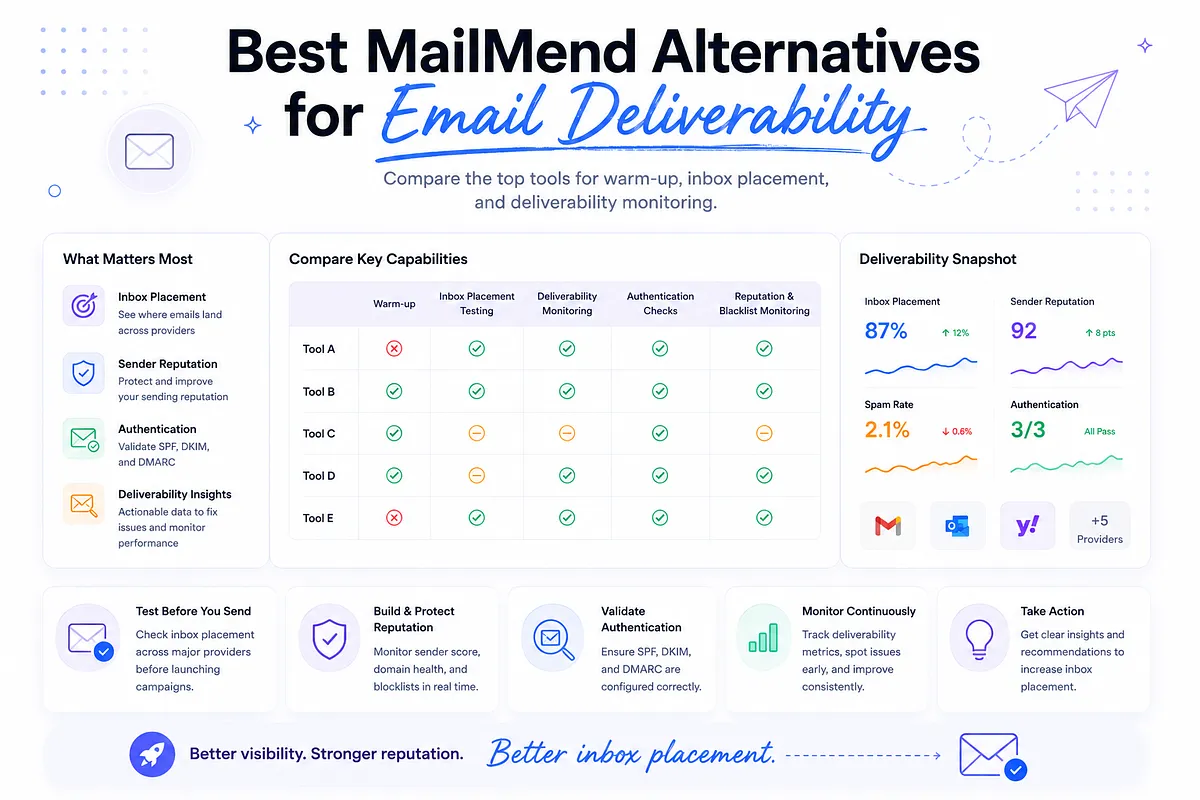
In this guide, we compare five MailMend alternatives based on what they actually help you solve: inbox placement, deliverability testing, sender reputation, email authentication, monitoring, and email warm-up.
Disclosure: Mailora publishes this comparison and is included as one of the products reviewed. We’ve evaluated Mailora alongside the other tools using the same criteria, including inbox placement, deliverability monitoring, warm-up capabilities, authentication, and overall use case. Our goal is to help you choose the tool that best fits your specific deliverability needs.
Quick Comparison: Best MailMend Alternatives
The table below provides a side-by-side comparison of the best MailMend alternatives. Compare their pricing, core capabilities, and ideal use cases to quickly identify which platform best fits your email deliverability goals.
Tool | Primary Focus | Inbox Placement | Warm-up | Deliverability Monitoring | Best For |
| Mailora | Deliverability intelligence | Yes | No | Yes | Teams that need continuous visibility into inbox placement, reputation, authentication, and blocklists |
| Warmy.io | Warm-up + deliverability | Yes | Yes | Yes | Businesses that want mailbox warm-up combined with broader deliverability monitoring |
| Mailwarm | Email warm-up | Limited | Yes | Limited | Senders primarily focused on building mailbox reputation |
| TrulyInbox | Email warm-up + readiness | Limited | Yes | Yes | Individuals and small teams preparing mailboxes for outreach |
| GlockApps | Deliverability testing | Yes | No | Yes | Teams that need detailed inbox placement, spam, authentication, and reputation diagnostics |
These tools aren't interchangeable in the same way. MailMend is built around a specific ecommerce problem: improving where marketing emails are categorized, particularly moving Klaviyo campaigns from Gmail's Promotions tab toward Primary placement.
The alternatives above address different parts of the deliverability problem. Mailora and GlockApps provide broader diagnostic and monitoring capabilities; Warmy.io combines warm-up with deliverability management; and Mailwarm and TrulyInbox focus more heavily on building sender reputation.
So the right comparison isn't simply which tool has the most features. It's which layer of deliverability you need to control.
Mailora
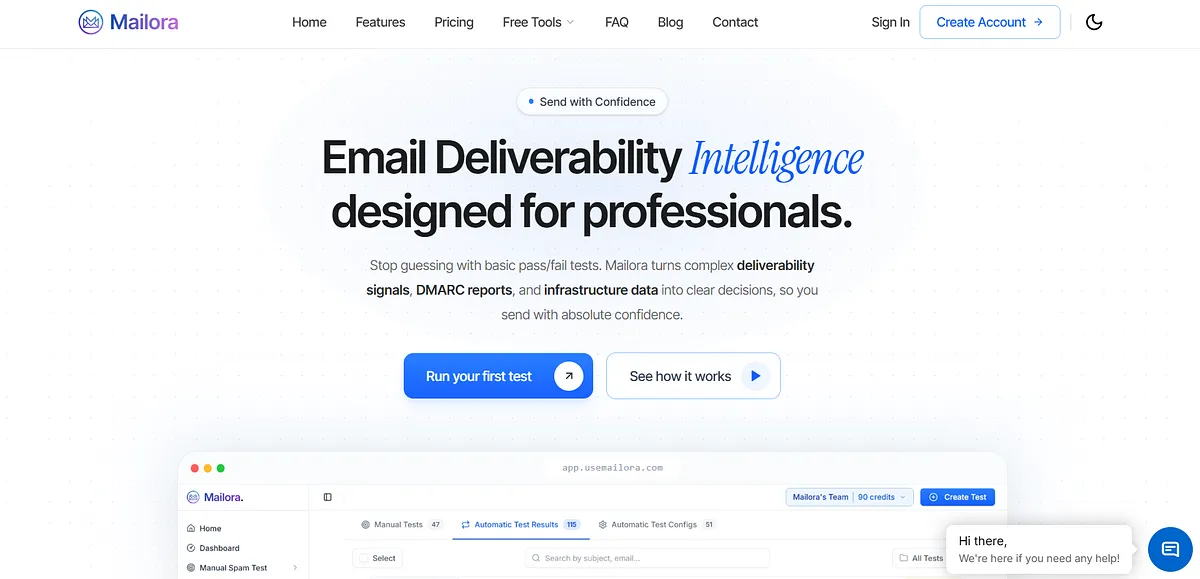
Mailora is an email deliverability intelligence platform that helps businesses test inbox placement, monitor sender reputation, validate email authentication (SPF, DKIM, and DMARC), and continuously track deliverability performance. It combines pre-send testing, post-send monitoring, and actionable insights to help identify and resolve issues affecting email delivery.
Key features:
- Automated Monitoring: Schedules recurring deliverability tests and monitors your email performance 24/7, so you catch inbox placement issues before they impact campaigns instead of discovering them after.
- Postmaster Insights: Connects Google Postmaster to track compliance status, domain health, IP reputation, and delivery errors in one dashboard, giving you a unified view of how Google sees your sending.
- Multi-Variant Testing: Automatically tests five versions of your email, subject line, footer, links, images, and simplified content, across Gmail, Yahoo, and Outlook to pinpoint exactly which element hurts placement.
- Detailed Analysis: Provides placement data, spam analysis scores, blacklist checks, and authentication validation (SPF, DKIM, DMARC), turning raw signals into actionable insights so you can fix the real issue.
- Deliverability Analytics: Tracks performance over time with daily metrics, provider breakdowns, and historical trends, so you can see patterns and optimize your email strategy as you scale.
Best for: Deliverability professionals, agencies, ESPs, and in-house marketing teams that need continuous inbox placement testing, sender reputation monitoring, authentication validation, and actionable deliverability intelligence before and after every email campaign.
Pricing: Mailora offers a free plan and four paid tiers starting at $40/month (Lite), $85/month (Starter), $140/month (Professional), and $230/month (Enterprise). Plans scale based on spam test credits, monitoring capacity, integrations, users, teams, analytics history, API access, and automation features.
Ratings:
Try It Yourself Before Choosing a Platform
Not sure whether your deliverability problem is sender reputation, authentication, or inbox placement? Before committing to any platform, run a free deliverability test.
| Mailora's free Email Deliverability Test shows where your emails land across major mailbox providers, validates your SPF, DKIM, and DMARC configuration, and highlights the issues most likely affecting inbox placement. It's a quick way to establish a baseline before investing in ongoing deliverability monitoring. |
Free Mailora Tools | What it helps you do |
| Email Deliverability Test | Test inbox placement across major mailbox providers and identify spam, authentication, and content issues before sending. |
| Domain Blocklist Check | Check whether your sending domain appears on major DNS-based blocklists that can affect deliverability. |
| IP Blocklist Check | Verify whether your sending IP is listed on common email blocklists and identify potential reputation issues. |
Warmy.io

Warmy.io is an email warm-up and deliverability platform that helps improve sender reputation through automated mailbox interactions. It also provides inbox placement testing, email authentication checks, domain health monitoring, and deliverability insights to help businesses maximize inbox placement.
Key features:
- Automated email warm-up: Gradually increases the number of emails sent over time and simulates natural interactions like opens, clicks, and replies, building sender reputation so new domains reach the primary inbox.
- Adeline AI optimization: A proprietary AI engine adjusts warm-up strategy per domain in real time based on current reputation status, sending patterns, and business type, keeping placement high as you scale.
- Deliverability / placement test: Gives real-time insight into where your email lands, inbox, spam, or promotions, so you know how mailbox providers treat you before launching a campaign.
- Email health insights: Provides metrics on deliverability, domain reputation, and DNS configuration to find and fix email deliverability issues before they affect real sends.
- Google Postmaster integration: Uses Google Postmaster data to help emails bypass spam filters and build trust, giving you Gmail's own view of your domain and IP reputation.
Best for: Businesses that need automated email warm-up alongside deliverability monitoring and sender reputation management.
Pricing: Custom
Ratings:
Mailwarm
Mailwarm is an email warm-up tool that improves sender reputation by automatically exchanging emails between a network of real inboxes. It is designed to help new or inactive email accounts build trust with mailbox providers before launching outbound email campaigns.
Key features:
- Automated warm-up network: Your account automatically sends dozens of emails to Mailwarm's 50,000+ accounts and gets replies daily, building domain and IP reputation without manual sending.
- Natural conversation simulation: Simulates natural conversations with automated replies and realistic conversation threads, because providers prioritize human-like interactions and reward genuine-looking engagement.
- Positive engagement signals: Warm-up emails are pulled out of the spam folder, opened, marked as important, and replied to, which lifts your overall sender reputation over time.
- Live placement dashboard: A dashboard shows inbox versus spam placement live, not days later, so you can track daily activity and adjust or pause warm-up intensity when needed.
- Per-provider reputation monitoring: Adds email reputation monitoring and granular spam score tracking per provider across Gmail, Microsoft, and Yahoo, so you can see which provider needs attention.
Best for: Sales teams and cold email senders looking for a simple, dedicated email warm-up solution before launching outreach campaigns.
Pricing: Warmup Inbox offers two annual plans. Basic costs $90/year ($9/month) and includes warmup for 50 inboxes with up to 40 emails/day. Pro costs $190/year ($19/month) and supports unlimited inboxes with up to 80 emails/day. Both plans include P2P warmup, human review, full automation, and premium support.
Ratings:
TrulyInbox
TrulyInbox is an email warm-up platform that automates inbox interactions to help improve sender reputation and email deliverability. It simulates natural email activity, monitors warm-up progress, and supports businesses preparing mailboxes for cold outreach and high-volume email campaigns.
Key features:
- AI-generated warm-up content: AI creates warm-up emails that match your business context across 50+ industries in 12 languages, so warm-up traffic resembles the real outreach you'll eventually send.
- Multiple warm-up strategies: Choose progressive for new accounts, randomized for natural patterns, or flat for established reputations, giving you control over how reputation is built for each account.
- Real-user engagement network: Warms accounts through real opens, replies, and authentic timing patterns rather than fake engagement, so signals look like a real person to spam filters.
- Auto authentication and blacklist checks: Automatically verifies your authentication records and sends instant alerts if any domain or IP lands on a blacklist, with steps to get delisted.
- Outreach readiness intelligence: Deliverability intelligence with ESP-level analytics and a readiness indicator based on your last 15 days of warm-up data tells you exactly when you're ready to send.
Best for: Users who want an affordable email warm-up tool to prepare new mailboxes for cold email outreach.
Pricing: TrulyInbox offers a free plan for one account (10 warmup emails/day). Paid plans start at $22/month (Starter), $84/month (Growth), and $169/month (Scale), with custom Scale+ plans available. Pricing is based on daily warmup email volume, not the number of connected inboxes.
Ratings:
GlockApps
GlockApps is an email deliverability testing platform that helps businesses evaluate inbox placement, spam filter performance, email authentication, and blacklist status. It provides seed list testing, spam analysis, and reputation monitoring to identify and resolve issues affecting email delivery.
Key features:
- Inbox Insight placement testing: Shows inbox placement across Gmail, Yahoo, AOL, and Outlook and analyzes your spam score, so you see where a campaign will actually land before launch.
- Content and HTML analysis: Checks key elements like message size, images, and links, with an HTML checker for compatibility across devices and platforms, so content issues don't sink placement.
- DMARC Analyzer: Lets you set up and customize your DMARC policy and receive detailed daily reports and instant notifications of suspicious activity, protecting your domain from spoofing.
- Domain and IP analytics: Monitors your domain against 50+ industry blocklists and reports Sender Score, blocklist records, and inbox/spam placement for each delivering IP, surfacing reputation problems early.
- Uptime Monitor: A dedicated Uptime Monitor watches your sending infrastructure and authentication records and alerts you to downtime or blacklisting, so issues get caught before they hurt delivery.
Best for: Marketing teams and email professionals that need detailed inbox placement testing, spam analysis, and deliverability diagnostics before launching campaigns.
Pricing: GlockApps offers a Free plan and three paid tiers: Essential ($85/month), Growth ($142/month), and Enterprise ($185/month). Plans scale based on spam test credits, DMARC analytics volume, sending accounts, uptime monitoring, IP reputation monitoring, API access, and team collaboration features.
Ratings:
How We Evaluated These Mailmend Alternatives
To create this list, we evaluated each platform based on the capabilities that have the greatest impact on email deliverability, sender reputation, and long-term sending performance.
- Email warm-up capabilities: We compared how each tool automates warm-up, including gradual sending, engagement quality, warm-up networks, and customization options. Effective warm-up helps establish sender reputation before large-scale email campaigns.
- Inbox placement testing: We assessed whether each platform verifies where emails land across major providers such as Gmail, Outlook, and Yahoo. Accurate inbox placement testing helps identify delivery problems before campaigns go live.
- Deliverability monitoring and diagnostics: We evaluated features such as blacklist monitoring, sender reputation tracking, spam analysis, authentication validation, and domain health checks. Ongoing monitoring makes it easier to detect and resolve deliverability issues over time.
- Email authentication support: We compared support for SPF, DKIM, and DMARC validation, along with integrations such as Google Postmaster Tools where available. Proper authentication is essential for improving trust with mailbox providers and preventing spoofing.
- Pricing and overall value: Rather than focusing solely on cost, we evaluated each tool's pricing against its features, free plan availability, scalability, and the overall value it provides for different business needs.
How to Pick the Best Mailmend Alternative
The best Mailmend alternative depends on what you're trying to improve. If you only need to warm up a new mailbox, a dedicated warm-up tool may be enough, but if your emails are still landing in spam after warm-up, you'll need visibility into inbox placement, sender reputation, authentication, and blacklist status to identify the real cause.
Start by identifying your biggest deliverability challenge, then choose the platform that solves it instead of paying for features you won't use.
Use case | Recommended alternatives | Best fit |
| Ecommerce inbox-placement optimization | MailMend | Klaviyo users focused specifically on improving Gmail Promotions-to-Primary placement |
| Inbox-placement testing | Mailora, GlockApps, Warmy.io | Teams that need to see where emails land across Gmail, Outlook, Yahoo, and other providers |
| Continuous deliverability monitoring | Mailora, GlockApps, Warmy.io | Teams that need ongoing visibility into reputation, authentication, blocklists, and placement |
| Email warm-up | Warmy.io, Mailwarm, TrulyInbox | Senders building or rebuilding mailbox and sender reputation before outreach |
| Sender reputation & mailbox readiness | Warmy.io, TrulyInbox | Teams that want warm-up combined with reputation or readiness signals |
| Deliverability diagnostics | Mailora, GlockApps | Teams troubleshooting spam placement, authentication, blacklist, and reputation issues |
| Affordable warm-up | Mailwarm, TrulyInbox | Individuals and smaller teams primarily looking to warm mailboxes |
Modern Deliverability Is About Intelligence and Continuous Monitoring
Choosing the right MailMend alternative is only the first decision. The bigger challenge is creating a repeatable process that catches deliverability issues before they affect revenue.
Mailbox providers constantly reevaluate your reputation. A campaign that performs well today can lose inbox placement next week because of authentication changes, new spam-filter behavior, reputation shifts, or changes in subscriber engagement.
That's why mature sending teams treat warm-up, inbox testing, authentication, reputation monitoring, and post-send analysis as one continuous feedback loop rather than separate tasks. Each campaign generates signals that should improve the next one.
Mailora is built exactly around this workflow. Instead of simply telling you whether an email passed or failed, they help you understand why performance changed, what needs attention, and which actions will have the biggest impact before your next campaign goes out.
Run a free email deliverability test
FAQs
Is email warm-up enough to improve email deliverability?
No. Email warm-up helps build sender reputation, but it doesn't identify issues such as spam filter triggers, blacklist listings, authentication failures, or inbox placement problems. A complete deliverability strategy also includes authentication, reputation monitoring, and inbox placement testing.
Which Mailmend alternative offers inbox placement testing?
Mailora, Warmy.io, and GlockApps provide inbox placement testing to show whether your emails reach the inbox, spam folder, or fail to arrive. These tools also help identify the factors affecting deliverability.
Which Mailmend alternative is best for cold email?
For cold outreach, Warmy.io, Mailwarm, and TrulyInbox specialize in automated email warm-up to help establish sender reputation before campaigns begin. If you also want ongoing deliverability monitoring, consider a platform like Mailora.
Are there free Mailmend alternatives?
Yes. Mailora offers free deliverability tools, TrulyInbox includes a free plan for one mailbox, and GlockApps provides a free tier with limited testing. Free plans are useful for evaluation but typically include lower usage limits than paid plans.
What should I look for in a Mailmend alternative?
Beyond email warm-up, look for features such as inbox placement testing, sender reputation monitoring, SPF, DKIM, and DMARC validation, blacklist monitoring, and actionable deliverability insights. These capabilities provide a more complete view of your email performance than warm-up alone.
Stay in the loop
Deliverability insights, product updates, and early access to new features. No spam, unsubscribe anytime.
By subscribing, you agree to our Privacy Policy. Unsubscribe anytime.