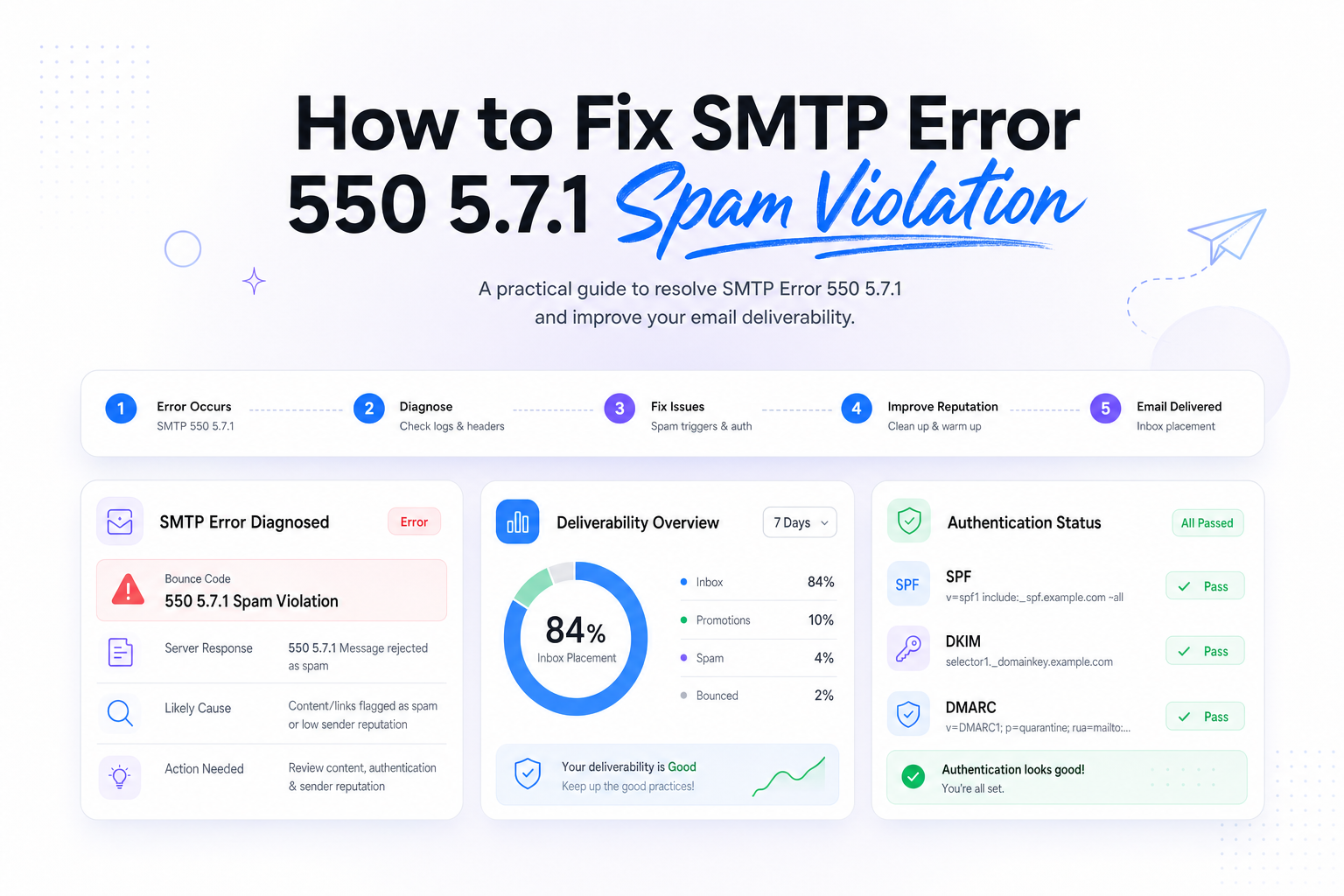
How to Fix SMTP Error 550 5.7.1 Spam Violation
Key Takeaways
|
Google and Yahoo's bulk sender requirements set a spam complaint threshold of under 0.3%, which means just 3 complaints per 1,000 emails can put pressure on your stream and contribute to blocks like SMTP error 550 5.7.1 spam violation.
If you are seeing this code, the receiving server is telling you it believes the message, the sender, or the sending pattern looks risky enough to reject. That decision can come from Gmail, Outlook, Yahoo, iCloud, or a corporate gateway sitting in front of Microsoft 365 or Google Workspace.
The important part is this, 550 5.7.1 is not a pass or fail verdict on your program forever. It is a signal that one or more trust inputs dropped below the receiver's comfort level, and you need to isolate which one changed.
What SMTP Error 550 5.7.1 Spam Violation Usually Means
In practice, this error means the recipient server classified your message as violating its anti-spam policy. Sometimes the rejection is domain-wide, sometimes it only affects a campaign, a URL, a shared IP pool, or a specific segment. The enhanced status code 5.7.1 points to a policy or security reason, not a temporary capacity issue.
That matters because the fix is different from a simple retry strategy. Re-sending the same message to the same list, from the same infrastructure, often makes the problem worse by confirming the negative signal.
Who is actually rejecting the mail
Apple Mail is a mail client, not the server making the SMTP decision. If a user reads mail in Apple Mail, the 550 5.7.1 block is still coming from the mailbox provider or gateway behind the address, such as Gmail, Outlook, Yahoo, iCloud, Proofpoint, or Mimecast.
Where the rejection happens matters
If the block happens at the RCPT TO stage, the issue can be recipient policy, domain reputation, or filtering before content inspection. If it happens after DATA, content, links, and body-level signals are more likely involved. Your raw SMTP transcript is more useful than the short bounce summary in your ESP UI.
The most common causes of 550 5.7.1 spam violation
| Signal | What it looks like | What to check first |
|---|---|---|
| Authentication misalignment | Mail passes SPF or DKIM, but not for the visible From domain | SPF include paths, DKIM signing domain, DMARC alignment |
| Reputation drop | Recent complaint spike, low engagement, or high unknown-user rate | Spam rate, bounce rate, engaged audience share, recent list sources |
| Risky content or URLs | Shortened links, mismatched domains, heavy image ratio, urgent promo language | Tracked links, redirect chains, linked domain history |
| Volume shift | Sudden jump in daily mail or a new segment send | Send ramp, domain mix, cadence changes |
| Infrastructure issues | New IP, noisy shared pool, inconsistent HELO or reverse DNS | IP reputation, rDNS, sending host consistency |
Authentication is present, but not aligned
A lot of teams stop at SPF or DKIM pass. Receivers do not. If your visible From domain says brand.com but DKIM signs with esp-mail.com and SPF authenticates a different bounce domain, DMARC alignment can still fail or look weak. That is especially risky when reputation is already marginal.
Complaint rate and engagement slipped
Gmail and Yahoo both reward evidence that users want the mail. If your complaint rate rises above the sub-0.3% target, or if you keep mailing long-inactive users, the receiver may stop giving you the benefit of the doubt. Apple Mail privacy protections also make opens less reliable, so using opens alone to define engagement can keep weak segments in circulation longer than they should be.
Your links or creative look inconsistent
550 5.7.1 often shows up when the body contains suspicious redirects, newly registered domains, link shorteners, or a tracking setup that no longer matches your brand. Even if the copy itself is normal, one bad destination domain can sink the whole message.
You changed sending behavior too quickly
Many blocks appear right after a new product launch, a migrated ESP account, a cold database reactivation, or a shared-IP pool change. Outlook in particular can react sharply to abrupt volume ramps and inconsistent audience quality. Receivers trust stable patterns more than sudden spikes.
How to diagnose the block without guessing
Start by grouping bounces by recipient domain, campaign, and timestamp. If only Yahoo rejects, look at complaint-driven issues and authentication. If Gmail and Outlook both reject at the same time, infrastructure or URL reputation becomes more likely. If only one campaign is blocked, compare its links, audience, and creative against a campaign that delivered normally.
Next, inspect the full bounce text. Some providers add clues after the 550 5.7.1 code, such as references to reputation, unauthenticated mail, policy, or suspicious content. Those words are directional, not final, but they help narrow the first fix.
Then review the last 7 to 30 days of change history. In most cases, the trigger is not mysterious. It is a new list source, a heavier send to dormant users, a changed tracking domain, a DNS edit, or a rushed warm-up after moving platforms.
- Check whether SPF, DKIM, and DMARC align with the visible From domain.
- Measure complaint rate by mailbox provider, not just blended program totals.
- Review unknown-user bounces, because poor list hygiene often precedes spam-policy blocks.
- Compare blocked messages against accepted messages at the header and URL level.
- Separate user-level mailbox providers from corporate filtering gateways, because recovery paths differ.
How to fix SMTP error 550 5.7.1 spam violation
1. Reduce risk immediately
Pause the exact campaign or segment generating the block. Do not keep retrying into the same domain with unchanged mail. Shift volume toward your most recently engaged users, usually the last 30 to 90 days depending on cadence, and slow down any expansion until acceptance stabilizes.
2. Tighten authentication and visible identity
Make sure the DKIM signing domain and the From domain are aligned, DMARC is published correctly, and your return-path setup is intentional. Also verify reverse DNS, HELO naming, and that the sending IP belongs to the expected host. Small inconsistencies matter more when reputation is already soft.
3. Clean the audience, not just the message
Remove hard bounces, complainers, role accounts that never engage, and any recently imported contacts without strong consent evidence. If the affected stream includes old leads or legacy webinar names, suppress them before you test again. A smaller, healthier sample gives receivers a reason to recalculate trust.
4. Audit every domain in the email
Review visible links, redirect chains, image hosts, and tracking domains. Remove link shorteners, confirm SSL is valid, and make sure the final landing domain matches the brand the recipient expects. One vendor pixel or redirect can create a mismatch that filters read as evasive.
5. Rebuild by domain
Once you have corrected the likely cause, resume with low-risk traffic by recipient domain. Start with your strongest engagement cohorts at Gmail, Outlook, Yahoo, and iCloud separately if volume allows. Watch acceptance, complaints, and downstream engagement before increasing. The right pace is the one your reputation can support, not the one your calendar wants.
How to keep it from coming back
The durable fix is operational discipline. Treat deliverability like a monitored revenue system, not a last-minute QA item before launch. That means alerting on complaint movement, reviewing authentication after every DNS or vendor change, and keeping audience eligibility rules current.
It also means judging health with multiple signals. Inbox placement, domain reputation, complaint rate, unknown-user rate, and URL consistency tell you more than opens alone, especially when Apple Mail can inflate open behavior. If you only look after a hard block appears, you are already late.
Related reading: smtp ports and email spam filtering.
Run your first deliverability test with Mailora, then use the results to confirm whether the problem is reputation, authentication, content, or audience quality.
FAQs
Is SMTP error 550 5.7.1 always caused by spammy copy?
No. Copy can contribute, but this error is often driven by sender reputation, complaint rate, weak authentication alignment, poor list quality, or risky URLs.
Can one bad campaign trigger 550 5.7.1 for an otherwise healthy domain?
Yes. A sudden send to stale contacts, an aggressive promotion, or a compromised tracking domain can trigger a campaign-level block even if the broader program is usually stable.
How long does it take to recover from a 550 5.7.1 spam violation?
It depends on the cause. A campaign-specific issue can improve within days after you stop the bad traffic and resend to engaged users. Reputation or authentication problems can take several weeks to normalize.
Should I retry blocked messages automatically?
Not without changes. Repeating the same message to the same audience from the same setup often reinforces the negative signal. Fix the likely cause first, then test with a smaller engaged segment.
Does Apple Mail generate this SMTP error?
No. Apple Mail is a client. The rejecting system is the receiving server or filtering gateway behind the recipient address, such as Gmail, Outlook, Yahoo, iCloud, or a corporate security layer.
Stay in the loop
Deliverability insights, product updates, and early access to new features. No spam, unsubscribe anytime.
By subscribing, you agree to our Privacy Policy. Unsubscribe anytime.