Campaign Monitor Email Deliverability Guide
Key Takeaways
|
Since February 2024, Gmail and Yahoo have required bulk senders sending more than 5,000 messages a day to their users to meet stronger authentication and complaint standards.
That matters if you send from Campaign Monitor because deliverability is not created by the platform alone. Inbox placement is the combined result of your domain setup, audience quality, sending pattern, and how Gmail, Outlook, Yahoo, and Apple Mail interpret your engagement signals.
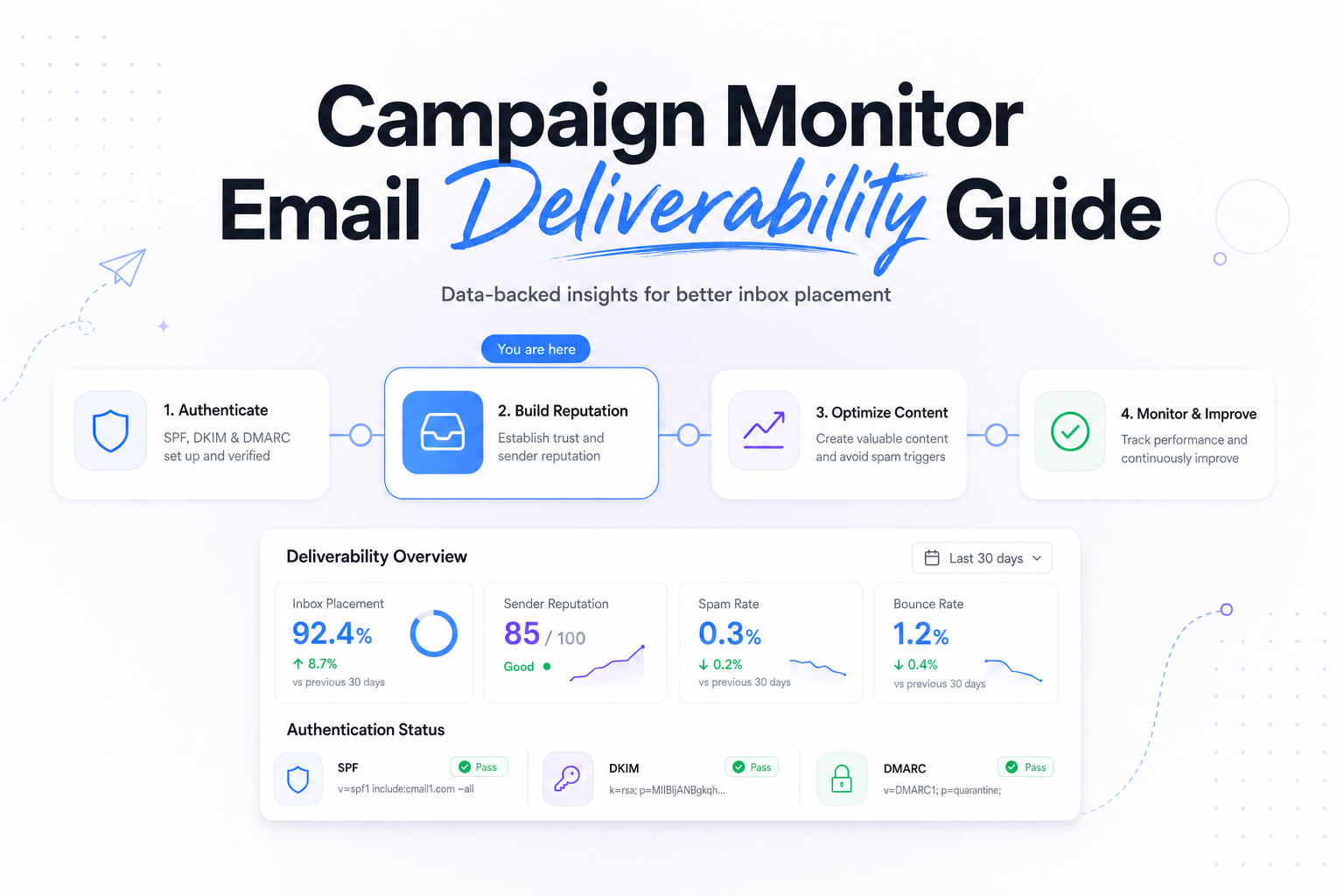
This guide focuses on the decisions that usually move Campaign Monitor email deliverability fastest, what to check first, what metrics actually matter, and how to troubleshoot without guessing.
What Campaign Monitor email deliverability actually depends on
Campaign Monitor can send a technically clean campaign and you can still land in spam if your audience is stale or your domain has weak alignment. In practice, inbox placement comes down to four layers, authentication, reputation, engagement, and consistency.
Authentication tells Gmail and Yahoo that Campaign Monitor is allowed to send on behalf of your domain. Reputation reflects how recent sends have performed, especially complaints, unknown users, and engagement. Engagement tells providers whether recipients keep reading, clicking, deleting, or ignoring your mail. Consistency covers cadence, segment choice, and whether your volume jumps 10x overnight.
Related reading: email deliverability monitoring and mailmonitor alternatives.
If you want a fast baseline before changing production mail, run a deliverability test for your current Campaign Monitor setup so you can separate setup issues from audience issues.
Start with authentication and domain alignment
SPF, DKIM, and DMARC need to work together
For Campaign Monitor, SPF alone is not enough. You want valid DKIM signing on the domain you send from, SPF that authorizes the sending path, and a DMARC record on the organizational domain. DMARC does not improve placement by itself, but it helps receivers evaluate alignment and stops spoofing from muddying your reputation.
A common failure mode is partial setup, SPF passes on a bounce domain, DKIM is missing or signed by the wrong domain, and DMARC alignment fails. Gmail may still accept the message, but you lose trust signals you need when complaint or engagement data is average rather than great.
Use a branded link and a stable From domain
If your From address uses one domain and your click tracking uses an unrelated shared domain, Outlook and corporate filters have more reason to treat the message cautiously. Keep the From domain stable, avoid free mailbox domains like Gmail.com for bulk mail, and use branded tracking where your Campaign Monitor configuration supports it.
Before a larger launch, it is worth using a test inbox placement before ramping Campaign Monitor volume to confirm the domain and link setup look consistent across major providers.
Fix list quality before you touch creative
Imports and stale records cause more problems than subject lines
The fastest way to hurt Campaign Monitor email deliverability is importing old CRM data and treating it like opted-in, active demand. Hard bounces above about 2% usually point to data quality or acquisition problems. Spam complaints above 0.1% deserve attention, and if Google Postmaster Tools shows you nearing 0.3%, treat that as a real placement risk at Gmail.
If you have just migrated systems, separate recent engagers from everyone else. Send first to people who opened, clicked, or converted recently, then widen only if bounce and complaint data stay clean.
Build a simple sunset policy
You do not need an elaborate machine learning model to improve placement. For high-frequency programs, start by suppressing contacts with no opens or clicks in the last 90 days. For weekly or less frequent programs, 180 days is a more practical first cut. Because Apple Mail Privacy Protection inflates opens, clicks, site visits, and downstream conversion events are better re-engagement signals than opens alone.
Campaign Monitor's segmentation tools are most useful when they reflect lifecycle reality, new subscribers, active buyers, at-risk users, and truly dormant records should not all receive the same cadence.
Watch the signals that predict inbox placement
Not every campaign metric is equally useful for deliverability decisions. Click rate can be healthy while inbox placement is degrading at one provider. The table below is a practical way to interpret Campaign Monitor results alongside ISP feedback.
| Signal | What it usually means | What to do next |
|---|---|---|
| Gmail complaint trend rising toward 0.3% | Your targeting or frequency is too aggressive for at least part of the audience | Narrow to recent engagers, reduce frequency, review signup source quality |
| Outlook temp deferrals or sudden bulk folder placement | Reputation is soft, often after volume jumps or low engagement | Slow the ramp, send smaller engaged cohorts first, keep content and From identity consistent |
| Yahoo accepts mail but clicks fall sharply | Possible inbox tab or bulk placement issue, not always a hard block | Compare engaged segments, check seed results, avoid broad win-back sends |
| Apple Mail opens stay high while revenue drops | Open rate is distorted by Mail Privacy Protection | Use clicks, conversions, unsubscribes, and complaint rate for decisions |
| Hard bounces spike after an import | List quality issue, often stale or unverified data | Stop broad sends, validate source, suppress unknown and long-dormant records |
Send patterns that help, or hurt, Campaign Monitor deliverability
Volume changes matter more than most teams expect
Gmail and Outlook both prefer predictability. If you usually send 20,000 messages and suddenly send 250,000 because sales wants a pipeline push, filters have very little recent evidence that your audience will respond well. Even good mail can get limited when the jump is that large.
A practical ramp is to start with your most engaged 10% to 20%, watch bounces, complaints, and click depth, then expand in stages over several sends. That approach gives mailbox providers positive engagement evidence instead of asking them to trust a cold step change.
Separate message types and expectations
Lifecycle email, newsletters, promotions, and win-back campaigns produce different engagement patterns. When you mix them under one cadence and one broad segment, Campaign Monitor performance data becomes harder to interpret. Keep expectations clear, especially at Gmail, where users are quick to mute a stream that no longer matches the original signup promise.
If one program is consistently weaker, reduce frequency or isolate it to a smaller segment rather than letting it drag down the domain's overall reputation.
A practical troubleshooting workflow inside Campaign Monitor
When inbox placement drops, do not start by rewriting copy. Start with the variables most likely to change provider trust.
- Check domain setup, confirm SPF, DKIM, DMARC, and your visible From domain are aligned and unchanged.
- Review the last 30 days, look for volume spikes, large imports, new lead sources, or a sudden increase in win-back mail.
- Compare by segment, if recent engagers perform normally but older cohorts collapse, the problem is audience quality more than content.
- Compare by provider, Gmail, Outlook, and Yahoo rarely react the same way. A Gmail-specific drop often points to complaints or low engagement, while Outlook is more sensitive to abrupt reputation shifts.
- Retest before scaling back up, once you have tightened segments and fixed setup, validate with seeds and placement checks before returning to full volume.
This workflow is usually faster than chasing copy tweaks because it follows the order mailbox providers actually evaluate, identity first, then audience quality, then engagement, then message content.
Run your first deliverability test
FAQs
Does Campaign Monitor itself determine deliverability?
No. Campaign Monitor affects the sending environment, but inbox placement is mostly driven by your authentication, list quality, engagement, complaint rate, and sending consistency.
How do I know if Gmail is the main problem?
Look for provider-level patterns. If Gmail clicks and conversions fall while Outlook and Yahoo stay steady, or if Google Postmaster Tools shows complaint pressure, Gmail is likely where reputation softened first.
Should I use a dedicated IP with Campaign Monitor?
Only if your volume is high enough and consistent enough to support it. A dedicated IP can help control reputation, but low or spiky volume often performs better on a well-managed shared environment.
What metrics matter more than open rate?
Clicks, conversions, hard bounces, unsubscribes, complaint rate, and provider-specific placement patterns matter more, especially because Apple Mail Privacy Protection makes open rate less reliable.
How long does deliverability recovery usually take?
Minor issues can improve within a few sends after you tighten segments and fix setup. More serious reputation damage, especially after stale list imports or high complaints, often takes several weeks of disciplined sending.
Stay in the loop
Deliverability insights, product updates, and early access to new features. No spam, unsubscribe anytime.
By subscribing, you agree to our Privacy Policy. Unsubscribe anytime.