What Is SPF in Email? How Sender Policy Framework Works
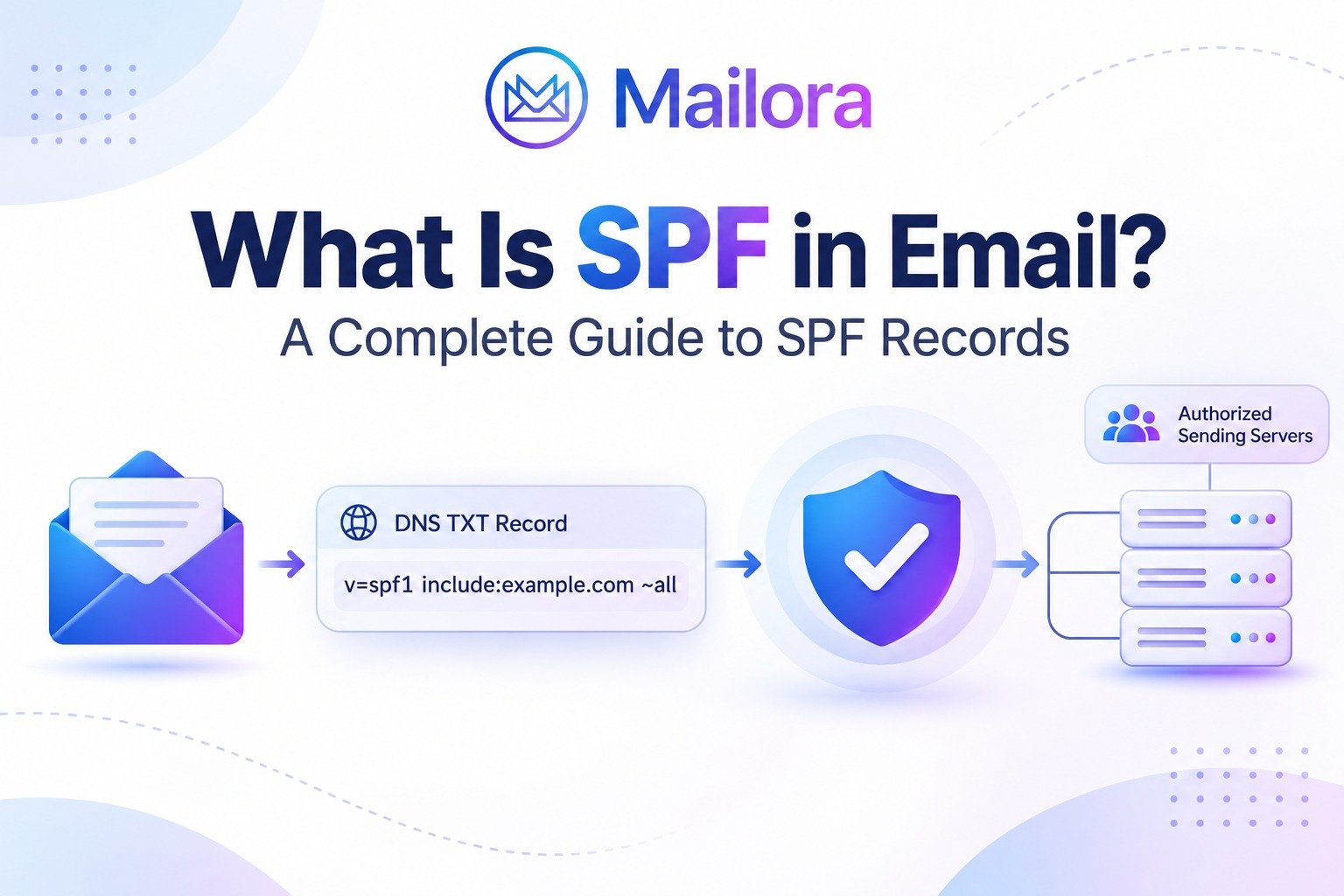
Key Takeaways
- SPF stands for Sender Policy Framework and is an email authentication protocol
- SPF records are published as DNS TXT records to identify authorized sending sources
- Receiving mail servers use SPF to verify whether a sending IP address is authorized for the relevant envelope sender domain
- A domain should have only one SPF record
- SPF evaluation has a limit of 10 DNS-triggering terms
- SPF works alongside DKIM and DMARC but does not guarantee inbox placement
Every email you send carries information that helps receiving mail servers determine whether it comes from a legitimate source. But how does Gmail, Outlook, or another mailbox provider know whether a server is actually authorized to send emails using your domain?
One of the technologies responsible for this verification is SPF (Sender Policy Framework). It allows domain owners to specify which mail servers and sending services are authorized to send emails on behalf of their domain.
For businesses that use multiple email platforms, marketing automation systems, and transactional email services, configuring SPF correctly is an important part of maintaining reliable email authentication.
In this guide, we'll explain what SPF is in email, how SPF records work, how to configure them, and what email professionals should know about common SPF authentication failures.
What Is SPF in Email?
SPF (Sender Policy Framework) is an email authentication protocol that allows domain owners to specify which mail servers are authorized to send emails using their domain identity.
It works through a DNS TXT record that contains information about approved sending IP addresses, mail servers, and third-party email services.
When an email reaches a receiving mail server, the server checks the SPF record associated with the domain used in the email's SMTP envelope sender identity. It compares the sending server's IP address against the sources authorized in that record.
If the sending IP address is authorized, the SPF check can pass. If it is not authorized, the receiving server receives an SPF failure result.
For example, a company might send emails through Google Workspace, a marketing automation platform, and a transactional email service. Its SPF configuration needs to account for the relevant sending infrastructure so that legitimate messages can be authenticated.
SPF is particularly important for businesses that send newsletters, promotional campaigns, transactional notifications, and other business communications at scale.
Why Is SPF Important for Email Authentication?
Email addresses and domain names can be impersonated. Without authentication mechanisms, attackers may attempt to send messages that appear to originate from a legitimate business domain.
SPF helps address this problem by allowing domain owners to define which sending sources are authorized to use their domain in the SMTP envelope sender identity.
Here are four important reasons to configure SPF correctly:
1. Helps prevent unauthorized email sending
SPF identifies approved sending infrastructure. This makes it more difficult for unauthorized servers to successfully authenticate using your domain's envelope sender identity.
2. Supports email authentication
SPF provides receiving mail servers with a way to verify whether a message originated from an authorized sending source.
3. Supports DMARC authentication
SPF can contribute to a successful DMARC evaluation when the authenticated SPF domain aligns with the domain in the visible From address.
4. Supports email deliverability
Mailbox providers consider authentication results alongside other signals when evaluating incoming messages. Correct SPF configuration helps establish a reliable authentication foundation, although it cannot guarantee inbox placement.
How Does SPF Work?
SPF works through DNS-based verification during the email delivery process.
When someone sends an email, the receiving mail server checks whether the sending IP address is authorized by the SPF policy published for the relevant SMTP envelope sender domain.
The process generally involves five steps.
Step 1: The domain owner publishes an SPF record
The domain owner creates an SPF policy and publishes it as a DNS TXT record.
This record identifies authorized sending sources, such as mail servers, IP addresses, and third-party email platforms.
Step 2: An email is sent
An email is sent through an authorized mail server or email service provider.
During SMTP transmission, the sending system provides envelope information, including the MAIL FROM identity.
Step 3: The receiving server identifies the relevant domain
The receiving mail server identifies the domain associated with the SMTP MAIL FROM identity. If the MAIL FROM address is empty, SPF processing uses the HELO/EHLO identity instead.
This is important because SPF does not directly authenticate the visible From address displayed to the recipient.
Step 4: The receiving server checks the SPF record
The receiving server retrieves the relevant SPF policy from DNS and evaluates the sending IP address against its mechanisms and rules.
Step 5: The SPF authentication result is recorded
The receiving server returns an SPF evaluation result, such as pass, fail, softfail, neutral, or an error result.
Mailbox providers can use this result alongside DKIM, DMARC, sender reputation, engagement, and other filtering signals when evaluating the message.
What Is an SPF Record?
An SPF record is a DNS TXT record that specifies which mail servers and sending sources are authorized to send email using a particular domain's SMTP envelope sender identity.
It contains a series of mechanisms and qualifiers that tell receiving mail servers how to evaluate an incoming message.
A basic SPF record looks like this:
v=spf1 include:_spf.google.com ~all
This example authorizes Google Workspace sending infrastructure through its SPF policy and uses a softfail qualifier for other sources.
SPF records are published in your domain's DNS settings, usually through your domain hosting provider or DNS management platform.
A domain should publish only one SPF policy record for a given domain name. If multiple email services send messages for the same domain, their authorized sources should be combined into that single SPF record.
Understanding SPF Record Syntax
An SPF record consists of several components. Each component serves a specific purpose during authentication.
Here are the most commonly used SPF mechanisms and qualifiers.
| SPF component | Purpose |
| v=spf1 | Identifies the SPF version |
| ip4: | Authorizes a specified IPv4 address or range |
| ip6: | Authorizes a specified IPv6 address or range |
| include: | References another domain's SPF policy |
| a | Matches the IP address associated with a domain's A or AAAA records |
| mx | Matches the IP addresses of the domain's MX hosts |
| all | Matches all remaining sending sources |
SPF qualifiers determine the result when a mechanism matches:
| Qualifier | Meaning |
| + | Pass; this is the default qualifier |
| - | Fail |
| ~ | Softfail |
| ? | Neutral |
For example, -all indicates that sources not matched by earlier mechanisms are unauthorized, while ~all produces a softfail result.
The choice of qualifier matters because it influences the authentication result. However, the final handling of an email remains subject to the receiving provider's policies.
SPF Record Example
Consider a business that uses Google Workspace as its primary email platform.
Its SPF record might look like this:
v=spf1 include:_spf.google.com ~all
Let's understand each component:
v=spf1: Identifies the SPF versioninclude:_spf.google.com: Authorizes sending sources covered by Google's SPF policy~all: Marks other sources as softfail
Now consider a business that uses Google Workspace and a separate email marketing platform.
Its SPF record would need to include the authorized sending sources specified by both providers.
For example:
v=spf1 include:_spf.google.com include:servers.mcsv.net ~all
This is an illustrative example for a Google Workspace and Mailchimp configuration. Always use the current SPF instructions supplied by your actual email providers.
Important: Never copy an SPF record without checking which services send email on behalf of your domain. An incomplete record can cause legitimate messages to fail authentication.
How to Set Up an SPF Record?
Setting up SPF involves identifying your sending infrastructure and publishing the correct DNS TXT record.
Follow these steps:
Step 1: Identify all your email-sending services
Create a list of every platform that sends emails using your domain.
This may include:
- Google Workspace
- Microsoft 365
- Email marketing platforms
- CRM and marketing automation systems
- Transactional email services
- Website contact forms
- Internal mail servers
Step 2: Collect SPF information from each provider
Check the official documentation of each email service provider to identify its required SPF configuration.
Most providers supply an SPF include mechanism or specific IP addresses that need to be authorized.
Step 3: Create one consolidated SPF record
Combine the authorized sending sources into one SPF record for the relevant domain.
Do not publish a separate SPF record for every email service.
Step 4: Add the record to your DNS settings
Log in to your DNS hosting provider and create or update a TXT record.
Typical DNS record fields include:
| Field | Example |
| Type | TXT |
| Host | @ |
| Value | v=spf1 include:_spf.google.com ~all |
| TTL | Provider default |
The example assumes Google Workspace is the only authorized sender. Your actual record may require additional mechanisms.
Step 5: Verify the SPF configuration
After publishing the record, verify that it is publicly accessible and that its syntax and authorized sending sources are correct.
You should also send a test email and inspect its authentication results to confirm that SPF is passing for the relevant sending domain.
DNS propagation and provider caching can affect how quickly updated records become visible.
Common SPF Errors and How to Fix Them
Even a correctly planned SPF configuration can develop problems as businesses add new sending platforms or modify their email infrastructure.
Here are some common SPF issues to watch for.
1. Multiple SPF records
Publishing two separate SPF TXT records for the same domain can result in an SPF PermError.
How to fix it: Consolidate the authorized sending sources into one SPF record and remove conflicting SPF policies.
2. Exceeding the 10 DNS lookup limit
SPF evaluation has a maximum of 10 DNS-triggering terms. These include mechanisms such as include, a, mx, exists, and ptr, along with the redirect modifier.
Nested includes can also contribute to the limit.
How to fix it: Review your SPF lookup requirements, remove unused services, and simplify unnecessary DNS dependencies.
3. Missing authorized email services
If you start sending emails through a new CRM, transactional platform, or marketing service without updating your SPF record, legitimate messages may fail SPF authentication.
How to fix it: Review your sending infrastructure regularly and update your SPF policy whenever authorized sending sources change.
4. Incorrect SPF syntax
An incorrectly formatted SPF record may not be evaluated as expected.
How to fix it: Check the record's syntax, ensure mechanisms are separated correctly, and confirm that the SPF version and qualifiers are valid.
5. Using an outdated SPF record
Businesses sometimes retain SPF entries for email providers they no longer use.
How to fix it: Audit your sending infrastructure and remove obsolete entries after confirming that the associated services are no longer required.
What Are the Different SPF Authentication Results?
When a receiving server evaluates an SPF record, it can return different authentication results.
Understanding these results helps email professionals investigate authentication problems.
| SPF result | Meaning |
| Pass | The sending source is authorized by the SPF policy |
| Fail | The sending source is not authorized under the matching SPF rule |
| Softfail | The sending source is not authorized, but the policy indicates a less definitive failure |
| Neutral | The SPF policy makes no definitive statement about the sending source |
| None | No applicable SPF record was found |
| Temperror | A temporary error prevented SPF evaluation |
| Permerror | A permanent error occurred while processing the SPF policy |
These results provide useful diagnostic information. However, an SPF failure does not automatically mean that every receiving provider will reject the email. The final handling depends on the receiving server's filtering and authentication policies.
SPF vs DKIM vs DMARC: What Is the Difference?
SPF, DKIM, and DMARC are complementary email authentication protocols. They address different aspects of sender verification.
| Protocol | Primary purpose | What it verifies |
| SPF | Sender authorization | Whether the sending IP is authorized for the SMTP envelope sender domain |
| DKIM | Message authentication and integrity | Whether the DKIM signature validates against the signing domain's public key |
| DMARC | Domain alignment and policy | Whether SPF or DKIM passes and aligns with the visible From domain |
SPF identifies authorized sending infrastructure, DKIM uses cryptographic signatures to validate messages, and DMARC establishes alignment requirements and tells receiving systems how to handle messages that fail its policy.
For DMARC to pass, at least one of the following must pass and align with the domain in the visible From address:
- SPF authentication and alignment
- DKIM authentication and alignment
Implementing all three protocols provides a stronger email authentication framework than relying on SPF alone.
For a deeper explanation, read our guide to email authentication and learn how DMARC works.
Does SPF Improve Email Deliverability?
Yes, SPF supports email deliverability by helping receiving mail servers verify whether messages originate from authorized sending infrastructure.
However, passing SPF does not automatically mean that an email will reach the primary inbox.
Mailbox providers evaluate multiple factors when deciding how to handle incoming messages. These include:
- SPF, DKIM, and DMARC authentication results
- Sender and domain reputation
- Recipient engagement
- Spam complaints
- Sending volume and consistency
- Message content and filtering signals
- Blocklist status
For example, a company may have a correctly configured SPF record and still experience spam-folder placement because of poor sender reputation or negative recipient engagement.
This is why email professionals should evaluate authentication alongside actual delivery and inbox placement performance.
Mailora helps teams understand how their emails perform across major mailbox providers by bringing authentication visibility together with inbox placement testing, reputation monitoring, blocklist detection, and deliverability diagnostics.
Instead of treating an SPF pass as proof of successful delivery, teams can investigate how authentication results relate to their broader deliverability performance.
Final Thoughts
SPF is a fundamental part of modern email authentication. It allows domain owners to identify authorized sending infrastructure and gives receiving mail servers a way to verify the source of incoming messages.
However, maintaining SPF is not a one-time configuration task. As businesses introduce new email marketing platforms, CRM systems, and transactional services, their authentication records need to remain accurate and up to date.
For a reliable email program, combine SPF with DKIM and DMARC, monitor authentication results, and evaluate inbox placement alongside sender reputation.
Want to understand how your emails perform beyond basic authentication checks? Run a free Deliverability Test with Mailora to gain visibility into your email deliverability across major mailbox providers.
Frequently Asked Questions
1. What does SPF stand for in email?
SPF stands for Sender Policy Framework. It is an email authentication protocol that allows domain owners to specify which mail servers are authorized to send emails using their domain's SMTP envelope sender identity.
2. What is an SPF record?
An SPF record is a DNS TXT record that identifies the mail servers and sending sources authorized to send emails for a domain. Receiving mail servers use it to evaluate whether the sending IP address is permitted.
3. Is SPF required for sending emails?
SPF is an important email authentication mechanism. Google requires senders to configure SPF or DKIM at a minimum, while bulk senders sending more than 5,000 messages daily to personal Gmail accounts must implement SPF, DKIM, and DMARC.
4. Can a domain have multiple SPF records?
No. A domain should have only one SPF policy record. If multiple services send emails using the same domain, their authorized sources should be combined into one record.
5. Does SPF prevent email spoofing?
SPF helps prevent unauthorized sending sources from successfully authenticating using a domain's envelope sender identity. However, SPF alone does not prevent every form of spoofing. DMARC adds alignment and policy enforcement to provide additional domain protection.
6. What happens if SPF fails?
An SPF failure indicates that the sending IP address was not authorized under the applicable SPF policy. Depending on the receiving provider's policies and other authentication results, the message may be delivered, filtered, quarantined, or rejected.
7. What is the SPF 10 DNS lookup limit?
SPF evaluation is limited to 10 DNS-triggering terms. These include include, a, mx, ptr, exists, and redirect. Exceeding the limit results in a permanent SPF evaluation error.
8. Does SPF guarantee inbox placement?
No. SPF verifies authorized sending infrastructure but does not guarantee inbox placement. Mailbox providers also consider sender reputation, recipient engagement, spam complaints, message content, and other filtering signals.
Stay in the loop
Deliverability insights, product updates, and early access to new features. No spam, unsubscribe anytime.
By subscribing, you agree to our Privacy Policy. Unsubscribe anytime.