Key Takeaways
|
Google's bulk sender rules define bulk mail as 5,000 or more messages a day to Gmail addresses, and Google asks those senders to keep reported spam rates below 0.3%. That is one reason subdomain strategy matters. Once volume grows, mailbox providers care less about what you call the stream and more about whether each stream behaves predictably.
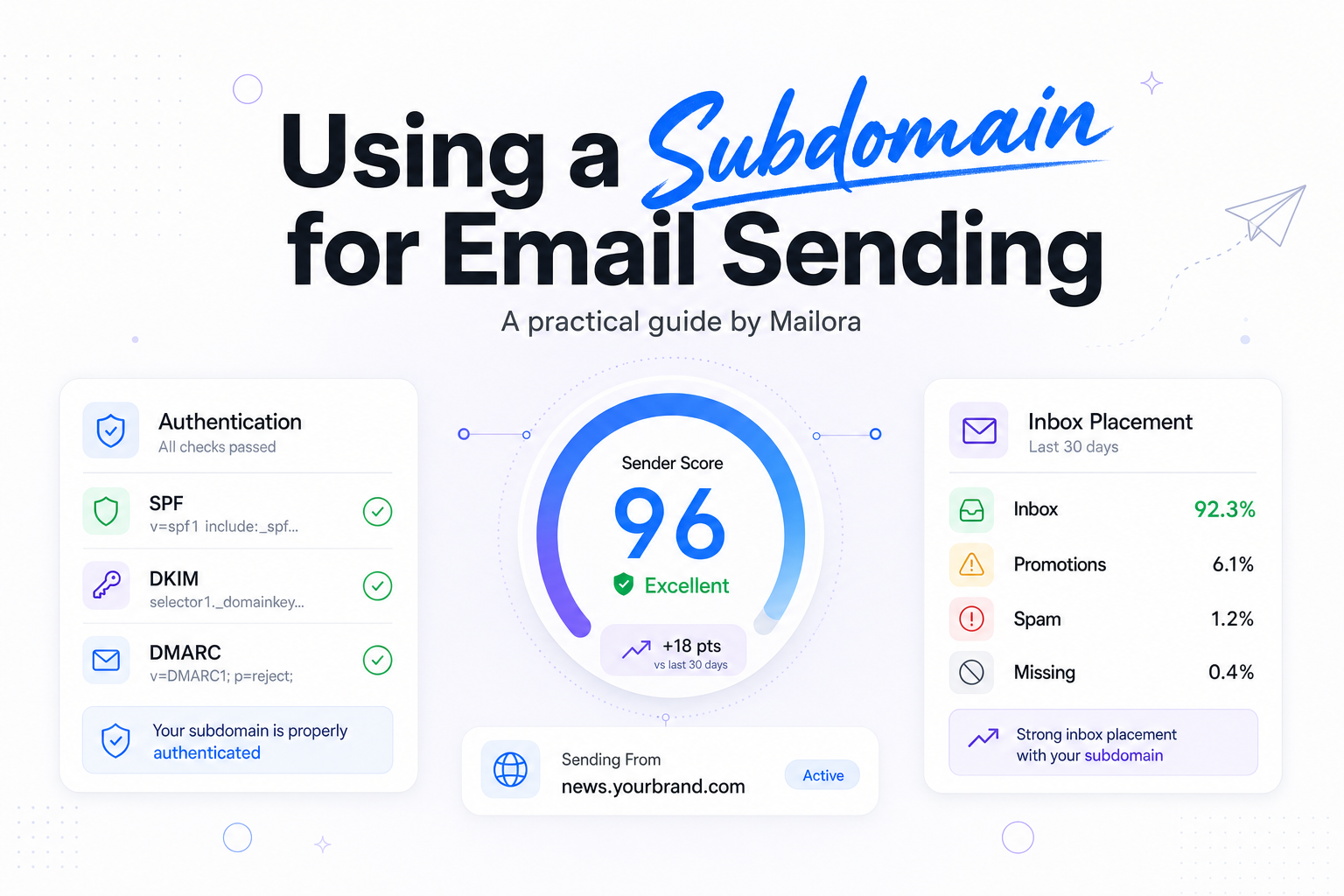
Using a subdomain for email sending gives you a practical way to separate marketing, lifecycle, and transactional traffic without splitting your brand. The value is not cosmetic. It is about cleaner reputation signals, safer change management, and better visibility when one program starts pulling down performance.
If you send from the root domain today, moving to a subdomain can be a smart step. The key is knowing what it will and will not solve before you touch DNS.
What a sending subdomain actually does
A sending subdomain is a child domain used for email infrastructure, such as news.example.com, updates.example.com, or billing.example.com. Depending on your ESP and setup, that subdomain can show up in the visible From domain, the DKIM signing domain, the return-path domain, or your click tracking domain.
The main benefit is segmentation. If promotional campaigns have a rough week at Gmail, your password resets and receipts do not need to share every reputation signal. That makes troubleshooting faster and lowers the odds that one team's send behavior distorts another team's results.
It also helps internally. RevOps, lifecycle, and deliverability teams can define clear ownership by stream, which makes changes to templates, cadences, and list sources easier to audit.
When a subdomain makes sense
You do not need a dozen subdomains. In most programs, the right move is to separate by mailstream, not by every product or region.
| Setup | Best for | Upside | Watchout |
|---|---|---|---|
| Root domain only | Very small programs with one send type | Simple setup | Harder to isolate reputation issues as volume grows |
| One shared sending subdomain | Teams moving off the root domain | Cleaner infrastructure boundary | Marketing and transactional mail still share signals |
| Separate marketing and transactional subdomains | Most B2C and SaaS senders | Better control by mailstream | Requires warmup and steady governance |
| Further split by lifecycle stream | High-volume mature programs | Precise monitoring and ownership | Can become operationally messy if over-segmented |
A common starting point is one subdomain for promotional and lifecycle mail, and one for transactional mail. For example, updates.example.com for campaigns and product nudges, and billing.example.com or notify.example.com for receipts, alerts, and password resets.
That structure is especially useful when transactional mail must stay reliable even if marketing volume changes sharply around launches, seasonal pushes, or reactivation campaigns.
How Gmail, Outlook, Yahoo, and Apple Mail tend to evaluate it
Mailbox providers do not look at a subdomain in isolation. Gmail, Outlook, and Yahoo can evaluate a mix of signals that include domain reputation, authentication alignment, complaint rates, engagement, sending consistency, and infrastructure history. Apple Mail is different because open data is distorted by Mail Privacy Protection, which means your own engagement models need more weight on clicks, conversions, and negative signals.
In practice, a subdomain helps because it creates a cleaner stream of signals. If your marketing program sees higher complaints, lower read rates, or more frequent list churn, those patterns are easier to contain and diagnose on a dedicated subdomain.
But a subdomain is not a reset button. If you move the same weak list, the same aggressive cadence, and the same acquisition issues onto a fresh hostname, Gmail and Outlook will still see the behavior that matters. The infrastructure can be new while the sender habits remain familiar.
There is also usually some relationship with the parent brand domain. A trustworthy organizational domain can help early confidence, while a widely abused parent brand can make new infrastructure work harder. That is why subdomain planning belongs next to list strategy and complaint control, not below them.
How to set up a subdomain for email sending
1. Pick names that match the mailstream
Choose names people inside your company will understand six months from now. updates, notify, billing, and news are usually better than vague labels. Stability matters more than creativity, because changing sending domains later means another warmup cycle.
2. Publish the right DNS records
- DKIM, enable signing for the subdomain and use the selectors your ESP provides.
- SPF, publish the record your ESP requires, and remember SPF has a 10 DNS lookup limit.
- DMARC, set policy at the organizational domain and decide whether the subdomain follows that policy or needs its own record.
- Custom return-path, if your ESP supports it, brand the bounce domain so alignment is cleaner.
- Tracking domain, align click tracking to your domain family when possible, instead of leaving it on a generic ESP domain.
For most teams, the goal is straightforward, pass authentication cleanly and make the domains a recipient sees look consistent. That consistency helps both trust and troubleshooting.
3. Keep alignment simple
If the visible From address is on one domain, the DKIM domain signs from another, and the click domain sits on a third-party hostname, you can still send mail, but your setup becomes harder to reason about. Simpler alignment usually means faster diagnosis when Yahoo spam placement rises or Outlook starts rate limiting.
How to warm a new sending subdomain
A new subdomain should be treated like new infrastructure, even when the brand is established. Start with the people most likely to want your mail, recent purchasers, active users, recent clickers, and customers who consistently engage with operational messages.
Keep the first sends steady. A practical pattern is to increase volume in measured steps, often 20 to 50 percent every few days, while you watch hard bounces, complaint rates, and placement at each major provider. If Gmail complaints approach Google's 0.3% guidance, pause the ramp and fix the audience before adding more volume.
For transactional streams, warmup is often easier because the mail is expected and triggered by user action. For marketing streams, discipline matters more. Do not mix your best engaged segment with long-inactive records just to hit a volume target.
Also watch cadence by provider. Outlook can react differently from Gmail, and Yahoo can surface list hygiene problems that looked tolerable elsewhere. A warmup plan that treats inbox placement as one blended number will miss important details.
Common mistakes when using a subdomain for email sending
Using the subdomain as a shield
If your acquisition sources, consent model, or content relevance are weak, a new subdomain will not protect you for long. Reputation follows behavior.
Putting every stream on one new hostname
If marketing, lifecycle, and transactional traffic all launch together, you lose the operational benefit of segmentation on day one. Keep the streams separated where the business impact is meaningfully different.
Over-segmenting too early
Some teams create a different subdomain for every product line, geography, or campaign type. That sounds precise, but it spreads volume thinly and makes monitoring harder. Start with the fewest domains that reflect real differences in mailstream behavior.
Skipping measurement by ISP
Blended dashboard metrics can hide a provider-specific problem. A 97% delivery rate can still include poor inbox placement at Gmail or throttling at Outlook. Review reputation and engagement by mailbox provider, not only in aggregate.
Changing too many variables at once
Switching domain, ESP, IP mix, templates, cadence, and audience logic in the same week makes it very hard to know what helped or hurt. When you move to a new subdomain, keep as much else stable as possible.
What good looks like in practice
A solid setup is usually boring in the best way. Marketing sends from one branded subdomain, transactional sends from another, authentication is aligned, tracking is branded, and volume ramps follow actual engagement. When complaints rise at Gmail, the team can see which stream caused it and adjust without guessing.
That is the real reason to use a subdomain for email sending. It gives you a cleaner operating model. You can make changes with more confidence because your reputation signals are easier to separate, interpret, and act on.
Related reading: myth of safe sending email and usemailora.com.
Run your first deliverability test with Mailora, and see whether your new subdomain is ready for production.
FAQs
Should marketing and transactional email use different subdomains?
Usually, yes. If the volumes are meaningful, separate subdomains make it easier to protect transactional traffic from changes in promotional performance.
Does a new subdomain reset sender reputation?
No. It creates a new infrastructure layer, but mailbox providers still evaluate the behavior of the mail, the brand domain, and the consistency of your setup over time.
Do I need a separate DMARC record for the subdomain?
Not always. Many teams manage DMARC at the organizational domain and use the subdomain policy controls there, but some setups benefit from a dedicated subdomain record.
How long does it take to warm a sending subdomain?
It depends on volume, audience quality, and mailstream type. For many programs, it takes days to weeks, not hours, to build stable provider confidence.
Can I send from the root domain instead?
You can, especially at low volume, but a sending subdomain usually gives better control as your program grows and your mailstreams become more distinct.
Stay in the loop
Deliverability insights, product updates, and early access to new features. No spam, unsubscribe anytime.
By subscribing, you agree to our Privacy Policy. Unsubscribe anytime.