Key Takeaways
|
Since February 2024, Google and Yahoo have required bulk senders, defined by Google as senders reaching more than 5,000 messages in a day to Gmail accounts, to authenticate mail and publish DMARC. That requirement made SPF, DKIM, and DMARC a baseline operational task, not a nice to have.
If you use HostGator for mailbox hosting, website hosting, or DNS, the work is straightforward once you know which system actually controls your records. The decision that matters first is simple, are you editing authentication in HostGator, or does another DNS provider hold the authoritative zone?
Here is the practical setup path for SPF, DKIM, and DMARC on HostGator, including what to publish, where teams usually get stuck, and how to verify the records before a Gmail, Outlook, Yahoo, or Apple Mail user ever sees the message.
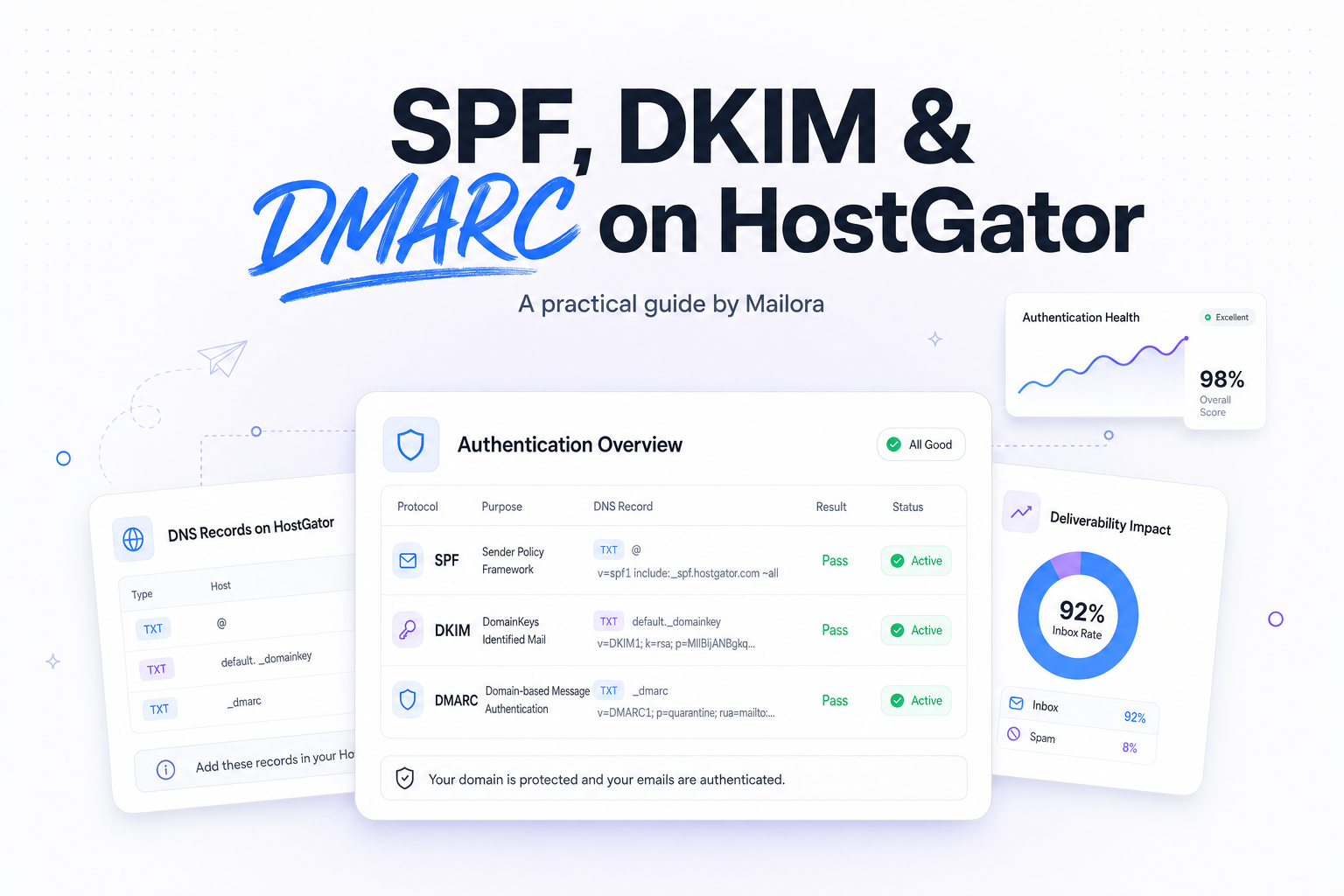
What each record does on HostGator
| Record | What it tells receiving servers | What to watch on HostGator |
|---|---|---|
| SPF | Which servers are allowed to send mail for your domain | Publish only one SPF TXT record for the root domain, and include every real sender |
| DKIM | Whether the message was signed by an authorized system and stayed intact in transit | Enable it in the service that sends the mail, then publish the selector record in DNS |
| DMARC | What to do when SPF and DKIM fail alignment, and where to send reports | Add a TXT record at _dmarc.yourdomain.com and start with monitoring |
SPF and DKIM authenticate the message. DMARC adds policy and reporting. In practice, DMARC is what turns scattered signals into a decision. That matters when Gmail accepts a message, Outlook bulk folders it, or Yahoo throttles it because alignment is inconsistent.
First decision, is HostGator actually hosting your DNS?
This is the step that saves the most time. If your nameservers point to HostGator, you can usually manage records in cPanel or the Zone Editor. If your nameservers point to Cloudflare, GoDaddy, Squarespace, or another DNS host, updating records inside HostGator will not change what mailbox providers see.
Before you touch SPF, DKIM, or DMARC, confirm where the authoritative DNS zone lives. If the records do not appear after propagation, the most common explanation is not a bad value, it is that the team edited the wrong DNS platform.
How to publish SPF on HostGator
Build one SPF record, not several
SPF works as a single TXT record for the root domain. A valid example looks like this: v=spf1 include:websitewelcome.com ~all. Your exact include value depends on who sends mail for your domain.
If you send from multiple systems, such as HostGator email plus HubSpot, Salesforce, Klaviyo, Mailchimp, Google Workspace, or Microsoft 365, those senders usually need to be added inside the same SPF record. Publishing two separate SPF TXT records for the same hostname is a classic failure mode, and many receivers treat that as SPF permerror.
Where to add it in HostGator
In most HostGator setups, you will log into cPanel, open the Zone Editor, choose the domain, and add or edit the TXT record for the root domain. The host field is often left blank or shown as your domain name, depending on the interface. The value is your full SPF string.
Use a soft fail, ~all, while you are still inventorying senders. Move to -all only when you are sure every legitimate mail stream is covered. The operational question is not whether strict is better, it is whether your sender inventory is accurate enough to support it.
How to enable DKIM on HostGator
Use the signing service that actually sends the message
DKIM is different from SPF because the sending platform signs each message with a private key, and DNS publishes the matching public key. If HostGator hosts the mailbox and signs outgoing mail, you may be able to enable DKIM directly in cPanel under email authentication or deliverability tools. If Google Workspace, Microsoft 365, or an ESP sends the message, that service should generate the DKIM selector and key instead.
A simple way to think about it is this, the platform that sends the message must sign it, and HostGator DNS only needs to publish the public key if HostGator controls the zone.
What the HostGator DKIM record usually looks like
DKIM records are TXT records on a selector hostname such as default._domainkey.yourdomain.com or a provider specific selector. The value starts with v=DKIM1; k=rsa; p=.... Some providers use 1024 bit keys, others 2048 bit keys. If a provider offers 2048 bit DKIM and your DNS host supports the longer TXT value, use it.
If your mail passes SPF but fails DKIM, look for a selector mismatch, a copied record with missing characters, or a case where the record was added in HostGator even though another provider hosts DNS.
How to add DMARC on HostGator
Start with monitoring, not enforcement
DMARC lives on the _dmarc subdomain as a TXT record. A practical starter policy is: v=DMARC1; p=none; rua=mailto:dmarc@yourdomain.com; adkim=s; aspf=s; pct=100.
Starting with p=none lets you collect reports and see who is sending with your domain before you move to enforcement. That is the safer decision for teams with multiple systems, forwarded mail, or a mixed B2B and lifecycle stack.
When to tighten DMARC
Move from p=none to quarantine or reject only after you can explain the failures in your reports. The right timing depends on alignment quality, not on an arbitrary deadline. If your transactional mail signs with one domain, your marketing mail uses another, and your CRM sends from a third subdomain, you want to confirm each stream aligns before you harden policy.
For most teams, DMARC enforcement is what turns authentication into a deliverability control. It gives Gmail, Yahoo, Outlook, and others a clearer policy signal, and it limits spoofing that can damage domain reputation.
Common HostGator mistakes that break authentication
1. Duplicate SPF records
You get one SPF record per hostname. Merge includes into one record instead of publishing separate TXT entries for each tool.
2. Missing third party senders
If your domain sends through more than one platform, every legitimate sender needs to be represented in SPF or DKIM. This is where marketing, sales, support, and product emails often drift apart operationally.
3. DNS is hosted outside HostGator
This is the most common platform issue. The records look correct in HostGator, but public DNS still shows older values because the live zone is somewhere else.
4. DMARC is published on the wrong hostname
DMARC must be published at _dmarc.yourdomain.com, not at the root domain.
5. DKIM exists, but the sending service is not using it
Publishing a DKIM key is not enough. The actual sending system has to sign outgoing mail with the same selector.
How to verify SPF, DKIM, and DMARC before you send at scale
Check three things after publishing records. First, do the DNS records resolve publicly. Second, does the sending platform actually use them on live messages. Third, do aligned messages land consistently across Gmail, Outlook, Yahoo, and Apple Mail instead of splitting between inbox, bulk, and spam.
DNS propagation can be quick, but allow time based on your TTL settings. If you need faster iteration during setup, a lower TTL such as 300 seconds can help, as long as your DNS host supports it. Once the records are stable, higher TTL values are fine.
The deeper deliverability point is that authentication is not the finish line. SPF, DKIM, and DMARC reduce ambiguity for receiving networks, but they do not override a weak sending reputation, poor list quality, or engagement decline. They give you a cleaner signal surface so you can make better sending decisions.
Related reading: dkim vs spf and spf and dkim deliverability.
Run your first deliverability test with Mailora
FAQs
Do I need all three, SPF, DKIM, and DMARC, on HostGator?
Yes. SPF and DKIM handle authentication, and DMARC adds policy plus reporting. For modern mailbox providers, that combination is the practical baseline.
Can I use HostGator DNS if Google Workspace or Microsoft 365 sends my mail?
Yes. The sender can be Google Workspace or Microsoft 365, while HostGator publishes the DNS records. What matters is that the records match the service that actually sends the mail.
Why does my SPF pass but DMARC still fail?
DMARC requires alignment, not just authentication. The domain used by SPF or DKIM has to align with the visible From domain.
Should I set DMARC to reject immediately?
Usually no. Start with p=none, review reports, fix legitimate failures, then move to quarantine or reject when you trust the alignment.
Where in HostGator do I add these records?
Most teams use cPanel, then the Zone Editor for TXT records. If your nameservers are not on HostGator, add the records wherever the authoritative DNS zone is hosted instead.
Stay in the loop
Deliverability insights, product updates, and early access to new features. No spam, unsubscribe anytime.
By subscribing, you agree to our Privacy Policy. Unsubscribe anytime.