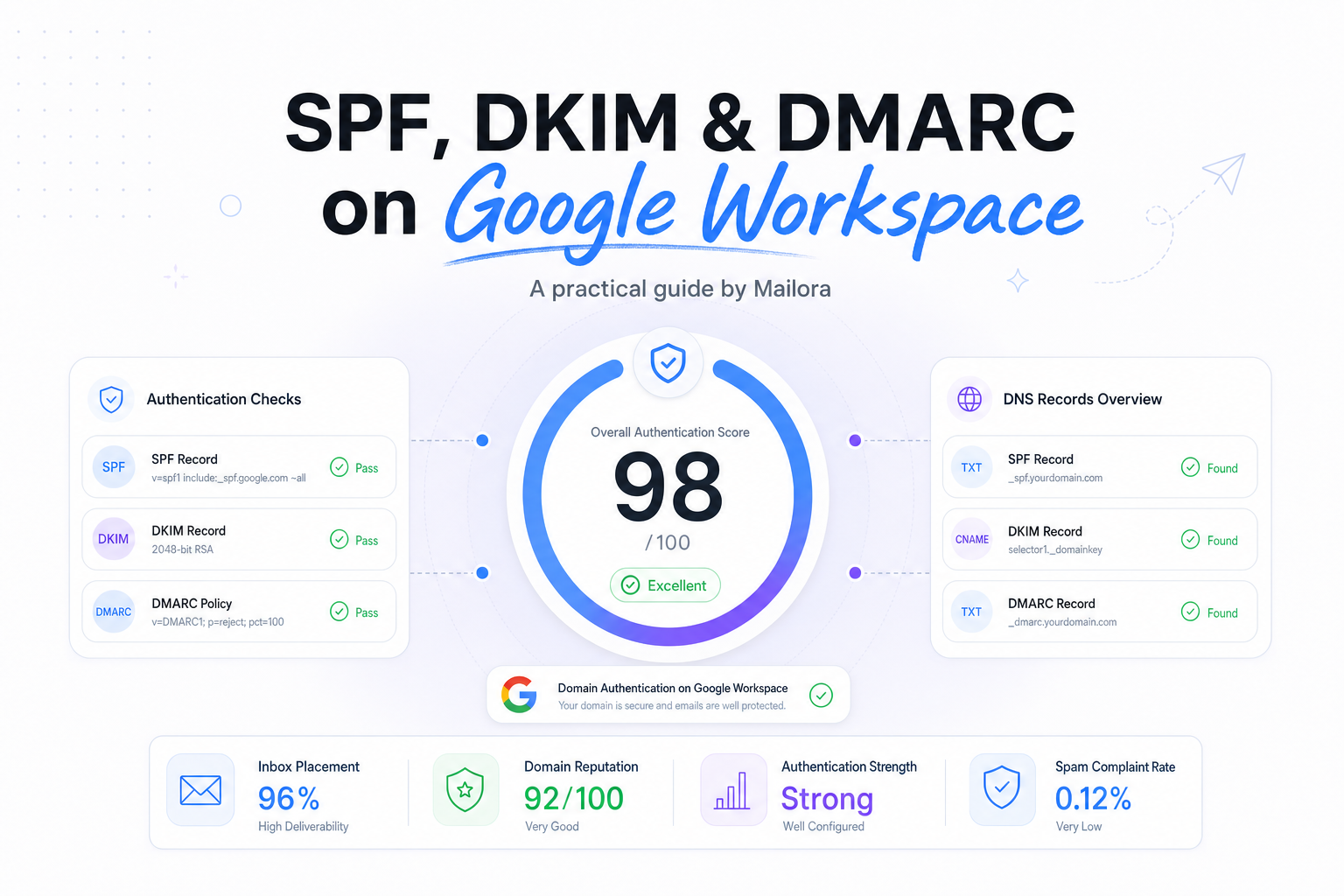
Key Takeaways
|
According to Google’s sender requirements, bulk senders are those sending 5,000 or more messages in one day to Gmail accounts, and those senders are expected to have SPF, DKIM, and DMARC configured. That number matters even if you are under it today, because the setup work is the same and the operational payoff starts long before you hit bulk volume.
For Google Workspace teams, the real decision is not whether to publish the records. It is how to publish them so Gmail, Outlook, and Yahoo can consistently connect your visible From domain to the systems that actually send your mail.
Done well, SPF, DKIM, and DMARC give you cleaner authentication, better reporting, and fewer surprises when you add a CRM, support tool, or billing platform to the mix.
What Google Workspace needs now
If Google Workspace is your main mail platform, you need all three layers working together.
- SPF says which servers are allowed to send for your domain.
- DKIM lets the sending system sign each message so the receiver can verify it was authorized and not altered in transit.
- DMARC checks whether SPF or DKIM aligns with the From domain your recipient sees, then applies your policy and sends reports.
This matters because mailbox providers do not evaluate your domain from one angle. Gmail may accept a message, Outlook may spam-folder it, and Yahoo may surface a different set of trust signals, depending on alignment, content, reputation, and list quality. Authentication is the foundation that makes those later decisions easier for them.
How SPF, DKIM, and DMARC work together
| Protocol | What it proves | Google Workspace-specific note | Common failure mode |
|---|---|---|---|
| SPF | The sending server is allowed to send for the domain in the envelope path | Use Google’s SPF include if Workspace sends mail directly | You forget to authorize a CRM, support desk, or billing tool |
| DKIM | The message was signed by an authorized domain and was not changed after signing | Enable DKIM in Admin console and publish the selector record in DNS | DKIM is never turned on after the DNS record is added |
| DMARC | SPF or DKIM aligns with the visible From domain, then applies policy and reporting | Publish at _dmarc.yourdomain.com and review aggregate reports | You move to quarantine or reject before mapping all sending sources |
The most important operational point is alignment. DMARC does not ask only, “Did SPF pass?” or “Did DKIM pass?” It asks whether at least one of those passed for the same domain family shown in the From header. That is why a message can have a technical SPF pass and still fail DMARC.
How to publish SPF for Google Workspace
Use one SPF record, not several
If Google Workspace is your only outbound sender, the basic record is usually v=spf1 include:_spf.google.com ~all. Publish that as a TXT record on your root domain.
The bigger issue is that many teams are not Google-only for long. If sales sends from a sequencing platform, support sends from a ticketing system, and finance sends invoices from a billing app, SPF must account for each one. You can only have one SPF record for a domain, so combining all allowed senders into one policy is essential.
Watch the 10-lookup limit
SPF has a practical limit of 10 DNS lookups during evaluation. That becomes a problem when you stack includes from multiple vendors. Once you get close to the limit, new tools can break authentication in ways that are easy to miss in pre-send checks.
A good rule is simple, authorize only the systems that truly send mail as your domain, and remove old includes when tools are retired. If a vendor can sign with aligned DKIM instead, that often reduces pressure on SPF.
Common SPF mistakes on Workspace
- Publishing multiple SPF TXT records for the same domain
- Authorizing Google, but forgetting a CRM or help desk that sends through its own infrastructure
- Using a hard fail, -all, before your sending inventory is complete
- Assuming forwarded messages will always preserve SPF, they often do not
That last point is why DKIM matters so much on Google Workspace. SPF is useful, but it is not the signal you should rely on alone.
How to enable DKIM in Google Workspace
Generate the key in Admin console, then start signing
In Google Workspace Admin, go to Gmail authentication for the domain you want to sign, generate a DKIM key, publish the TXT record Google gives you, then return to Admin and start authentication. Teams often stop halfway, the DNS record exists, but Google is not yet signing live mail.
If your DNS provider supports it, use a 2048-bit key. It is the stronger default and widely supported. Google Workspace also lets you choose a selector, which gives you a clean way to rotate keys later without interrupting sending.
Why DKIM usually carries more weight operationally
DKIM survives forwarding better than SPF because the signature stays with the message. That makes it the steadier authentication layer for Google Workspace environments where messages are forwarded, routed, or touched by security systems before final delivery.
For DMARC, aligned DKIM is also often the easier long-term path when you have multiple senders. If your marketing platform, support platform, and Google Workspace itself can all sign with your domain, your alignment picture becomes much more stable across Gmail, Outlook, and Yahoo.
How to roll out DMARC without guessing
Start with p=none
A practical starting record looks like this: v=DMARC1; p=none; rua=mailto:dmarc@yourdomain.com; pct=100. That gives you reporting without telling mailbox providers to quarantine or reject anything yet.
This is the right first move for most Google Workspace teams because DMARC reveals the senders you forgot about. Shared mailboxes, old sales tools, regional billing systems, and outsourced support flows all tend to show up here.
Understand alignment before tightening policy
DMARC passes when either SPF or DKIM passes and aligns with the visible From domain. In plain terms, if a platform sends as news@yourdomain.com but uses its own unrelated return-path and signs with its own domain, DMARC can fail even though the vendor is technically functioning.
That is why the best rollout sequence is usually:
- Publish DMARC with p=none
- Review aggregate reports for at least a few reporting cycles
- Fix alignment for legitimate senders
- Move to quarantine
- Move to reject when your results are consistently clean
There is no prize for getting to reject quickly. The goal is a policy that reflects your real sending stack, not an aspirational one.
Validation and ongoing checks on Google Workspace
Publishing records is the start, not the finish. On Google Workspace, monitor three things after setup.
- Authentication outcomes, do messages actually pass SPF, DKIM, and DMARC at major providers?
- Alignment by sender, do your CRM, support, finance, and product systems align with the From domain you use?
- Change management, does someone update DNS when a new platform starts sending?
A simple operational habit helps here, every new sending tool should have an authentication checklist before it sends the first message. That is how you keep a clean Google Workspace setup clean.
Related reading: dkim vs spf and spf and dkim deliverability.
Run your first deliverability test
FAQs
Do I need SPF, DKIM, and DMARC if I only send from Google Workspace?
Yes. Even a Google-only setup should publish SPF, enable DKIM signing, and add DMARC so mailbox providers can verify and align your domain.
What SPF record should I use for Google Workspace?
If Workspace is your only sender, the common starting point is v=spf1 include:_spf.google.com ~all. If other systems send mail too, add them into the same SPF policy.
Should I use DMARC p=reject right away?
Usually no. Start with p=none, review reports, fix legitimate senders that are not aligned, then tighten the policy when the data supports it.
Why can a message pass SPF but fail DMARC?
Because DMARC also requires alignment. SPF may pass for the envelope domain, but if that domain does not align with the visible From domain, DMARC can still fail.
Is DKIM more important than SPF on Google Workspace?
They both matter, but DKIM is often the more durable signal because it survives forwarding better and is easier to align across multiple sending platforms.
Stay in the loop
Deliverability insights, product updates, and early access to new features. No spam, unsubscribe anytime.
By subscribing, you agree to our Privacy Policy. Unsubscribe anytime.