Key Takeaways
|
Google and Yahoo's 2024 bulk sender rules kick in at 5,000 messages a day, which made SPF, DKIM, and DMARC a day-to-day operations topic, not just a DNS housekeeping task.
If your domain uses GoDaddy nameservers, the platform itself is not the deliverability strategy. It is simply where you publish the records your email platform, CRM, or sending vendor requires. The practical job is making those records accurate, aligned, and easy to maintain as your stack changes.
That matters because authentication affects different decisions at Gmail, Outlook, Yahoo, and Apple Mail. It helps receivers trust your mail path, understand whether the visible From domain matches the technical sender, and decide how aggressively to filter suspicious traffic.
Why SPF, DKIM, and DMARC matter on GoDaddy
GoDaddy is often where teams manage DNS for their sending domain, subdomains, and marketing infrastructure. So when deliverability slips after adding a new ESP, warming a new domain, or moving lifecycle sends into a product platform, GoDaddy is usually where the fix starts.
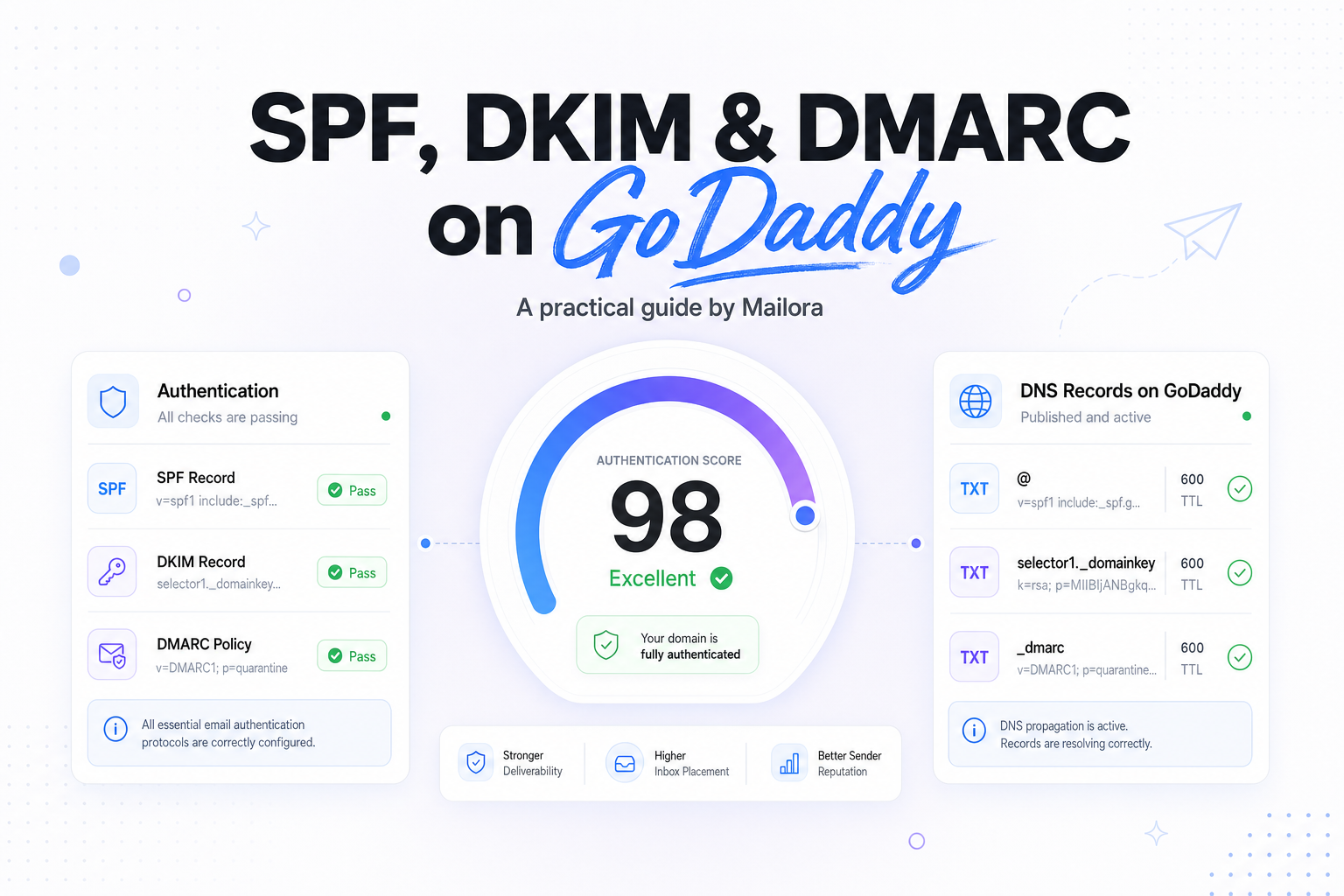
These records do different jobs. SPF authorizes sending infrastructure. DKIM proves the message was signed by an approved system. DMARC ties that together by checking alignment with the visible From domain and telling receivers what policy you want applied when checks fail.
The important decision is not just whether the records exist. It is whether they support the way you actually send. If Salesforce sends your outbound sales mail, HubSpot sends nurture, and your app sends password resets through SendGrid or Postmark, your DNS needs to reflect all of that cleanly.
What each record does
| Record | What it checks | What good looks like | Common GoDaddy mistake |
|---|---|---|---|
| SPF | Whether the sending IP is allowed for the domain in the return path | One SPF record with all legitimate senders included | Publishing multiple SPF TXT records |
| DKIM | Whether the message body and headers were cryptographically signed | At least one valid selector per sending platform | Using the wrong host name or truncating the key |
| DMARC | Whether SPF or DKIM aligns with the visible From domain | A valid policy and reporting address, starting with monitoring if needed | Turning on quarantine or reject before checking alignment |
SPF
SPF is a TXT record on the root domain, or sometimes on a subdomain, that lists which servers can send mail for that domain. In practice, most teams use include statements supplied by their ESPs plus any required IP entries.
The big operational rule is simple, publish one SPF record per hostname. If you add a second SPF TXT record in GoDaddy, receivers do not combine them. They treat that as a broken SPF configuration.
DKIM
DKIM is also published in DNS as TXT, but it usually sits on a selector, such as s1._domainkey.yourdomain.com. Your ESP generates the selector name and public key, then GoDaddy hosts it.
DKIM is often the most resilient authenticator because it travels with the message itself. That is why many senders can still pass DMARC through DKIM even when SPF breaks because of forwarding or intermediary hops.
DMARC
DMARC lives at _dmarc.yourdomain.com. It tells receivers to evaluate alignment between the visible From domain and SPF or DKIM. It also lets you receive reports so you can see which sources are using your domain.
A practical starter record often looks like this in concept, p=none for monitoring, a reporting mailbox, and relaxed alignment unless you have a stricter need. Once you know your legitimate traffic is aligned, you can decide whether quarantine or reject supports your risk tolerance.
How to add these records in GoDaddy
1. Confirm where your DNS is actually hosted
Many teams buy the domain in GoDaddy but host DNS somewhere else, such as Cloudflare or Route 53. Check the nameservers first. If GoDaddy is not authoritative for DNS, changes made in the GoDaddy dashboard will not affect mail flow.
2. Get the exact values from each sending platform
Do not guess SPF includes or invent DKIM selectors. HubSpot, Klaviyo, SendGrid, Postmark, Google Workspace, Microsoft 365, and other platforms each provide specific values. GoDaddy is where you paste those values, not where you generate them.
3. Publish SPF as a single TXT record
At the root domain, publish one TXT record that starts with v=spf1. Combine all legitimate senders into that one record. If you are replacing an older SPF entry, merge it instead of adding a second one.
Watch record length and DNS lookup count. SPF processing has a 10 DNS lookup limit, so stacking too many includes can create a record that is technically present but operationally weak.
4. Publish each DKIM selector exactly as provided
Some platforms give you one selector, others give you two. In GoDaddy, the host field usually contains only the selector portion and GoDaddy appends the domain automatically, but teams should verify how the UI renders the full name before saving.
If your vendor gives you a CNAME for DKIM instead of a TXT key, publish that exact CNAME. Do not convert it into TXT just because another tool used TXT before.
5. Start DMARC with visibility, then tighten policy
A sensible first move is a monitoring policy, especially if multiple departments send from the same root domain. That gives you reporting and receiver behavior data before you ask inbox providers to quarantine or reject anything.
For example, if marketing uses @example.com in the From header but product email signs as a vendor-owned domain, DMARC will show you the alignment gap quickly. That is a DNS and platform configuration issue, not a content issue.
Common GoDaddy mistakes that affect deliverability
Multiple SPF records
This is the most common problem after teams add a second tool. One record might cover Microsoft 365, then marketing adds another for HubSpot or Mailchimp. Receivers do not merge them, so SPF stops being dependable.
Wrong host values for DKIM
GoDaddy's field labels can confuse non-specialists. If the platform says the host is selector1._domainkey, do not paste the full domain into the host field unless the UI expects the full hostname. Double-appending the domain is a frequent reason DKIM never validates.
DMARC on the wrong hostname
DMARC must be published on _dmarc. Putting the TXT record on the root domain does nothing for DMARC enforcement.
Using the root domain for every mail stream
If lifecycle, marketing, sales, and transactional email all share the same root-domain identity, troubleshooting gets slower and risk gets harder to isolate. Many teams get better control by splitting streams onto subdomains such as news.example.com or notify.example.com, while keeping the brand experience consistent.
How to validate the setup after publishing
DNS propagation is usually quick, but not always instant. After publishing, verify three things separately. First, confirm the records resolve publicly. Second, send live messages to Gmail and Outlook test inboxes to inspect authentication results. Third, compare what passes technically with what aligns to the visible From domain.
This is where teams often find the difference between a working DNS record and a working sending setup. A message can pass SPF on a bounce domain you do not recognize, fail DKIM on one provider, and still look fine in a marketing platform UI. Receivers will make decisions from the message headers, not from the platform dashboard.
When you review results, focus on alignment. DMARC does not require both SPF and DKIM to align. It requires at least one of them to align with the visible From domain. For most mixed-vendor stacks, strong DKIM alignment is the safer baseline.
What good looks like at Gmail, Outlook, Yahoo, and Apple Mail
Gmail and Yahoo increasingly expect authenticated mail as a baseline, especially for higher-volume senders. Outlook also uses authentication as part of its trust assessment, though its filtering behavior can differ from Gmail in edge cases. Apple Mail does not operate the same way as mailbox providers because much of what users see is shaped by the upstream provider and Apple privacy features.
In practice, a solid GoDaddy DNS setup supports three business outcomes. Your legitimate mail is easier for receivers to trust. Your teams can add or change platforms without breaking existing authentication. And your DMARC reports become useful for governance, not just forensics.
If you manage multiple senders, document which platform owns each SPF include, each DKIM selector, and the mailbox receiving DMARC reports. That turns DNS from tribal knowledge into an operational asset.
Related reading: dkim vs spf and spf and dkim deliverability.
Run your first deliverability test with Mailora, and see how your current authentication shows up before and after you send.
FAQs
Do I need SPF, DKIM, and DMARC if I only send low volume?
Yes. Volume changes how closely some providers scrutinize you, but authentication is still foundational. Even low-volume domains benefit from clear sender identity and alignment.
Can I have more than one DKIM record on GoDaddy?
Yes. You can publish multiple DKIM selectors, and many teams do when they use multiple sending platforms. The restriction applies to SPF, not DKIM.
Should I set DMARC to reject right away?
Usually no. Start with monitoring if you have more than one sender or if you are unsure about alignment. Move to quarantine or reject once you know legitimate traffic is passing consistently.
Why does SPF pass but DMARC still fail?
Because DMARC checks alignment, not just authentication. SPF can pass on a technical sender domain that does not match the visible From domain, which still results in DMARC failure.
Does GoDaddy generate these records for me?
No. Your email providers generate the required values. GoDaddy is the DNS host where you publish and maintain them.
Stay in the loop
Deliverability insights, product updates, and early access to new features. No spam, unsubscribe anytime.
By subscribing, you agree to our Privacy Policy. Unsubscribe anytime.