Key Takeaways
|
Since February 2024, Google and Yahoo have required bulk senders that send more than 5,000 messages a day to Gmail recipients to meet tighter standards for authentication, easy unsubscribe, and spam complaint control. That changed the baseline for Marketo email deliverability, especially for teams that were still treating setup as a one-time project.
If you run Adobe Marketo Engage, deliverability is not a separate lane from lifecycle marketing or RevOps. It shows up in pipeline efficiency, lead response speed, nurture performance, and how safely you can scale campaign volume across Gmail, Outlook, Yahoo, and Apple Mail users.
This guide focuses on the decisions that actually move Marketo email deliverability: how you configure your sending identity, how you shape volume, what engagement signals to trust, and how to troubleshoot by mailbox provider instead of guessing from a global dashboard.
What Marketo email deliverability actually depends on
Marketo sends the message, but mailbox providers decide placement. Gmail, Outlook, Yahoo, and Apple Mail do not look at one single score. They evaluate a pattern, including whether your domain is authenticated, whether your volume is stable, how often recipients engage, how often they complain, and whether your mail looks consistent with what your brand usually sends.
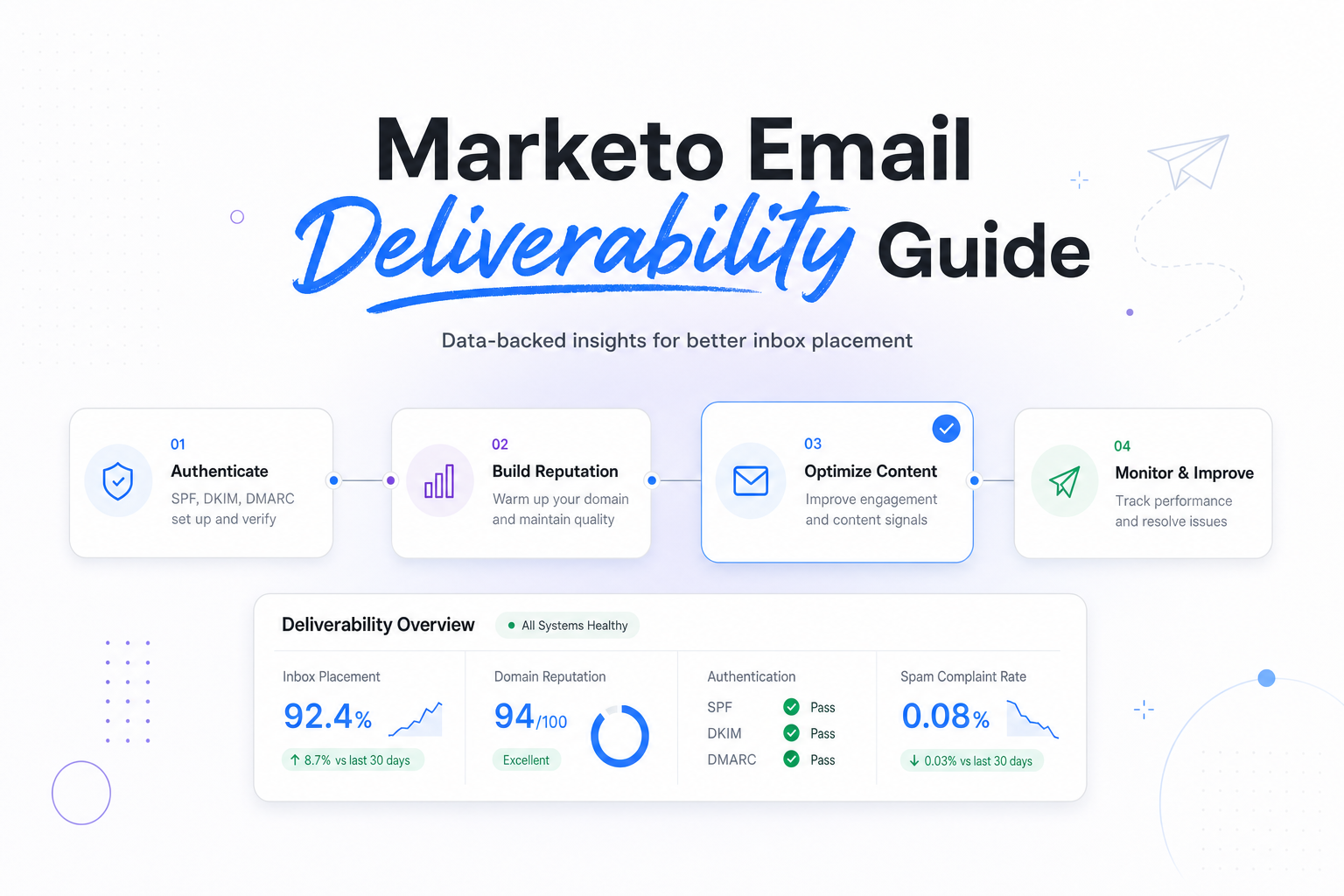
In practice, strong Marketo email deliverability usually comes down to four layers:
- Identity, your From domain, DKIM signature, SPF alignment, and tracking domain.
- Audience quality, whether you are mailing recent engagers, inactive records, purchased names, or stale leads from old programs.
- Cadence and volume, whether you increase sends gradually or jump from a weekly nurture to a quarter-end blast.
- Content and intent, whether the message matches what the recipient expects from that specific stream, not just whether the copy avoids spammy phrasing.
That is why two teams can use the same Marketo instance and get very different results. One team sends small, relevant lifecycle messages to active contacts. Another sends large campaign bursts to mixed-quality segments. Same platform, very different deliverability outcomes.
Set up Marketo so mailbox providers can trust your mail
Authenticate the domain you send from
For Marketo email deliverability, authentication is table stakes. Your sending domain should pass SPF and DKIM, and your DMARC policy should align with the visible From domain. If your marketing mail still uses a different bounce or signing identity than your brand domain, mailbox providers have less reason to trust it.
For most teams, that means using a branded sending domain and a branded tracking domain rather than sending with a generic Marketo identity. When a recipient clicks a link, the wrapped domain should still look like your brand. That helps both trust and consistency.
One practical rule, review authentication any time your DNS team, security team, or web team changes domain infrastructure. Marketo email deliverability often drifts after an unrelated DNS cleanup, not after a visible campaign change.
Match your IP approach to your real sending pattern
A dedicated IP is not automatically better. If your volume is inconsistent, a well-managed shared environment can outperform a dedicated IP that sits quiet for days and then spikes. Mailbox providers care about predictable behavior.
If you do use a dedicated IP, warm it with your best-engaged audience first. Start with people who have clicked, converted, or replied recently, then expand carefully. Warming with old names may create complaint and deferral signals before your reputation has any cushion.
| Situation | Usually the better fit | Why it helps deliverability |
|---|---|---|
| Steady lifecycle volume across the week | Dedicated IP can work well | Consistent traffic helps providers learn your normal pattern |
| Infrequent campaign bursts with long quiet periods | Shared IP is often safer | It avoids reputation resets caused by uneven sending |
| New domain or new business unit | Slow warm-up, regardless of IP model | Domain reputation now matters as much as, and often more than, IP reputation |
Build Marketo programs around engagement, not database size
The easiest way to hurt Marketo email deliverability is to let volume decisions come from list size instead of engagement. A database with 2 million records does not mean 2 million safe recipients. Gmail and Yahoo are far more interested in what happened in the last 30 to 90 days than in your total addressable market.
Start with recent engagers by domain
Before a large campaign, break performance out by major mailbox provider. If Gmail drives most volume, validate your most recent Gmail engagers first. Then look at Outlook and Yahoo separately. A segment that behaves fine at Apple Mail users can still bulk at Outlook because the inboxing logic is different.
In Marketo, that usually means building operational smart lists for recent clickers, recent converters, and recent active buyers, then using those audiences as the first wave when volume increases. Opens can still be useful, but Apple Mail Privacy Protection makes them a weak primary signal on their own.
Suppress inactives sooner than you think
If a person has not opened, clicked, converted, or visited in a meaningful period, keeping them in every batch send rarely improves revenue. It usually lowers inbox placement for the audience that still wants your mail. Complaint risk also rises when people forget they ever subscribed.
A practical model is to create separate treatment for 30-day, 60-day, and 90-day inactive records. Your 30-day inactive group may stay in core programs. Your 90-day inactive group may move to lower-frequency reactivation. The exact timing depends on your sales cycle, but the logic is consistent, protect active reputation before you try to revive dormant names.
Monitor the signals that matter for Marketo email deliverability
Marketo reporting is necessary, but it is not enough on its own. Delivered rate can look fine while Gmail places more mail in Promotions or spam, or while Outlook starts bulking more aggressively. You need to review platform metrics and provider signals together.
Focus on trends by mailbox provider and program type
Look at your metrics by domain, by stream, and by message purpose. Transactional lifecycle mail, webinar promos, newsletter sends, and reactivation campaigns create very different reputation patterns. Rolling them into one average hides the cause of problems.
| Signal | What it often means | What to change in Marketo |
|---|---|---|
| Hard bounce spike | List hygiene or bad source quality issue | Pause the source, remove invalids, review form and sync rules |
| Temporary deferrals at Gmail | Volume, reputation, or engagement mismatch | Slow cadence, send to recent engagers first, reduce spikes |
| Good delivery but weak clicks | Mail is arriving but not matching intent | Tighten segmentation, adjust stream logic, reduce repetition |
| Outlook bulking after a large blast | Cadence change or complaint pressure | Split sends into waves, suppress cold names, review unsubscribe visibility |
Also watch your external mailbox-provider tools where available. Gmail Postmaster Tools can show shifts in domain reputation. Microsoft SNDS and JMRP can add useful context for Outlook and Hotmail traffic. These tools do not replace Marketo, but they give you the provider-side view that your campaign dashboard cannot.
Troubleshoot common Marketo deliverability problems
Problem: Gmail performance dropped after a volume increase
This is one of the most common Marketo email deliverability scenarios. The root cause is often not the message itself. It is usually a jump in audience breadth. If you moved from recent engagers to six-month inactives too quickly, Gmail may interpret the change as lower expected relevance.
Fix it by shrinking the next sends to your strongest recent segments, then rebuilding volume in controlled waves. Watch complaint and deferral behavior by day, not just by campaign summary.
Problem: Outlook mail is accepted but engagement falls sharply
Outlook is often more sensitive to inconsistent patterns, especially when multiple teams share one sending identity. If SDR alerts, nurture streams, event promos, and product announcements all launch around the same time, Outlook may start treating the mix less favorably even when technical setup is fine.
Fix it by introducing send governance inside Marketo. Create a weekly volume calendar, align business units on shared domains, and stagger non-urgent campaigns so Outlook sees a steadier pattern.
Problem: Yahoo complaints rise after list growth
When new acquisition sources are added, Yahoo complaint rates can surface fast because users are quick to use the spam button if the signup context was weak. The answer is rarely to push harder. It is to review acquisition intent, frequency, and unsubscribe visibility.
In Marketo, that may mean splitting new leads into a lighter welcome path, setting clearer expectations in the first message, and keeping one-click unsubscribe easy to find. Google and Yahoo both expect that experience now, and it is also good audience design.
Create an operating model, not a one-time cleanup
The teams with stable Marketo email deliverability usually do three things consistently. First, they review performance by provider every week. Second, they control who can launch large-volume sends. Third, they make deliverability part of campaign planning, not just post-send reporting.
A simple operating rhythm works well:
- Weekly, review Gmail, Outlook, Yahoo, and Apple Mail trends by program type.
- Before large sends, confirm authentication, audience recency, and expected volume change.
- Monthly, audit stale segments, suppression logic, acquisition sources, and unsubscribe experience.
- Quarterly, review domain strategy, business unit overlap, and whether your current IP model still fits actual usage.
This is the difference between reactive cleanup and controlled scaling. Marketo email deliverability gets stronger when sending decisions are predictable, documented, and tied to audience behavior.
Related reading: email deliverability tools and spf and dkim deliverability.
Run your first deliverability test
FAQs
Is Marketo email deliverability mostly a technical setup issue?
No. Authentication matters, but ongoing reputation is driven just as much by engagement, list quality, and how consistently you send to each mailbox provider.
Does a dedicated IP always improve Marketo email deliverability?
No. A dedicated IP helps when volume is steady and managed well. If your sends are irregular, a shared environment can perform better.
Which metric should I trust most in Marketo?
Do not rely on one metric. Review clicks, conversions, unsubscribes, complaints, bounces, and provider-level trends together, especially because Apple Mail opens are inflated.
How often should I suppress inactive records?
Review inactivity continuously, not once a year. Many teams use 30-day, 60-day, and 90-day segments to reduce risk before large-volume campaigns.
Why does Gmail look worse than Apple Mail for the same send?
They measure different signals and have different inboxing logic. Apple Mail can make opens look stronger, while Gmail is often more explicit about engagement and complaint patterns.
Stay in the loop
Deliverability insights, product updates, and early access to new features. No spam, unsubscribe anytime.
By subscribing, you agree to our Privacy Policy. Unsubscribe anytime.