Key Takeaways
|
SPF allows only 10 DNS lookups during evaluation, per RFC 7208, and exceeding that limit is one of the most common reasons a domain returns permerror.
In practice, SPF permerror means the receiver could not evaluate your SPF policy cleanly because something in the record is permanently wrong, or at least wrong enough that the receiver treats it that way. At Gmail, Outlook, and Yahoo, that can affect filtering, alignment decisions, and in some cases outright acceptance of the message.
The good news is that SPF permerror is usually fixable without a full authentication rebuild. The work is mostly about identifying the exact sending domain, tracing the record chain, then simplifying the policy so receivers can resolve it reliably.
What SPF permerror means in practice
SPF permerror is different from SPF fail and different from temperror. Fail means the policy was evaluated and the sending IP was not authorized. Temperror means a temporary DNS problem got in the way. Permerror means the policy itself is malformed, ambiguous, or too complex to evaluate.
Why that matters, recipients do not all handle permerror the same way. One receiver may treat it close to fail, another may treat it as suspicious but still accept the message, and another may lean more heavily on DKIM and DMARC to make the final inbox decision. Apple Mail users feel the result through the provider that hosts their mailbox, even though Apple Mail itself is the client.
That is why the right goal is not just to make the syntax valid. The goal is to make the policy predictable for mailbox providers at send time.
The most common causes of SPF permerror
| Cause | Why it triggers permerror | Practical fix |
|---|---|---|
| More than 10 DNS lookups | Receivers stop evaluation after the SPF lookup limit is exceeded | Remove unused vendors, reduce nested includes, or flatten safely |
| Multiple SPF TXT records | SPF requires one authoritative record for a hostname | Merge into a single v=spf1 record |
| Syntax errors | Invalid mechanisms, typos, or malformed spacing make the record unparsable | Correct the syntax and republish |
| Broken include chain | An included policy can inherit errors from a downstream vendor record | Trace every include and replace or remove the bad dependency |
| Wrong domain checked | Teams often inspect the From domain instead of the Return-Path or HELO domain | Validate the exact identity used during SPF evaluation |
The 10 lookup limit is the first place to look
Every include, a, mx, exists, and redirect can add DNS work. The catch is that nested includes count too. So a record that looks short at the top level can still expand beyond 10 lookups once you follow the full chain.
A common B2B setup looks like this, Google Workspace, Salesforce Marketing Cloud, HubSpot, Zendesk, and one sales engagement platform, all added over time. Each vendor brings its own include tree. By the time Gmail resolves the final path, the policy can be over budget even though the top line seems reasonable.
Duplicate SPF records are still common
Many domains end up with two TXT records that both start with v=spf1. That usually happens after a platform migration or when one team adds a new sender in a separate DNS change. SPF does not merge those records for you. Receivers see multiple policies for the same hostname, and that is a permerror condition.
Small syntax issues can break the whole policy
SPF is unforgiving about formatting. Common mistakes include using include= instead of include:, leaving out spaces between mechanisms, copying smart quotes from a document, or publishing the record at the wrong hostname. One stray character is enough to turn a healthy policy into a permanent error.
Vendor includes can inherit someone else's problem
If your SPF policy includes another domain, you inherit the reliability of that domain's SPF record. When a vendor changes its include chain, introduces a syntax issue, or expands past the lookup limit, your domain can start returning permerror without any change on your side.
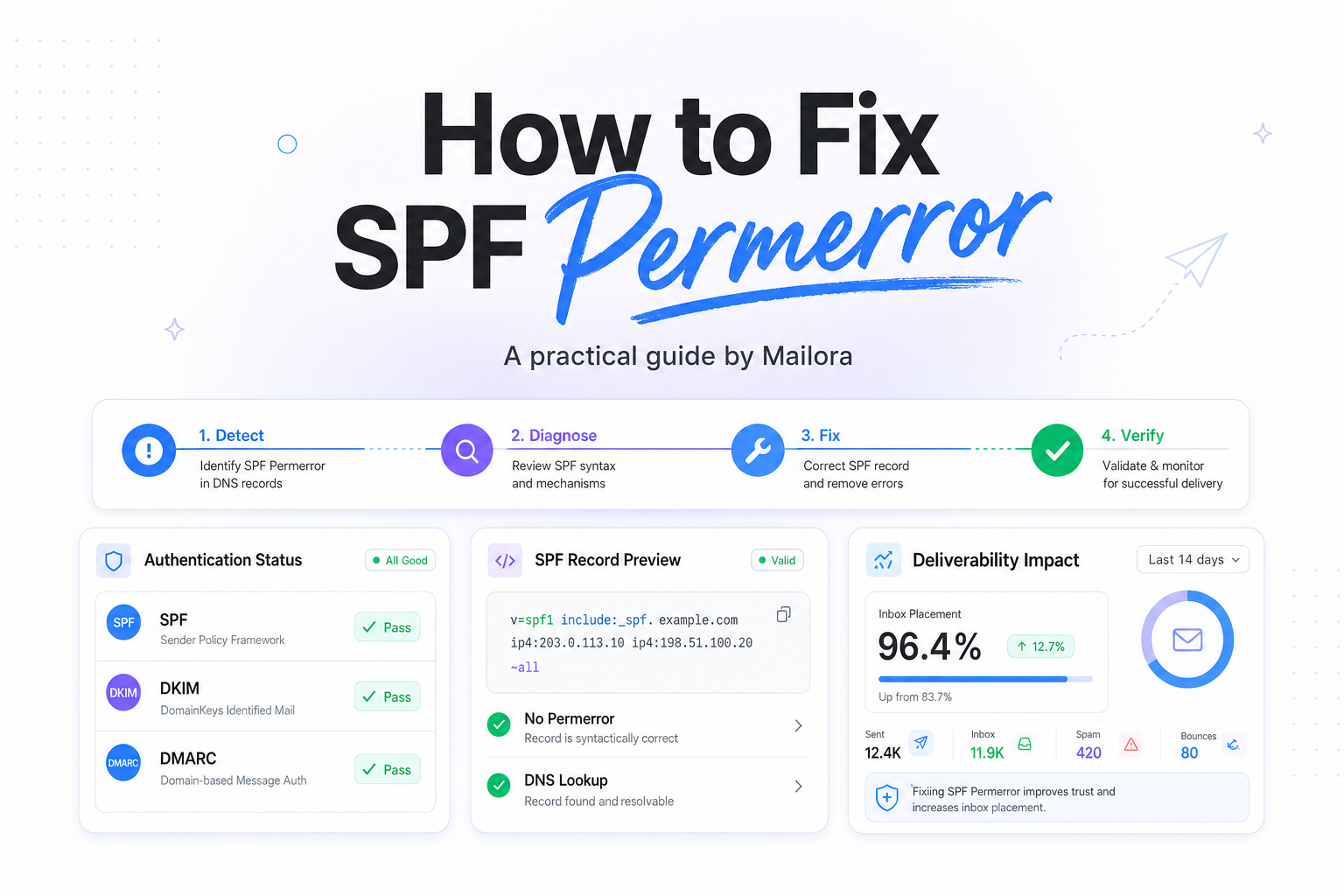
How to diagnose SPF permerror step by step
1. Identify the exact domain SPF is checking
SPF is evaluated against the envelope sender, usually the Return-Path domain, or the HELO domain in some flows. It is not evaluated against the visible From header. If your marketing mail uses bounce.example.com and your corporate mail uses example.com, you need to test both separately.
2. Pull the live TXT record from DNS
Check the record exactly as receivers see it in public DNS. Make sure there is only one SPF TXT record for that hostname, and confirm that it starts with v=spf1. If DNS is split across providers or environments, verify the authoritative result, not just what appears in an internal dashboard.
3. Count DNS lookups recursively
Do not stop at the first line. Expand every include and redirect, then count all DNS-querying mechanisms in the full chain. If you land at 11 or 12, that alone explains the permerror. If you land at 8 or 9, keep checking, because a downstream vendor change can push you over the limit later.
4. Check for malformed mechanisms and stale vendors
Review every token in the record. Remove senders you no longer use, such as a decommissioned CRM or an old help desk platform. Then validate every remaining include. If one vendor is only used for a low-volume workflow, replacing its include with explicit IP ranges may be the cleaner decision.
5. Confirm results in message headers
After you publish a fix, send a fresh message and inspect the Authentication-Results header at Gmail, Outlook, and Yahoo. You want to see a clean SPF result for the domain actually used in the Return-Path. If DKIM and DMARC are also in play, make sure the final aligned result matches the mailstream you care about.
How to fix SPF permerror without breaking active sending
Consolidate to one SPF record
If you find multiple SPF TXT records, merge them into one. Keep one v=spf1 declaration, combine the required mechanisms, remove duplicates, and finish with the qualifier that matches your enforcement approach, often ~all during cleanup and -all once the policy is fully controlled.
Reduce lookup pressure before you flatten
The best fix for lookup overages is usually simplification, not immediate flattening. Start by removing unused vendors and replacing deeply nested includes where you have stable IP ranges. Flattening can help, but only if it is automated and kept current. Static flattened records can become stale fast when a provider rotates infrastructure.
Repair syntax, then republish with a sensible TTL
Correct malformed mechanisms, bad separators, and hostnames published in the wrong zone. When you republish, use a TTL that lets you verify changes quickly without causing unnecessary churn. Then retest after propagation, because an SPF record can look right in your DNS UI while still resolving incorrectly in public DNS for a period.
Be careful with subdomains and delegated senders
If different teams send from different subdomains, treat each mailstream as its own policy decision. Marketing, support, and employee mail often have different operational needs. A clean SPF record for the root domain does not fix a broken record at mail.example.com or bounce.example.com.
What good looks like after the fix
A healthy SPF setup is boring in the best way. One valid SPF record per hostname, fewer than 10 DNS lookups across the expanded chain, only current sending vendors included, and clean pass results in real headers from the major providers you care about.
That does not guarantee inbox placement on its own, because Gmail, Outlook, and Yahoo look at more than SPF. But it does remove a permanent policy error that can distort authentication, confuse troubleshooting, and make post-send analysis harder than it needs to be.
Related reading: dkim vs spf and spf record a mechanism.
Run your first deliverability test with Mailora and confirm the fix with live signals.
FAQs
Can SPF permerror cause messages to bounce?
Yes. Some receivers may reject or defer mail when SPF returns permerror, especially if other trust signals are weak. Others may still accept the message but filter it more aggressively.
Is SPF permerror the same as exceeding 10 lookups?
No, but exceeding 10 lookups is one of the most common reasons for permerror. Syntax issues, duplicate SPF records, and broken include chains can also trigger it.
Should I flatten my SPF record to fix permerror?
Sometimes, but not as the first move. First remove unused vendors and simplify the include chain. Use flattening when it is automated and operationally safe.
Can I publish more than one SPF record if I use multiple sending tools?
No. A hostname should publish one SPF TXT record that includes all authorized senders. Multiple SPF records for the same hostname can produce permerror.
How do I know the fix worked?
Validate the live DNS record, then send fresh test mail and inspect Authentication-Results headers at Gmail, Outlook, and Yahoo for the exact Return-Path domain that was evaluated.
Stay in the loop
Deliverability insights, product updates, and early access to new features. No spam, unsubscribe anytime.
By subscribing, you agree to our Privacy Policy. Unsubscribe anytime.