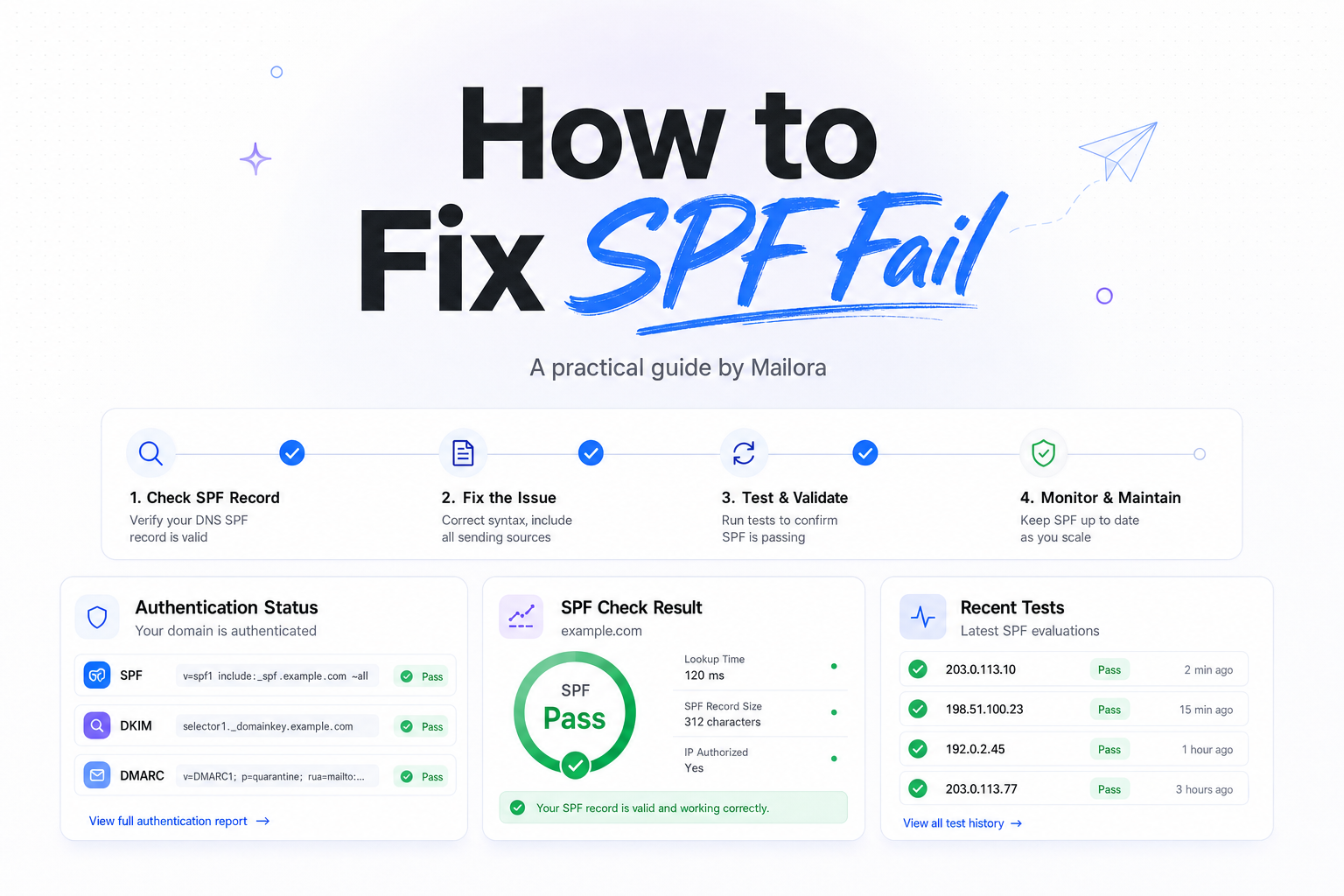
Key Takeaways
|
Google and Yahoo's 2024 sender requirements apply to bulk senders, with Google defining bulk as 5,000 or more messages a day to Gmail accounts, and both providers require authenticated mail. That means an SPF fail is no longer a small hygiene issue, it is a direct deliverability risk.
In practice, SPF fail does not always mean your domain is misconfigured. It often means one specific sending path, like Salesforce, HubSpot, Zendesk, a cold outreach platform, or your own app server, is sending from an IP that your SPF record does not authorize.
The fastest way to fix SPF fail is to identify which domain was checked, which IP sent the message, and whether your DNS record actually covers that sender. Once you do that, most SPF failures become straightforward to correct.
What SPF fail actually means
SPF, Sender Policy Framework, lets a domain publish which mail servers are allowed to send mail for that domain. When Gmail, Outlook, Yahoo, or another receiver gets a message, it checks the connecting IP against the SPF record for the envelope-from domain, which usually appears in the Return-Path.
If that IP is not authorized, the receiver can return spf=fail. In the raw headers, you may see entries like Received-SPF: fail or Authentication-Results: spf=fail.
This is the first place teams lose time. The domain checked for SPF is often not the visible From domain your marketers or sales reps are looking at. If your From address is yourcompany.com but the Return-Path is managed by a third party, that third-party path may be the real source of the failure.
Common reasons SPF fails
| Issue | What it looks like | How to fix it |
|---|---|---|
| Missing sending source | A new platform or app sends mail, but its IPs or include statement are not in SPF | Add the vendor's approved SPF include or IP range |
| Duplicate SPF records | DNS has two TXT records starting with v=spf1, often causing permerror | Merge them into one valid SPF record |
| Too many DNS lookups | SPF evaluation exceeds the 10 lookup limit | Flatten or simplify includes, remove unused vendors |
| Wrong domain checked | The visible From domain passes review, but the Return-Path domain fails | Inspect headers and update the SPF record for the actual envelope-from domain |
| Forwarding | Mail forwarded from one mailbox to another fails SPF even though the original sender is valid | Rely on DKIM, and make sure DMARC is set up correctly |
| Syntax mistakes | Typos, invalid mechanisms, or misplaced qualifiers break evaluation | Correct the TXT record syntax and retest |
How to fix SPF fail step by step
1. Confirm which domain and IP were evaluated
Open the raw headers for a failed message and find the SPF result. At Gmail, look for Authentication-Results. At Outlook, inspect the message headers in full. You want three things: the SPF result, the sending IP, and the domain used for the SPF check.
Example: if the header says spf=fail smtp.mailfrom=bounces.vendor-mail.com, editing the SPF record for your visible From domain will not fix the issue. You need to work on the domain in the smtp.mailfrom or Return-Path path.
2. Find the current SPF record in DNS
Your SPF record lives in a TXT record and starts with v=spf1. A valid example looks like this:
v=spf1 include:_spf.google.com include:sendgrid.net ip4:198.51.100.24 -all
Check that the record exists on the right domain, not just the organizational domain. Subdomains used for bounce handling, transactional mail, or region-specific sending may each need their own record.
3. Make sure you have only one SPF record
One of the most common causes of SPF permerror is publishing multiple SPF TXT records for the same host. Receivers do not merge them for you. If you have one record from Google Workspace and another from a CRM, combine them into a single SPF record.
For example, this is wrong:
v=spf1 include:_spf.google.com -all
v=spf1 include:sendgrid.net -all
This is the right pattern:
v=spf1 include:_spf.google.com include:sendgrid.net -all
4. Add every legitimate sender
Map every platform that sends mail using that domain or subdomain. This typically includes Google Workspace or Microsoft 365, your ESP, your CRM, support platform, billing tool, product notifications, and any in-house servers.
If one sales tool sends through its own infrastructure and you never added its include statement, SPF will fail only for that traffic. That is why SPF issues often look random to marketing or RevOps teams. The problem is usually source-specific, not domain-wide.
Use the vendor's published SPF guidance, and avoid copying include statements from old setup docs or forum posts. Providers change infrastructure over time.
5. Stay under the 10 DNS lookup limit
SPF allows a maximum of 10 DNS lookups during evaluation. Includes, redirects, a, mx, and exists mechanisms can all consume lookups. Once you cross that limit, some receivers return permerror, which effectively breaks SPF.
This happens a lot when a mature stack accumulates tools over several years. A team adds Google Workspace, then HubSpot, then Zendesk, then an outreach platform, then a transactional service, and the record keeps growing until it becomes fragile.
The fix is to remove unused senders, replace broad mechanisms with tighter ones where appropriate, or flatten the record carefully. Be careful with aggressive flattening, because vendors can rotate IPs and a stale flat record can create new failures.
6. Use the right qualifier at the end
Your SPF record should end with a policy such as -all or ~all. In most mature environments, -all is the cleaner choice because it clearly tells receivers that anything not listed is unauthorized.
If you are still inventorying senders, ~all can reduce the blast radius while you finish cleanup, but it is not a real fix by itself. A softfail that keeps happening is still telling you your sending inventory is incomplete.
7. Republish, allow for DNS propagation, and retest
After updating DNS, allow time for propagation based on your TTL. Then send fresh test messages to Gmail, Outlook, and Yahoo, and inspect the new headers. You want to see spf=pass for the sending path you just fixed.
Do not stop at one test. Validate the exact workflows that failed before, such as automated lifecycle sends, rep-triggered outreach, support replies, or invoice emails. SPF pass on a marketing campaign does not prove your product mail is covered.
Cases that look like SPF problems but are not
Forwarding can break SPF even when your record is right
Classic forwarding changes the connecting IP. When a mailbox forwards a message to Gmail or Outlook, the forwarding server's IP may not be authorized in the original sender's SPF record, so SPF can fail. This is normal behavior, not necessarily a DNS mistake on your side.
That is why DKIM matters so much. DKIM can survive forwarding because the signature travels with the message. If you are troubleshooting mailbox-to-mailbox forwarding, do not judge the whole domain on SPF alone.
DMARC failure is not always SPF failure
You can have SPF pass and still fail DMARC if the authenticated domain does not align with the visible From domain. The reverse is also true. If the complaint is really about DMARC alignment, changing SPF syntax alone will not solve it.
For RevOps and lifecycle teams, this is where setup choices matter. Shared domains, mismatched bounce domains, and inconsistent subdomain strategy create false confidence because one authentication layer passes while policy enforcement still breaks.
Apple Mail is not the same as Apple Mail Privacy Protection
Apple Mail Privacy Protection affects open tracking, not SPF. If your team sees weird engagement data in Apple Mail, that is a measurement issue, not an SPF diagnosis. Keep deliverability troubleshooting separated from analytics noise.
How to verify the fix without guessing
Once the DNS change is live, verify with fresh mail flow, not screenshots from your DNS provider. Send tests from each system that uses the domain, review the raw headers, and confirm that the correct Return-Path domain now produces spf=pass.
Also watch operational metrics. A real fix should reduce authentication-related bounces, lower complaints from Outlook and Yahoo about suspicious mail, and stabilize inbox placement at Gmail. If SPF passes but inboxing does not improve, the issue has moved from authentication to reputation, content, list quality, or domain alignment.
The practical standard is simple: test the source, test the domain, test the exact workflow, then monitor results after the send. That is how you fix SPF fail without creating new blind spots.
Related reading: dkim vs spf and spf record a mechanism.
Run your first deliverability test with Mailora, and confirm what receivers see before your next send.
FAQs
Why does SPF fail at Gmail but pass elsewhere?
Different receivers can evaluate edge cases differently, especially around forwarding, DNS timing, and how strictly they handle permerror. Always check the raw headers from the mailbox provider where the failure appears.
Can I publish more than one SPF record?
No. A domain or host should have one SPF TXT record that starts with v=spf1. Multiple SPF records commonly cause permerror.
What is the 10 lookup limit in SPF?
During evaluation, SPF can trigger no more than 10 DNS lookups across mechanisms like include, a, mx, exists, and redirect. Exceeding that limit can break SPF checks.
Should I use ~all or -all?
If you have a complete and accurate sender inventory, -all is usually the right end state. Use ~all only as a temporary step while you identify missing senders.
Does DKIM fix SPF fail?
No, DKIM does not fix the SPF record itself. But DKIM can let mail authenticate successfully in situations like forwarding, where SPF may fail for reasons unrelated to your DNS setup.
Stay in the loop
Deliverability insights, product updates, and early access to new features. No spam, unsubscribe anytime.
By subscribing, you agree to our Privacy Policy. Unsubscribe anytime.