Key Takeaways
|
Since February 2024, Gmail and Yahoo have required SPF or DKIM for all senders, and DMARC for bulk senders sending 5,000 or more messages per day. That change made SMTP Error 550 5.7.26 much more visible for teams sending from new tools, shared infrastructure, or misaligned domains.
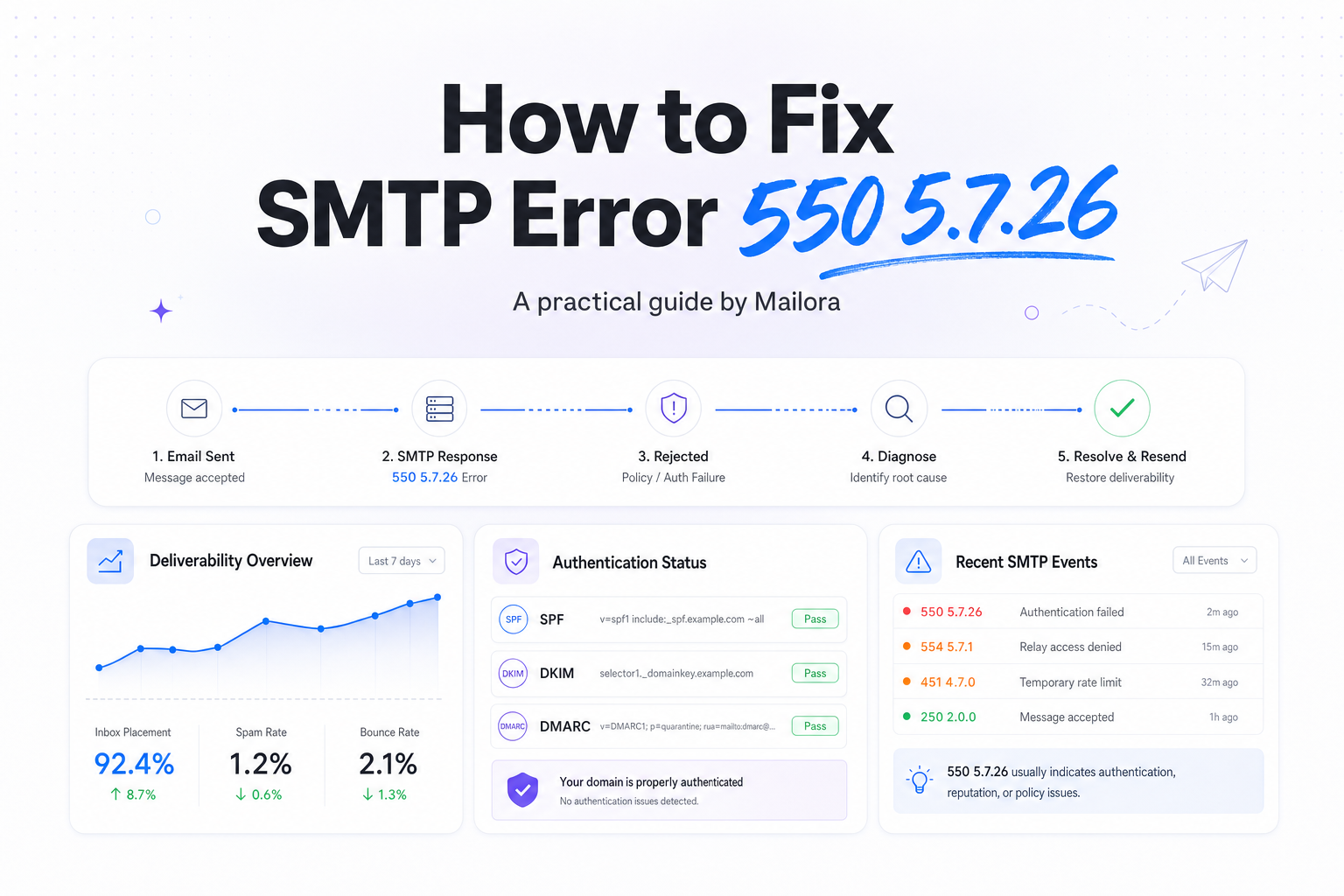
In plain terms, this is an authentication rejection. Gmail is telling you it cannot verify that the message is authorized to send on behalf of the domain in the From address, so it blocks the message during the SMTP conversation.
The good news is that 550 5.7.26 is usually fixable with a short checklist. You need to confirm which domain is being evaluated, which authentication method failed, and whether your ESP, CRM, or support platform is signing mail with the right identity.
What SMTP Error 550 5.7.26 actually means
SMTP Error 550 5.7.26 is most commonly associated with Gmail. The rejection typically says the message is unauthenticated, or that SPF or DKIM did not pass for the sending domain. In some cases, Gmail also points you to DMARC requirements for bulk sending.
This matters because Gmail, Yahoo, Outlook, and Apple Mail all rely on authentication signals to make placement decisions, but Gmail is often the most explicit when it rejects at the gateway. A message that fails here never reaches the inbox, the spam folder, or quarantine. It is stopped before delivery.
For RevOps and lifecycle teams, the practical takeaway is simple. This is not a copy issue or a cadence issue first. It is an identity and infrastructure issue first.
The most common reasons you see 550 5.7.26
| What you see | Likely cause | What to check first |
|---|---|---|
| SPF did not pass | Your ESP or sending IP is not included in SPF | The SPF record for the return-path or envelope domain |
| DKIM did not pass | DKIM is missing, broken, or signed with the wrong domain | The active DKIM selector and public key in DNS |
| From domain does not align | The visible From address uses a different domain than SPF or DKIM | Header From, Return-Path, and d= value in DKIM |
| DMARC issue for bulk mail | No DMARC record on a high-volume domain | Whether the From domain publishes DMARC |
| Only one tool is failing | A specific vendor is not authenticated | The sending setup for that platform, not the domain globally |
How to fix SMTP Error 550 5.7.26
1. Confirm which domain Gmail is evaluating
Start with the rejected message headers or bounce text. Do not assume the domain in the visible From address is the only one that matters. Gmail can evaluate the SPF domain used in the Return-Path and the DKIM signing domain. If your sales platform sends from mail.yourdomain.com but your support tool signs with a different domain, the failure can be isolated to one stream.
This is where teams lose time. Marketing, sales, and support often share a brand domain but send through different platforms. Treat each mail stream as its own authentication path.
2. Repair SPF, but keep it simple
SPF should authorize every service that sends mail for that domain or subdomain. If your ESP is not included, Gmail will see the message as unauthorized. Update the SPF record to include the exact sending service, then make sure you still have only one SPF record for that domain.
Two common mistakes cause repeat failures. First, publishing multiple SPF records. Second, stuffing too many includes into one record until you hit the 10 DNS lookup limit. If you are close to that limit, flattening or consolidating vendors often solves the problem faster than adding another include.
If the bounce says SPF failed but DKIM passed, Gmail may still accept the message if alignment is correct. If both fail, 550 5.7.26 becomes much more likely.
3. Enable DKIM and verify the right selector
DKIM is often the cleaner long-term fix because it travels better across forwarding scenarios than SPF. Make sure the platform actually signs mail, then verify that the public key in DNS matches the selector the tool is using. A copied selector from staging, an old rotated key, or a missing CNAME is enough to trigger rejection.
For multi-tool stacks, check each vendor separately. Your ESP can have valid DKIM while your CRM still fails. That is why one nurture campaign lands fine while one sales sequence bounces.
4. Publish DMARC if you send at scale
If you send 5,000 or more messages per day to Gmail or Yahoo, publish a DMARC record on the From domain. It does not need to start at p=reject. A monitoring policy such as p=none is enough to meet the baseline requirement while you validate alignment and reporting.
DMARC does two things here. It tells providers that you have an explicit authentication policy, and it forces alignment between the visible From domain and either SPF or DKIM. That alignment is where many 550 5.7.26 fixes are won.
5. Check domain alignment across every sending tool
A very common real-world scenario looks like this. Marketing sends from @example.com through an ESP with working DKIM. Sales sends from the same From domain through a sequencing tool, but the vendor signs with its own domain and SPF points somewhere else. Gmail rejects the sales mail with 550 5.7.26, even though marketing is fine.
Audit each platform that can send on behalf of the domain, including your ESP, CRM, support desk, invoicing tool, product mailer, and outbound sales system. Outlook may be more tolerant in some cases, Yahoo may vary by stream, and Apple Mail is a client rather than a mailbox provider, but Gmail will often surface the break first.
What to verify after you make DNS changes
Do not stop at publishing records. Validate the outcome with a fresh test send and the next set of SMTP responses.
- SPF, the correct service is authorized, and only one SPF record exists.
- DKIM, the message is signed, the selector resolves, and the signature passes.
- DMARC, the record is published on the From domain, and alignment passes through SPF or DKIM.
- Headers, the Header From domain matches the identity you intended to use.
- Bounces, new mail no longer returns 550 5.7.26 from Gmail.
If the error persists after apparently correct DNS changes, check DNS propagation, stale vendor settings, and whether the tool is still sending from an old custom domain. In practice, the remaining problem is usually configuration drift, not Gmail being inconsistent.
A practical triage order for teams
If you need the shortest path to a fix, use this order. First, identify the exact sending tool that generated the bounce. Second, confirm whether SPF, DKIM, or both failed. Third, repair DKIM and SPF for that specific stream. Fourth, add or validate DMARC on the From domain if you are a bulk sender. Fifth, retest with a controlled send before returning to normal volume.
This sequence keeps the team focused on the sending identity that Gmail actually evaluated, which is the decision that matters. It also prevents a common RevOps mistake, changing DNS for the main ESP while the real failure sits in a sales engagement tool or support platform.
Related reading: smtp ports and gmail smtp configuration.
Run your first deliverability test with Mailora, then confirm which authentication signal is failing before you change anything else.
FAQs
Is SMTP Error 550 5.7.26 a Gmail-only issue?
It is most commonly seen in Gmail bounce messages, but the underlying problem is broader. Any major provider can filter or reject mail that lacks proper authentication.
Can I fix 550 5.7.26 with SPF alone?
Sometimes, yes. But DKIM is strongly recommended, and for bulk senders a DMARC record is also expected. In practice, SPF plus DKIM is the safer setup.
Why does one tool fail while another tool on the same domain works?
Because authentication is configured per sending stream. Your ESP may be authorized correctly while your CRM, support desk, or outbound platform is not.
How long does it take for a fix to work?
DNS changes can appear quickly, but full propagation can take longer depending on TTL and provider caching. Retest after propagation and verify against fresh bounces, not old ones.
Do I need a DMARC policy of reject to stop this error?
No. If you are publishing DMARC to meet sender requirements, p=none is a valid starting point while you confirm alignment and reporting.
Stay in the loop
Deliverability insights, product updates, and early access to new features. No spam, unsubscribe anytime.
By subscribing, you agree to our Privacy Policy. Unsubscribe anytime.