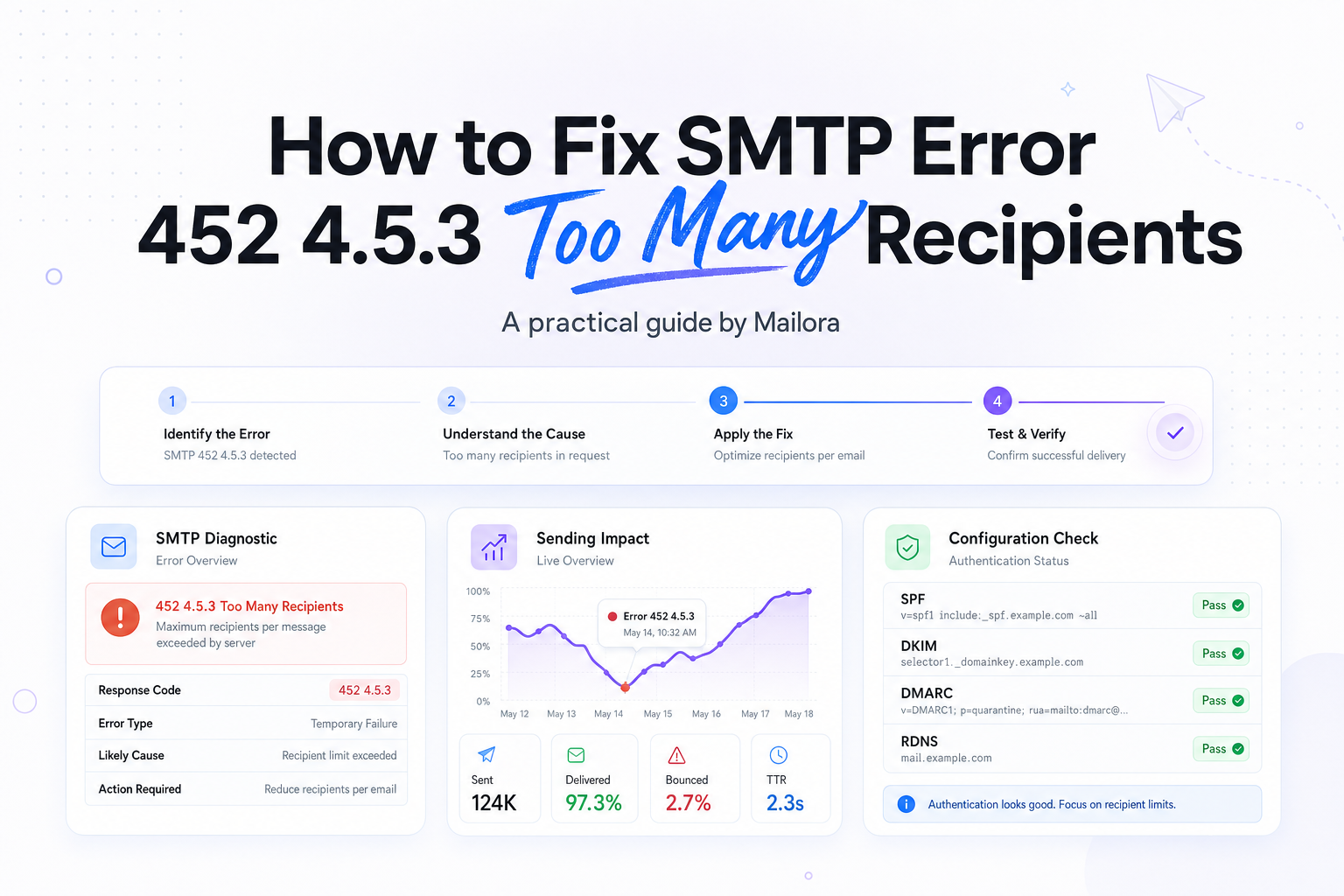
How to Fix SMTP Error 452 4.5.3 Too Many Recipients
Key Takeaways
|
Microsoft documents a 1,000-recipient limit per message in Exchange Online, and many tenants also face outbound throttling such as 30 messages per minute. That is exactly the kind of boundary that can surface as SMTP error 452 4.5.3 too many recipients.
In practice, this error rarely means your whole program is broken. It usually means one send tried to push more recipients, more RCPT commands, or more volume through a connection than the receiving or relaying system wanted to accept at that moment.
For lifecycle, RevOps, and deliverability teams, the decision is not just how to resend. It is how to identify whether the bottleneck is your ESP, your app mailer, your CRM workflow, or the destination domain mix in the batch.
What SMTP Error 452 4.5.3 Too Many Recipients Means
SMTP code 452 is a temporary failure, not a permanent rejection. The server is basically saying, “not this many, not this fast, or not in this session.” The 4.5.3 detail points to recipient handling, usually because the recipient count or recipient rate crossed a server policy.
That distinction matters. A 5xx error usually requires a structural fix before retrying. A 452 often clears if you reduce recipients per message, open fewer recipients per SMTP transaction, or let your queue retry more gradually.
This is why the same message can succeed later without any content change. The content is not the issue. The envelope, pacing, or route is.
What Usually Triggers This Error
Too many recipients on one message
The simplest trigger is a large To, CC, or BCC count. Some systems count all visible and hidden recipients together. If your app sends one message to 300 people with BCC, the SMTP server still sees 300 recipients even though each user sees only their own copy.
Too many RCPT TO commands in one SMTP session
Some relays tolerate a high number of recipients per message but enforce a lower limit per connection or per transaction. That is common with custom app mailers, older CRM connectors, and homegrown queue workers that reuse the same SMTP session too aggressively.
Rate throttling that looks like a recipient problem
Outlook and Microsoft 365 are good examples here. You may see a recipient-related 452 even when the deeper issue is that the connection is adding recipients too quickly. Gmail and Yahoo also apply traffic shaping, especially when volume jumps suddenly or sender reputation is still warming.
The wrong sending path for the job
A lot of teams hit this error because they are using workplace SMTP, app SMTP, or a shared relay for bulk lifecycle traffic. That path may be fine for password resets or low-volume notifications, but it is not built for large promotional or nurture sends.
Workflow or deduplication bugs
If a campaign should send to 20,000 people as individual messages but your workflow accidentally groups them into oversized batches, you can trigger 452 4.5.3 fast. The symptom looks like a provider limit, but the root cause is orchestration logic.
A Quick Diagnostic View
| Signal | What it usually means | Best next check |
|---|---|---|
| Error appears immediately on send | Per-message recipient cap | Count To, CC, and BCC recipients in each message |
| Error starts after part of the batch sends | Per-session or per-minute throttle | Review queue speed, concurrency, and connection reuse |
| Only one mailbox provider is affected | Destination-specific policy or shaping | Break out Gmail, Outlook, Yahoo, and iCloud traffic separately |
| Only one app or integration is affected | Mailer configuration or workflow bug | Inspect SMTP transaction logs and batching logic |
How to Fix SMTP Error 452 4.5.3 Right Now
1. Reduce recipients per message
If you are sending one message to a large group, split it. For operational mail, send one recipient per message wherever possible. For campaign mail, let your ESP create individual deliveries instead of using BCC blasts through a business mailbox.
2. Slow the send rate
If your mailer is adding recipients too quickly, lower concurrency and add backoff between batches. A practical first test is to cut your batch size by 50 percent and add a short pause between chunks. If the error disappears, you have confirmed a throughput problem rather than a content problem.
3. Check the actual limit on the SMTP system you are using
Do not guess from a generic blog post. Look at the limits for the exact service and plan in use, especially if your team sends through Microsoft 365, Google Workspace, an app server, or a relay provider. Limits can differ by account age, trust level, and product tier.
4. Retry only after changing the send pattern
Blind retries often produce the same result. Retries work when you change the conditions, smaller recipient groups, slower RCPT pacing, or a different route for high-volume traffic.
5. Separate transactional and bulk mail
If password resets, invoices, or product alerts share the same SMTP path as newsletters or nurture waves, the bulk stream can create throttling that hurts critical mail. Split those streams if you have not already.
Provider Examples Worth Checking First
The exact numbers change, but the pattern is consistent across mailbox and relay platforms.
| Platform | Common constraint to review | What to do |
|---|---|---|
| Microsoft 365 / Exchange Online | 1,000 recipients per message, plus outbound throttling on many tenants | Lower recipients per message and reduce message rate |
| Google Workspace / Gmail | Daily recipient caps and anti-abuse throttles, especially on new or trial accounts | Spread mail over time and avoid bulk sends through user mailbox SMTP |
| Yahoo | Traffic shaping based on sender behavior and domain mix | Send smaller domain-specific batches and watch retry patterns |
| Apple Mail users | Apple Mail is a client, not the server returning 452, but iCloud Mail has its own sending limits | Check the actual SMTP host, not just the mailbox app your users read in |
| Shared SMTP relay providers | Per-connection, per-minute, or per-message policy limits | Review relay docs and SMTP logs for RCPT and concurrency caps |
How to Prevent This from Happening Again
Design for one recipient per delivery whenever possible
This is the cleanest way to avoid recipient-count ceilings. It also gives better observability into deferrals, bounces, and engagement by mailbox provider.
Put guardrails in the queue
Set hard caps on recipients per message, recipients per connection, and messages per minute. If a workflow tries to exceed them, fail the job safely before the SMTP server does it for you.
Use the right channel for lifecycle and marketing volume
If the use case is bulk nurture, newsletter, or large-scale product education, route it through infrastructure designed for that job. User mailbox SMTP is a poor long-term fit for sustained volume.
Monitor temporary failures as an early warning signal
452 errors often show up before harder blocking. If your Outlook traffic starts deferring because of pacing today, Gmail or Yahoo may show similar shaping once volume grows. Track temporary failures by provider and by sending source, not just total bounce rate.
Review segmentation and workflow logic
When one segment consistently triggers this error, the problem may be in how that audience is packaged or timed. A queue that releases 100,000 recipients at once can create avoidable throttling even if your total daily volume is normal.
Related reading: smtp ports and inbox placement tools.
Run your first deliverability test
FAQs
Is SMTP error 452 4.5.3 a hard bounce?
No. It is usually a temporary SMTP failure. The server is asking you to retry under better conditions, typically with fewer recipients or a slower pace.
Do BCC recipients count toward the limit?
Yes, in most cases. SMTP servers count actual envelope recipients, not just the addresses visible in the message headers.
Why do I see this at Outlook but not at Gmail?
Each provider and relay has different recipient and rate policies. Outlook may throttle your current send pattern sooner, especially if you are using Microsoft 365 or sending quickly to many Microsoft-hosted addresses.
Can list cleaning alone fix SMTP error 452 4.5.3 too many recipients?
Usually no. Cleaning helps overall performance, but this specific error is more often about batching, concurrency, or the sending path you used.
Should I keep retrying until the message goes through?
Only after you change the sending pattern. Repeating the same oversized or overpaced transaction usually leads to the same 452 response.
Stay in the loop
Deliverability insights, product updates, and early access to new features. No spam, unsubscribe anytime.
By subscribing, you agree to our Privacy Policy. Unsubscribe anytime.