GMass Alternatives: 9 Better Cold Email Tools Compared (2026)
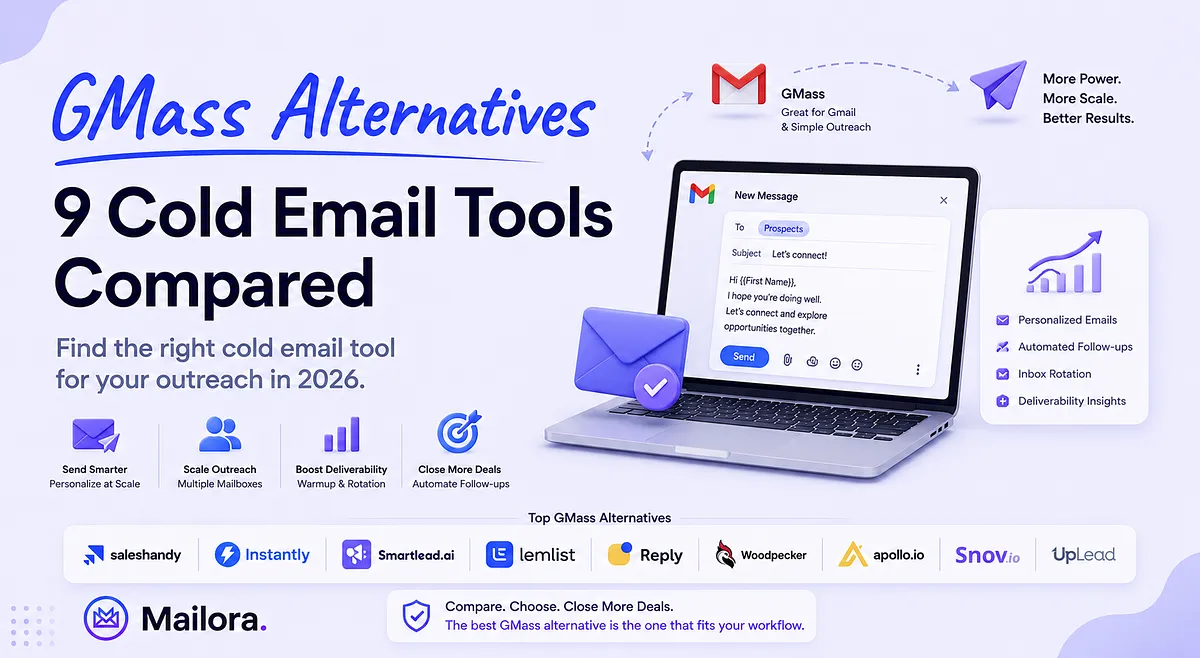
Key Takeaways
|
Choosing a cold email platform is no longer just about sending more emails. As outbound sales has become more sophisticated, businesses now expect their outreach software to manage multiple mailboxes, automate follow-ups, support multichannel engagement, and help maintain strong deliverability while campaigns scale.
GMass has earned a loyal following by extending Gmail with mail merge, automation, and campaign management without requiring users to leave their inbox. For freelancers, founders, recruiters, and small teams already working inside Google Workspace, it remains one of the simplest ways to launch personalized outreach.
However, Gmail-native workflows eventually reach their limits. As sending volumes increase and sales teams grow, organizations often need features like mailbox rotation, automated warm-up, shared workspaces, CRM integrations, prospect management, and multichannel outreach that dedicated sales engagement platforms are better equipped to provide.
This guide compares the best GMass alternatives available in 2026, and examine each platform's key features, limitations, ideal use cases, and pricing to help you choose the right tool for your outbound strategy.
Why Teams Choose GMass
GMass is built for users who want to run email campaigns directly from Gmail instead of relying on a separate outreach platform. Rather than replacing Gmail, it extends it with mail merge, mass emailing, and automation features while keeping the familiar Gmail interface.
- Native Gmail Experience: GMass works inside Gmail, allowing users to compose, send, and manage campaigns without switching applications. It integrates directly with Google Sheets for live mail merge personalization and can even build recipient lists from existing Gmail conversations.
- Email Automation Without Leaving Gmail: Beyond mass email, GMass adds automatic follow-up sequences, scheduled campaigns, reply management, behavior-based campaigns, and reporting. Users can personalize emails using spreadsheet data or Gmail contacts and automate recurring outreach without leaving their inbox.
- Built-in Deliverability Support: GMass includes tools to improve campaign quality before sending. Users can verify email lists, identify spam triggers, test links, and monitor campaign performance through open, click, reply, and bounce reports. It also uses distribution technology to help send beyond Gmail's standard daily limits.
For individuals and teams already invested in Google Workspace, GMass provides a practical way to add email marketing and cold email capabilities without moving to a standalone outreach platform.
Why Teams Look for GMass Alternatives
GMass is designed around Gmail, and for many users, that's exactly its biggest strength. It offers an easy way to run mail merge campaigns, automate follow-ups, and send personalized emails without leaving your inbox. However, as outbound programs become larger and more sophisticated, some teams begin looking for platforms built specifically for sales outreach at scale.
They Need More Than Email
Many modern outbound teams no longer rely on email alone. Their workflows often combine email with LinkedIn, phone calls, SMS, WhatsApp, and manual sales tasks to reach prospects across multiple channels. As outreach strategies expand, teams may prefer a platform that manages these touchpoints from a single workflow.
They Manage Multiple Mailboxes and Sending Domains
Growing outbound programs often distribute campaigns across dozens or even hundreds of mailboxes to maintain consistent sending patterns. While GMass helps extend Gmail's capabilities, dedicated outreach platforms typically provide centralized mailbox management, inbox rotation, warm-up automation, and sending controls designed for larger-scale operations.
They Need More Advanced Sales Workflows
As sales teams grow, campaign management usually becomes more collaborative. Organizations may need shared workspaces, client management, CRM synchronization, team reporting, approval workflows, APIs, and automation that extends beyond email sequences. These capabilities become increasingly important for agencies and larger sales organizations.
They Want Built-in Prospecting and Sales Engagement
Many outbound platforms now combine prospect discovery, contact verification, lead enrichment, reply management, and campaign execution in one place. Instead of switching between multiple tools, teams often prefer a unified workflow that supports both finding prospects and engaging them.
Their Outbound Program Has Outgrown Gmail
For many businesses, GMass remains an excellent choice for Gmail-based outreach. However, once outbound becomes a dedicated sales function involving multiple teammates, higher sending volumes, multichannel engagement, and specialized deliverability workflows, organizations often evaluate platforms built specifically for those operational requirements rather than extending Gmail further.
Best GMass Alternatives in 2026
The platforms below were selected based on their outbound capabilities, deliverability features, automation, scalability, and overall suitability for different sales teams. For each tool, we'll look at its key features, limitations, ideal use cases, and pricing to help you determine which GMass alternative best fits your outreach strategy
1. Saleshandy
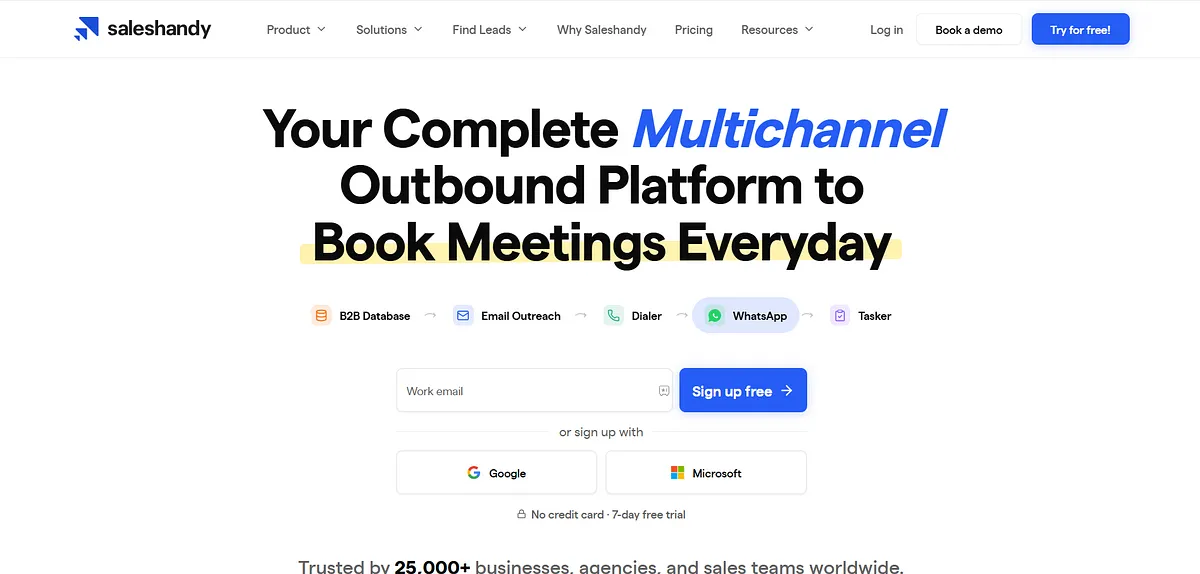
Saleshandy is a cold email outreach platform that helps businesses send personalized email campaigns at scale. It supports automated email sequences, inbox rotation, email warmup, prospect management, and reply tracking.
The platform is designed for sales teams, agencies, and outbound marketers looking to manage large-volume cold email campaigns while improving deliverability and campaign performance.
Key Features
- Automated Email Sequences: Build personalized multi-step campaigns with automated follow-ups to consistently engage prospects without manual intervention.
- Inbox Rotation: Distribute emails across multiple mailboxes to maintain healthy sending patterns and support larger outreach campaigns.
- Email Warmup: Automatically warm up mailboxes to build sender reputation and improve long-term inbox placement.
- Prospect Management: Organize prospects, monitor replies, and manage outreach from a centralized dashboard for better campaign visibility.
- Deliverability Tools: Monitor sending health, verify emails, and optimize campaign performance to maximize inbox placement.
Cons
- No native LinkedIn automation in core outreach workflows.
- Built primarily around email rather than full multichannel engagement.
- Advanced features like dialer and inbox placement testing require separate add-ons.
Best for: Sales teams, agencies, and outbound businesses that need scalable cold email campaigns with strong deliverability features, prospect management, and flexible infrastructure without unnecessary complexity.
Pricing: Saleshandy offers three core Outreach plans starting at $25/month (billed annually), with higher tiers supporting larger prospect limits and email volumes. It also provides optional add-ons for email verification, AI credits, dialer credits, inbox placement testing, and pre-configured email infrastructure, allowing teams to expand capabilities as their outbound program grows.
2. Instantly
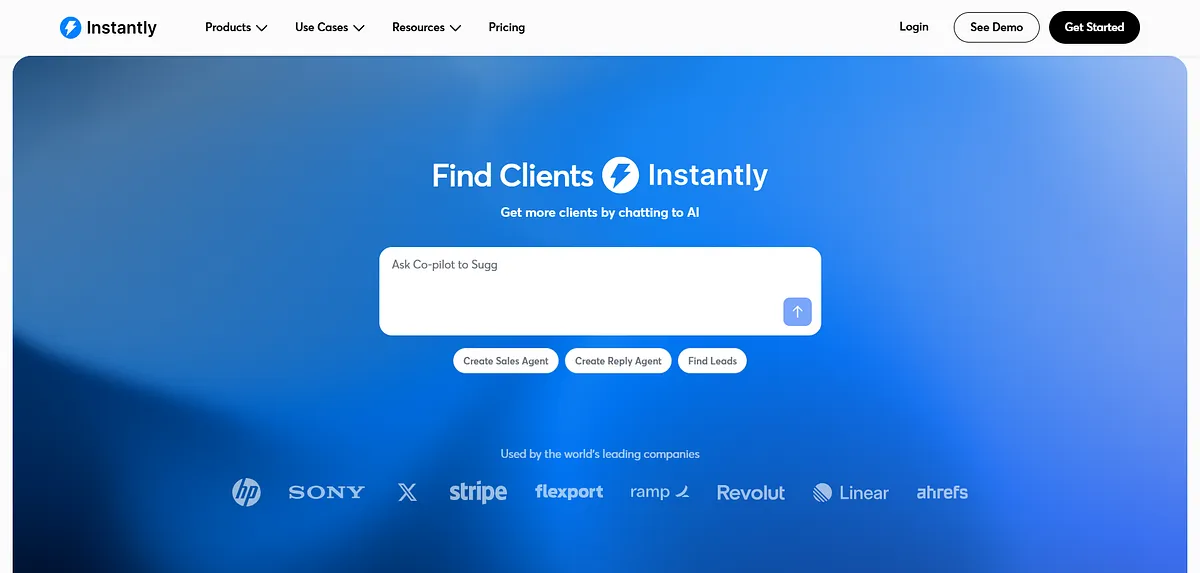
Instantly is a cold email outreach platform that enables users to manage large-scale outbound campaigns across multiple email accounts. It includes email sequencing, automated warmup, inbox rotation, campaign analytics, and lead management. The platform is built to help sales teams and marketers automate cold outreach while maintaining healthy sending behavior across connected mailboxes.
Key Features
- Unlimited Email Accounts: Connect unlimited sending accounts to scale outreach without mailbox restrictions.
- Automated Warmup: Continuously warm mailboxes to strengthen sender reputation and improve deliverability.
- Inbox Rotation: Rotate emails across connected mailboxes to distribute sending volume naturally.
- Campaign Analytics: Track opens, replies, and campaign performance to optimize outbound strategies.
- Lead Management: Organize prospects, manage campaigns, and streamline cold outreach from a single workspace.
Cons
- Primarily focused on email outreach rather than complete sales engagement.
- Native calling and LinkedIn automation are not core platform features.
- CRM capabilities are limited compared to dedicated sales engagement platforms.
Best for: Businesses sending high-volume cold email campaigns across multiple mailboxes that prioritize email scale, automation, and deliverability over multichannel sales engagement.
Pricing: Instantly offers tiered Outreach plans starting at $47/month, with higher plans increasing monthly email sending and contact limits while including unlimited email accounts and unlimited email warmup. Enterprise plans provide custom limits and advanced deliverability infrastructure for high-volume outbound teams.
3. Smartlead
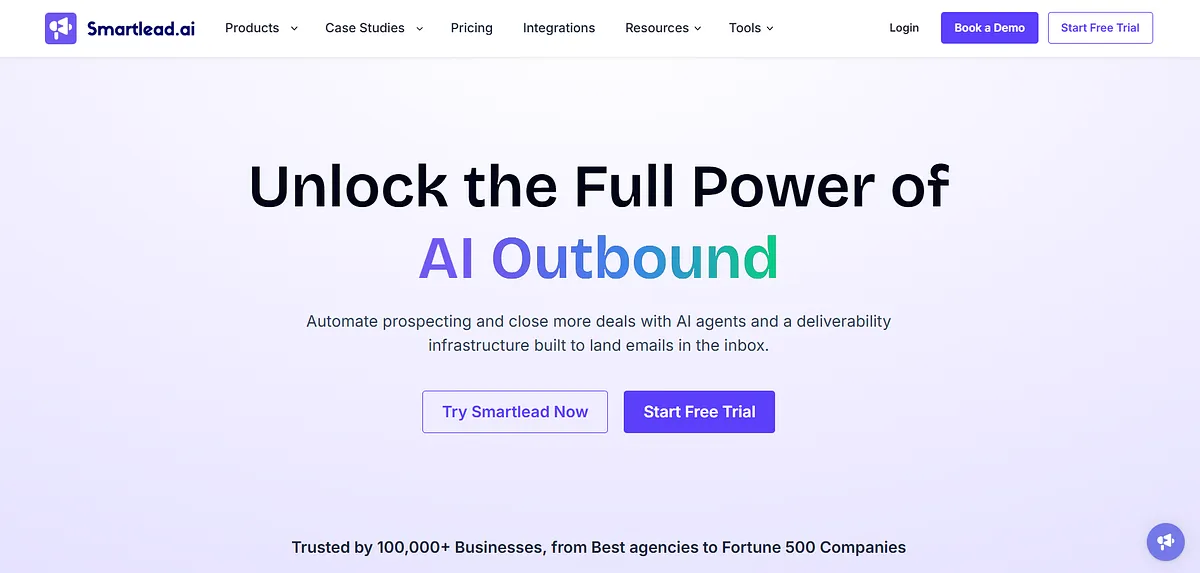
Smartlead is a cold email automation platform built for businesses and agencies managing outbound campaigns across multiple mailboxes and clients. It provides automated email sequences, mailbox rotation, email warmup, client workspaces, and campaign management. The platform focuses on scaling outbound outreach while supporting multiple sending domains and maintaining consistent sending operations.
Key Features
- Unlimited Mailbox Warmup: Keep every connected mailbox healthy with continuous automated warmup.
- Mailbox Rotation: Rotate campaigns across multiple inboxes to support scalable cold outreach.
- Client Workspaces: Manage separate clients, teams, and campaigns from dedicated workspaces with centralized control.
- Multi-Domain Management: Operate campaigns across multiple domains while maintaining organized outreach workflows.
- Campaign Automation: Build automated cold email sequences with reply handling and performance tracking.
Cons
- No built-in native calling capabilities.
- LinkedIn automation is not a core feature.
- Learning curve is higher for new outbound teams.
Best for: Agencies and outbound teams managing multiple clients, domains, and mailboxes that need scalable cold email automation with centralized campaign management.
Pricing: Smartlead offers four subscription plans starting at $39/month, with higher tiers increasing email sends, verified prospect credits, and contact storage. All plans include unlimited email warmup, while premium tiers add features such as private infrastructure, dedicated workspaces, API access, and optional add-ons for email verification and managed sending infrastructure.
4. Lemlist
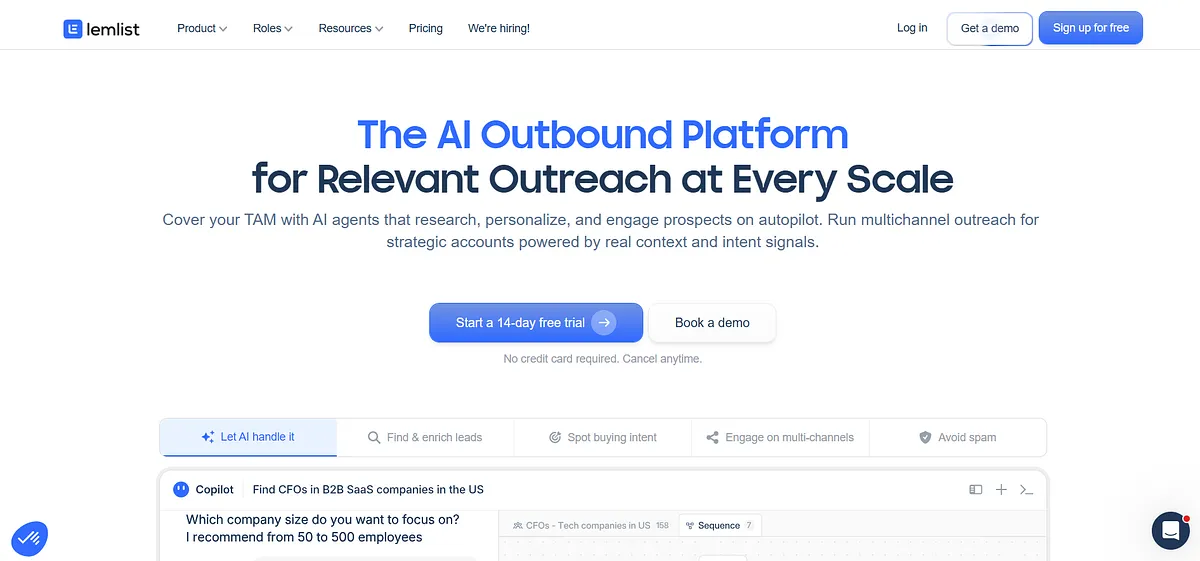
Lemlist is a sales engagement platform that combines cold email automation with personalized outreach. It allows users to build multistep campaigns using personalized images, videos, landing pages, and dynamic content. Alongside email sequencing, it includes warmup features and campaign management tools to help teams create highly customized outbound sales campaigns.
Key Features
- Personalized Outreach: Personalize emails using dynamic text, images, landing pages, and videos to increase prospect engagement.
- Multichannel Sequences: Combine email, LinkedIn, calls, and manual tasks into unified prospecting workflows.
- Email Warmup: Improve sender reputation with built-in mailbox warmup before scaling campaigns.
- AI-Powered Personalization: Use AI to research prospects and generate more relevant outreach messages.
- Unified Inbox: Manage replies across campaigns from one inbox to simplify conversation tracking.
Cons
- Advanced personalization requires more campaign setup.
- Phone numbers and intent data use separate credit-based billing.
- WhatsApp automation is available as an add-on.
Best for: Sales teams that combine personalized email with LinkedIn, calls, and AI-powered outreach to create highly customized multichannel prospecting campaigns.
Pricing: Lemlist offers an Email plan starting at $69/month and a Multichannel plan from $109/month, with a custom Enterprise tier for larger teams. Plans include outbound automation, while optional usage-based credits are available for lead data, phone numbers, and buying intent signals.
5. Reply.io
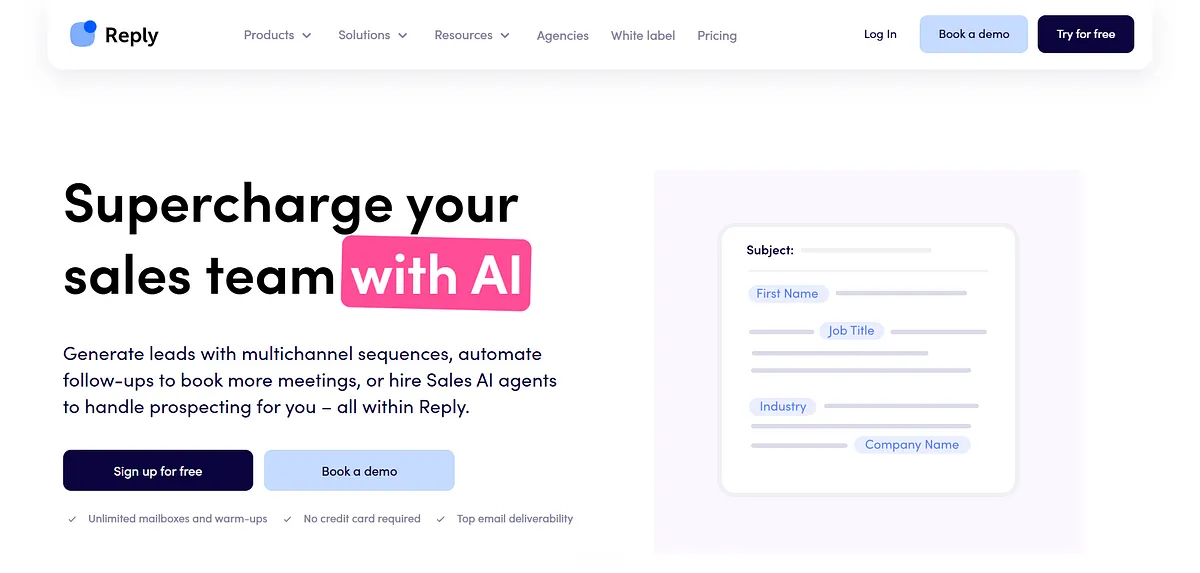
Reply.io is a sales engagement platform that automates outbound prospecting across multiple communication channels. It combines email sequences with LinkedIn outreach, phone calls, SMS, and task automation within a single workflow. The platform helps sales teams manage prospect engagement, automate follow-ups, and coordinate outreach activities from one centralized system.
Key Features
- Multichannel Automation: Coordinate email, LinkedIn, calls, SMS, and tasks within a single outreach sequence.
- Reply Management: Automatically organize responses and prioritize follow-ups for efficient sales engagement.
- Email Automation: Build personalized sequences with automated follow-ups based on recipient actions.
- AI Assistance: Use AI to categorize replies, generate responses, and streamline repetitive sales activities.
- CRM Integrations: Sync outreach activity with leading CRMs to maintain complete prospect records.
Cons
- LinkedIn automation and calling require multichannel plans.
- AI SDR capabilities are offered separately.
- Extensive features may be excessive for simple email-only outreach.
Best for: Sales organizations that want email, LinkedIn, calls, SMS, and task automation managed from a single sales engagement platform.
Pricing: Reply.io offers an Email Volume plan starting at $59/month and a Multichannel plan from $99 per user/month, with AI SDR and Agency plans for advanced needs. Plans include email automation, warmup, and deliverability tools, while LinkedIn automation, calls, SMS, and other capabilities are available through included features or add-ons
6. Mailshake
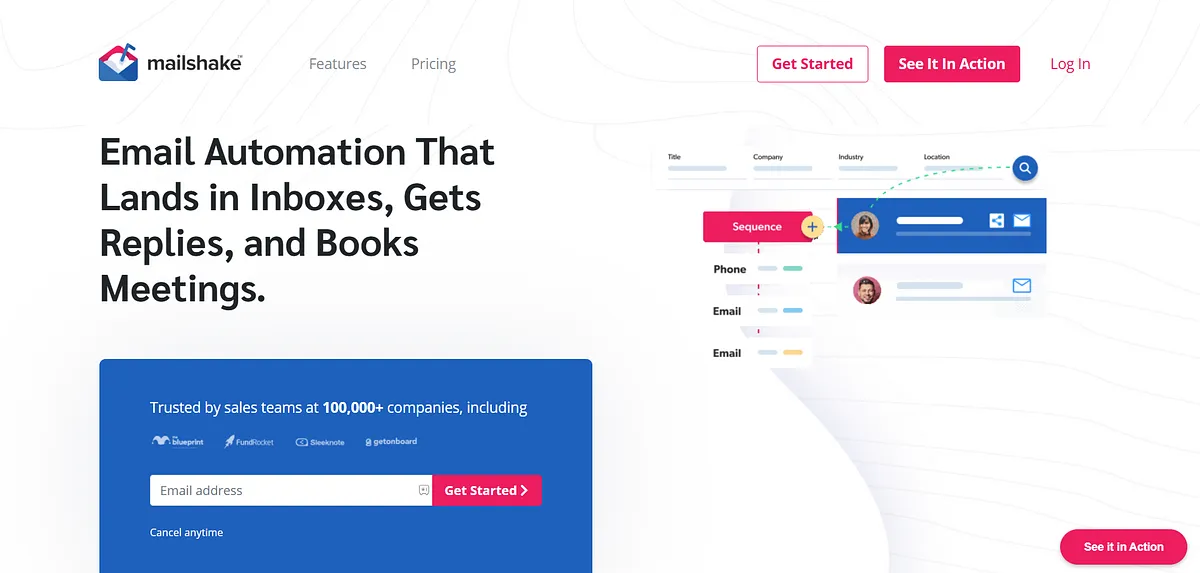
Mailshake is a sales engagement platform that helps businesses automate cold email campaigns and sales outreach. It enables users to create email sequences, schedule follow-ups, track engagement, and manage prospect communication throughout the sales process. The platform supports outbound prospecting by organizing outreach workflows and simplifying campaign execution for sales teams.
Key Features
- Cold Email Automation: Create personalized email sequences with automated follow-ups to simplify outreach.
- Email Rotation: Rotate sending across multiple email accounts to support larger campaigns.
- Unified Inbox: Manage prospect conversations from one inbox without switching between accounts.
- Built-in Dialer: Make calls alongside email outreach to support multichannel prospecting.
- CRM Integrations: Connect with popular CRMs to synchronize contacts, activities, and campaign progress.
Cons
- Limited mailbox support on lower-tier plans.
- Advanced multichannel features require higher plans.
- Primarily designed for outbound sales rather than agency workflows.
Best for: Small to mid-sized sales teams looking for straightforward cold email automation with optional multichannel engagement and minimal setup complexity.
Pricing: Mailshake offers four plans: Starter ($29/user/month), Email Outreach ($49/user/month), Sales Engagement ($99/user/month), and a custom Agency plan. Higher tiers add unlimited sending, email rotation, multichannel sales engagement, dialer features, CRM integrations, onboarding, and additional email accounts. Optional add-ons include Data Finder and ready-to-use mailboxes for expanded outreach.
7. Woodpecker
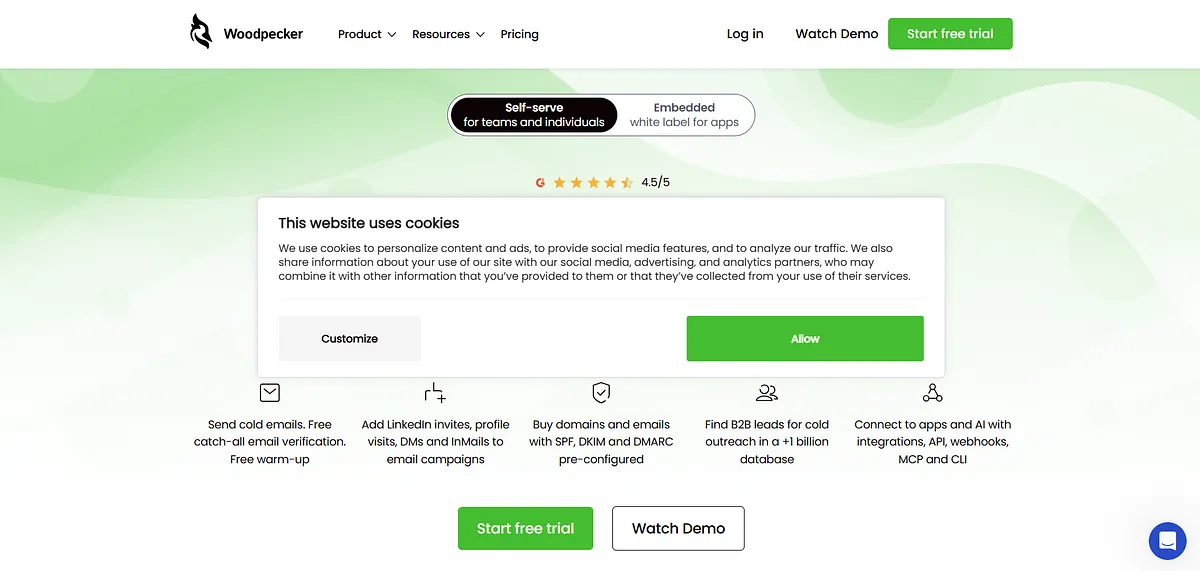
Woodpecker is a cold email automation platform designed for outbound sales and lead generation. It automates personalized email sequences, follow-up campaigns, reply detection, and campaign scheduling while including deliverability-focused features such as email warmup and inbox monitoring. The platform helps businesses run consistent cold outreach campaigns across multiple email accounts.
Key Features
- Automated Follow-ups: Continue outreach automatically until prospects respond or predefined conditions are met.
- Email Warmup: Maintain mailbox health with built-in warmup before increasing sending volume.
- Inbox Rotation: Distribute campaigns across multiple email accounts to improve sending consistency.
- Reply Detection: Automatically detect replies and stop follow-ups to prevent unnecessary emails.
- Deliverability Monitoring: Monitor sender health and campaign performance to improve inbox placement.
Cons
- LinkedIn automation is available as a paid add-on.
- Integrations and API require an additional add-on.
- Usage-based pricing may require monitoring as outreach grows.
Best for: Businesses that prioritize deliverability-focused cold email automation with flexible prospect-based scaling and strong campaign control across multiple email accounts.
Pricing: Woodpecker uses usage-based pricing starting at $35/month for 500 contacted prospects, with higher limits scaling automatically. Every plan includes email warm-up, unlimited email accounts, unlimited team members, inbox rotation, deliverability tools, and automation features. Optional paid add-ons are available for LinkedIn outreach, integrations, infrastructure, and agency management.
8. QuickMail
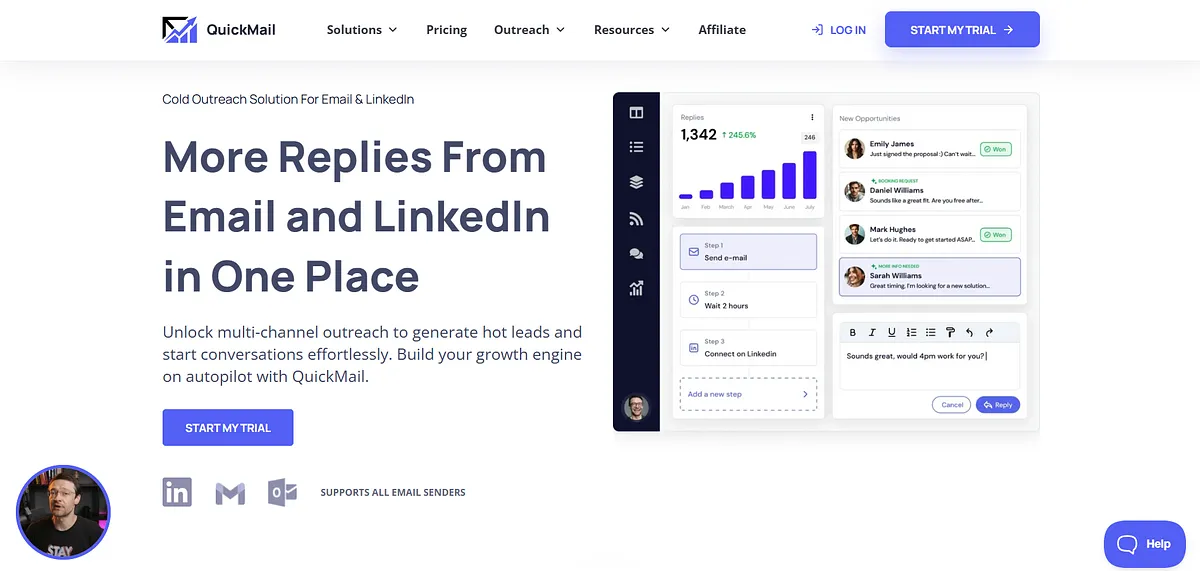
QuickMail is a cold email automation platform that helps businesses send personalized outreach campaigns across multiple email accounts. It provides automated follow-up sequences, inbox rotation, campaign scheduling, reply management, and deliverability monitoring. The platform is designed to simplify outbound email operations while supporting scalable prospecting workflows for sales teams and agencies.
Key Features
- Unlimited Email Senders: Connect unlimited sender accounts to scale outreach without account limitations.
- Inbox Rotation: Automatically rotate sending between mailboxes to balance campaign volume.
- Automated Follow-ups: Schedule follow-up sequences that stop once prospects reply.
- Built-in AutoWarm: Warm connected mailboxes continuously to improve sender reputation.
- Collaborative Workspaces: Enable teams to manage campaigns, users, and outreach from shared workspaces.
Cons
- Focuses primarily on email-first outreach.
- Limited native multichannel engagement beyond LinkedIn.
- Fewer built-in prospecting features than all-in-one sales platforms.
Best for: Sales teams and agencies that want simple, reliable cold email automation with unlimited senders, inbox rotation, and collaborative outreach workflows.
Pricing: QuickMail offers three plans: Starter ($49/month), Growth ($99/month), and Agency ($299/month). All plans include unlimited email senders, LinkedIn accounts, users, built-in email warm-up, and outreach automation. Higher tiers increase contact and email limits while adding API, webhooks, multiple workspaces, and priority support for growing teams and agencies.
9. Mailmeteor
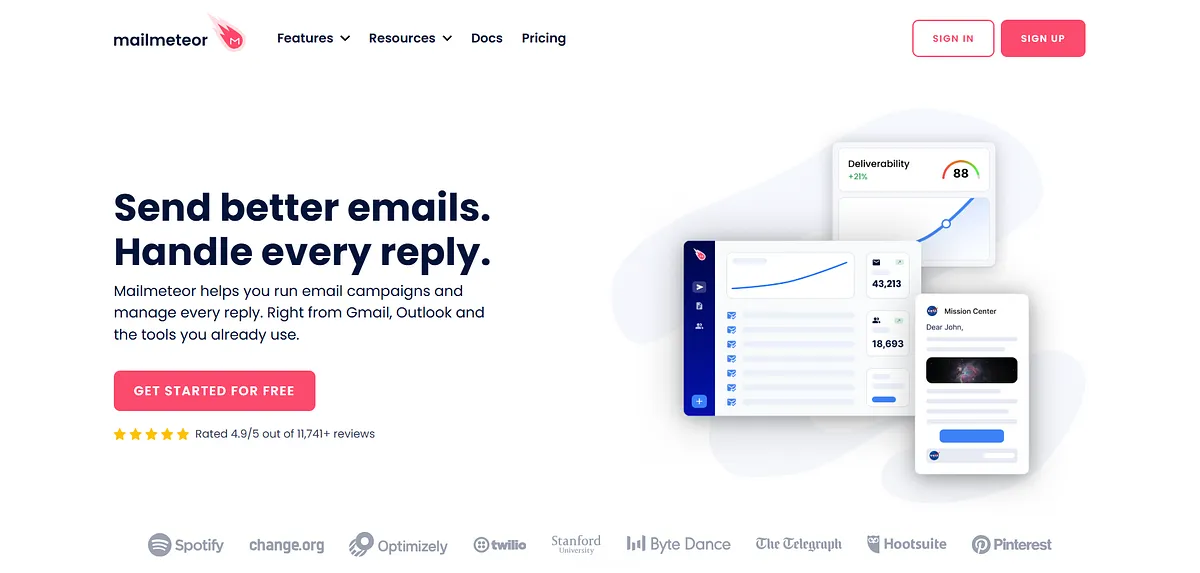
Mailmeteor is a Gmail mail merge tool that lets users send personalized mass emails directly from their Gmail account. It integrates with Google Workspace applications to automate email campaigns, personalize messages using spreadsheet data, schedule sends, and track email activity. The platform is intended for simple email outreach without requiring a separate sending interface.
Key Features
- Gmail Mail Merge: Send personalized bulk emails directly from Gmail using Google Sheets or Excel data.
- Email Scheduling: Schedule campaigns in advance to reach recipients at the right time automatically.
- Email Tracking: Monitor opens, clicks, replies, and campaign engagement from within Gmail.
- Automated Follow-ups: Create follow-up sequences that continue conversations without manual effort.
- Inbox Rotation & Warmup: Rotate senders and warm mailboxes on higher plans to support improved deliverability.
Cons
- Designed primarily for Gmail and Google Workspace.
- Limited sales engagement and CRM capabilities.
- Better suited for mail merge than complex outbound workflows.
Best for: Individuals and small teams that need Gmail-native mail merge, personalized bulk emails, and simple outreach without adopting a dedicated cold email platform.
Pricing: Mailmeteor offers a free plan with 500 emails/month. Paid plans start at $5.99/user/month (5,000 emails), followed by Premium at $15.99/user/month (30,000 emails) and Professional at $35.99/user/month (60,000 emails). Higher tiers add follow-ups, warm-up, inbox rotation, AI automation, team analytics, and priority support.
Your Outreach Platform Doesn't Control Inbox Placement
The platforms in this list help you send emails more efficiently. Some specialize in Gmail-based mail merge, while others offer mailbox rotation, warm-up, multichannel outreach, CRM integrations, and team collaboration.
Those features improve how you run outbound campaigns, but they don't determine whether your emails reach the inbox.
Mailbox providers evaluate an entirely different set of signals. Authentication, sender reputation, domain history, spam complaints, engagement patterns, sending consistency, and infrastructure quality all influence inbox placement regardless of which outreach platform you use.
That's why two companies using the same cold email software can experience completely different results.
Mailora fills that visibility gap by showing what happens after your email leaves the sending platform.
With Mailora you can:
- Test inbox placement across major mailbox providers to see whether emails reach the inbox, Promotions, or spam folders before scaling campaigns.
- Validate SPF, DKIM, and DMARC records to ensure your authentication is configured correctly.
- Monitor blocklists continuously so reputation issues are detected before they affect deliverability.
- Run multi-variable deliverability tests (MVT) to isolate which subject lines, content, links, or sending configurations trigger spam filtering.
- Identify spam triggers with actionable recommendations instead of simply reporting failures.
- Track deliverability trends over time so you can spot reputation issues before campaign performance declines.
Whether you use GMass, Saleshandy, Instantly, Smartlead, Lemlist, or any other outreach platform, Mailora helps answer the question those tools can't: Are your emails actually reaching the inbox, and if not, why? If you're new to deliverability concepts like inbox placement, authentication, blocklists, or sender reputation, our FAQ explains the fundamentals in more detail.
Choose the Right Outreach Platform That Fits Your Workflow
GMass remains an excellent option for Gmail-native outreach, but dedicated cold email platforms offer greater flexibility for growing outbound teams. The right choice depends on your sending volume, collaboration requirements, multichannel strategy, and automation needs.
Regardless of which platform you choose, long-term success depends on more than sending emails. Maintaining strong authentication, monitoring sender reputation, and understanding inbox placement are what ultimately determine whether your campaigns generate results.
A better outreach platform helps you send smarter. A deliverability platform like Mailora helps ensure those emails actually reach your prospects.
Mailora helps you understand what happens after you press Send. It combines inbox placement testing, SPF/DKIM/DMARC validation, blocklist monitoring, spam trigger analysis, and deliverability diagnostics so you can identify why campaigns miss the inbox and what to fix before scaling outreach.
Run a free deliverability test
FAQs
Is GMass still a good tool for cold email?
Yes. GMass is a strong option for individuals and small teams that want to send personalized cold emails directly from Gmail. It works especially well for Gmail-based mail merge, automated follow-ups, and simple outreach without learning a separate platform.
Why do people switch from GMass to other cold email tools?
Many teams outgrow Gmail-native workflows as their outbound programs expand. They often need features such as mailbox rotation, automated warm-up, multichannel outreach, shared workspaces, CRM integrations, advanced reporting, or agency management capabilities.
Which GMass alternative is best for high-volume cold email?
Platforms built specifically for outbound sales generally offer better support for high-volume sending through features like inbox rotation, automated warm-up, multiple sending domains, centralized mailbox management, and deliverability monitoring.
Which GMass alternative is best for agencies?
Agencies typically benefit from platforms that provide client workspaces, team collaboration, centralized billing, shared reporting, and the ability to manage multiple domains and mailboxes from a single dashboard.
Which GMass alternative supports LinkedIn and multichannel outreach?
Several dedicated sales engagement platforms combine cold email with LinkedIn automation, phone calls, SMS, and task management. These tools are better suited for organizations that run coordinated multichannel outbound campaigns instead of relying on email alone.
Stay in the loop
Deliverability insights, product updates, and early access to new features. No spam, unsubscribe anytime.
By subscribing, you agree to our Privacy Policy. Unsubscribe anytime.