Key Takeaways
|
Google and Yahoo's 2024 bulk sender requirements kick in at 5,000 messages in a day to Gmail recipients, a threshold many nonprofits cross during year-end, Giving Tuesday, or emergency appeals.
That matters because nonprofit programs rarely send on a perfectly even calendar. A domain that looks quiet in October can suddenly try to send 10 times its normal volume in December, and Gmail, Outlook, and Yahoo all treat that as a reputation signal, not just a scheduling detail.
Email deliverability for nonprofits is really about predictability. You want donation appeals, volunteer updates, and receipts to keep reaching the inbox when attention is highest, without overreacting to noisy metrics like Apple Mail opens.
Why nonprofits run into deliverability problems faster than other senders
Most nonprofit email programs are built around campaigns, not steady-state ecommerce traffic. That creates two recurring issues. First, sending volume can be bursty. Second, list age can creep up because donor, event, petition, and volunteer records often stay marketable longer than they should.
A for-profit brand may send daily and let mailbox providers see stable engagement patterns. A nonprofit may send lightly for weeks, then wake up a large inactive file for a disaster response or fiscal year-end push. That is not wrong, but it does mean reputation has to be managed more deliberately.
| Common nonprofit pattern | What Gmail, Outlook, and Yahoo may infer | Better approach |
|---|---|---|
| Jumping from 20,000 to 200,000 messages in one day | Unusual volume spike, possible reputation risk | Ramp over several sends and start with your most engaged segments |
| Reactivating donors who have not clicked in 18 to 24 months | Higher chance of complaints, ignores, and unknown users | Use a smaller re-engagement wave first, then expand only if complaint and bounce rates stay low |
| Sending from multiple tools on the same root domain | Mixed reputation signals across marketing, events, and receipts | Align authentication and decide which mail stream belongs on which subdomain |
The setup nonprofits should lock down before a major appeal
Authenticate every stream that touches the donor relationship
Your ESP is only part of the picture. Donation receipts, event confirmations, volunteer notices, and advocacy tools all affect domain reputation if they share branding and domains. Make sure SPF, DKIM, and DMARC are configured correctly for each platform, and check alignment between the visible From domain and the authenticated signing domain.
Related reading: email deliverability tools and spf and dkim deliverability.
Before a big campaign, run a deliverability test on your authenticated domain so you can catch alignment issues and inbox placement problems before volume spikes.
Treat one-click unsubscribe as deliverability protection
For marketing messages, one-click unsubscribe is now table stakes. It lowers friction for people who are done with your updates, which is much better than pushing them toward the spam button. Google has also been clear that bulk senders should keep reported spam rates below 0.3%, and healthy programs usually aim closer to 0.1%.
Separate message types when it helps reputation
If your appeals, newsletters, and operational receipts all come from one domain with inconsistent practices, reputation can get muddy. Many nonprofits benefit from using a clear subdomain strategy, for example marketing mail on one subdomain and transactional mail on another, while keeping branding consistent for supporters.
List strategy matters more than list size
Use recency and intent, not just opens
Apple Mail can inflate open activity, so a supporter who looks active in reporting may never have meaningfully engaged. For segmentation, combine opens with clicks, donations, form fills, event registrations, and recent web sessions when you can. A donor who clicked an appeal last month is usually a safer year-end audience than someone who only generated privacy opens.
Be careful with legacy files and board-driven imports
Nonprofits often inherit old CRM records, scanned event lists, and partner-acquired contacts. Those files are deliverability expensive. Unknown users raise bounce rates, and people who do not remember signing up are far more likely to complain at Gmail or Yahoo. If a list source cannot show recent, explicit permission, do not put it into your core fundraising cadence.
Reactivation should be staged, not blasted
When you need to wake up an older segment, start with people who engaged in the last 6 to 12 months, then measure complaints, bounces, clicks, and inbox placement before moving further back. If a reactivation segment has been quiet for months, test that segment's deliverability before the full send instead of learning from a damaged campaign.
How to send more during peak fundraising without hurting reputation
Warm up demand, not just infrastructure
Mailbox providers do not only watch how much you send. They watch how people react when you send more. The best time to prepare for Giving Tuesday is not the week before. Increase useful communication in the prior weeks so recent engagement is real when your appeal volume climbs.
Keep creative recognizable across the campaign
Sudden changes in sender name, tone, design, or landing pages can hurt trust, especially in Outlook and Yahoo where subscribers are quick to delete or ignore unfamiliar-looking mail. If supporters know your newsletter brand as one thing and your fundraising appeal arrives looking like a different organization, engagement drops and complaints rise.
Coordinate with the donation and CRM teams
A good appeal can still underperform if the receipt system fails, links redirect oddly, or a CRM import causes duplicate mail. Deliverability for nonprofits is operational as much as technical. Revenue teams, lifecycle teams, and operations teams all shape the trust signal supporters send back to mailbox providers.
What to monitor before and after you send
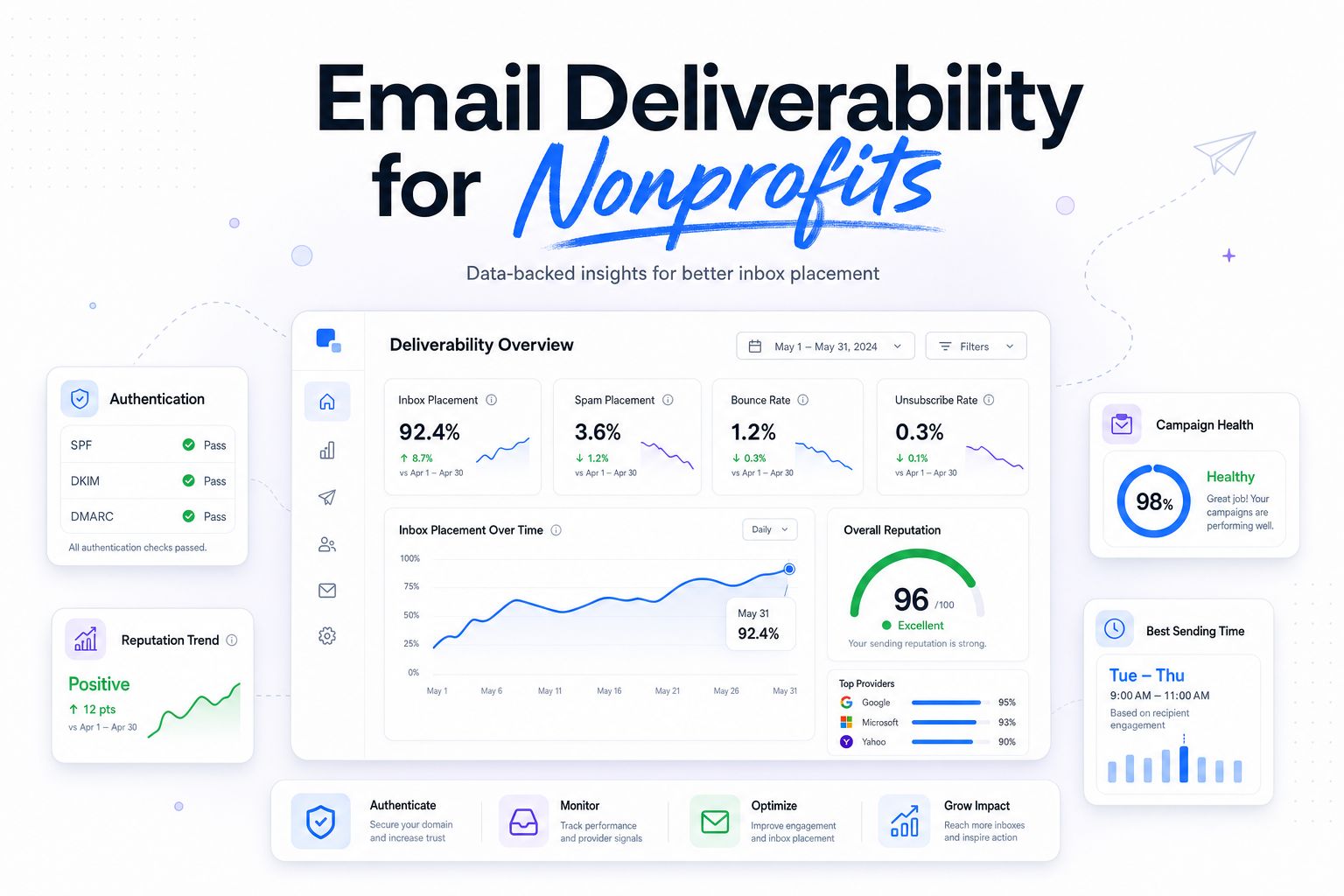
Inbox placement is the headline metric, but it should sit beside a smaller set of signals that explain why performance changed. Watch hard bounces, complaint rate, unsubscribe rate, domain authentication status, and engagement by provider. Break results out by Gmail, Outlook, Yahoo, and Apple Mail when you can, because one domain can be stable while another softens.
Also keep your goals anchored in outcomes. An appeal with a lower open rate but better inbox placement, more clicks, and more completed donations is healthier than one inflated by Apple Mail opens. The point is not to produce a prettier dashboard. It is to make the next sending decision with more confidence.
For many nonprofit teams, the simplest routine is this: validate setup before the campaign, ramp volume with engaged audiences first, then review provider-level results after each major send. That gives you a repeatable process instead of guessing whether Gmail or Outlook is upset this week.
Run your first deliverability test with Mailora, and get a clearer read on what happens before and after you send.
FAQs
Does nonprofit status improve inbox placement?
No. Gmail, Outlook, and Yahoo do not give inbox preference because an organization is a nonprofit. Reputation, authentication, engagement, and complaint rates still drive placement.
What is a good complaint rate for nonprofit email?
Use 0.1% as a practical working ceiling, and treat anything approaching 0.3% as a serious warning sign, especially during fundraising spikes.
Should nonprofits suppress inactive subscribers faster now that Apple Mail opens are noisy?
Yes, but do it with more than opens. Look at clicks, donations, forms, and recent site activity so you do not mistake privacy opens for real engagement.
Should donation receipts and marketing emails use the same domain?
They can, but many teams get better control by separating streams on subdomains while keeping authentication aligned and branding consistent.
Stay in the loop
Deliverability insights, product updates, and early access to new features. No spam, unsubscribe anytime.
By subscribing, you agree to our Privacy Policy. Unsubscribe anytime.