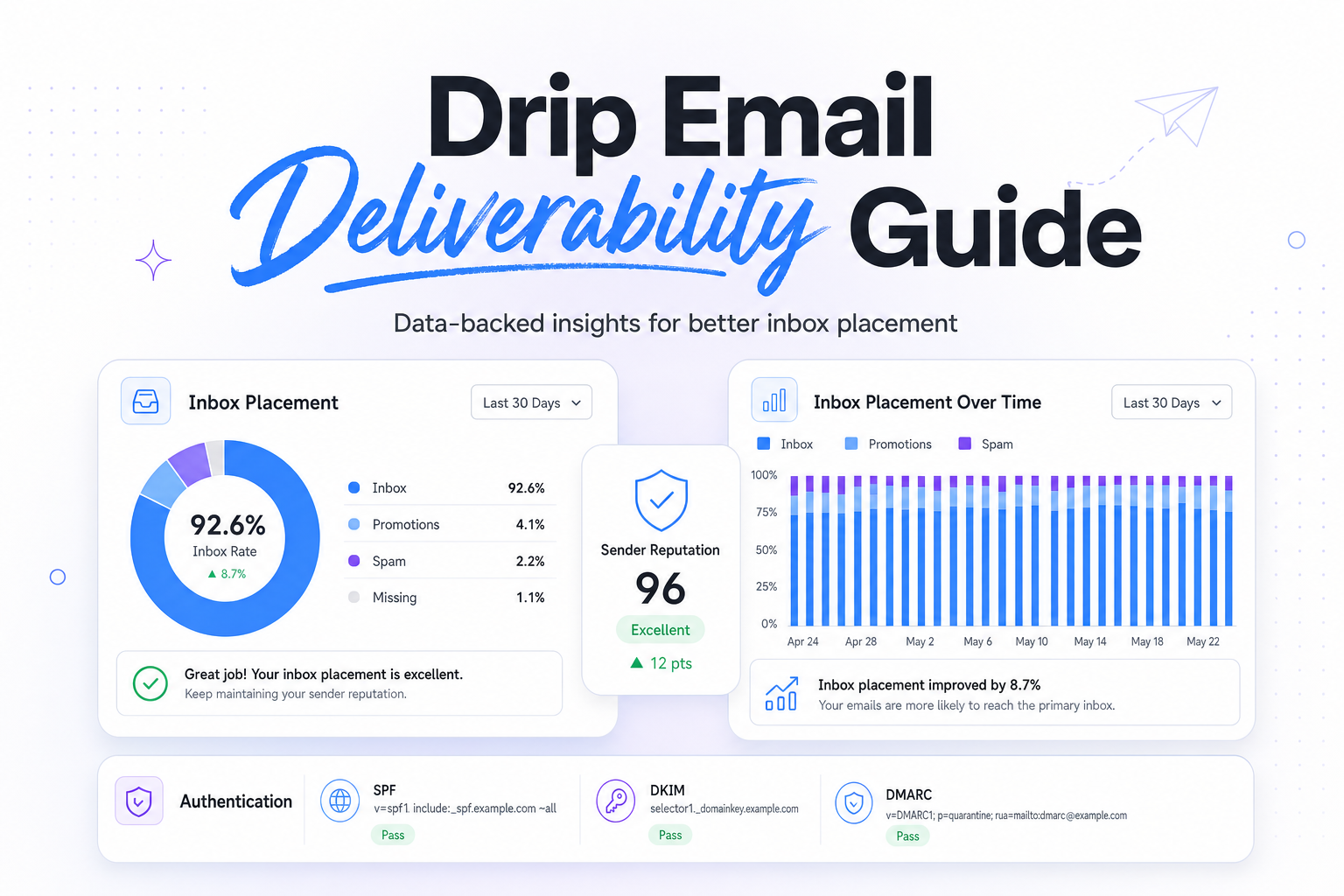
Key Takeaways
|
Since February 2024, Gmail and Yahoo have required bulk senders, defined as domains sending 5,000 or more messages a day, to support one-click unsubscribe and keep spam complaint rates below 0.3%. That matters for drip email deliverability because automated sequences can accumulate risk quietly, one triggered send at a time.
A drip can look fine inside your ESP while inbox placement slips at Gmail, Outlook, or Yahoo. Mailbox providers judge each message based on identity, reputation, engagement, and how relevant that specific step feels to the recipient.
The practical goal is not to make every sequence smaller or slower. It is to make each automated touch more predictable, so onboarding, nurture, trial, renewal, and reactivation flows keep performing as volume grows.
Why drip email deliverability needs its own playbook
Broadcast campaigns create visible spikes. Drips create constant background volume. That difference matters because small issues, like weak signup intent, stale records, or a poorly timed follow-up, can keep sending every day and slowly drag down domain reputation.
In most programs, the first step of a drip reaches the broadest audience and carries the most reputation weight. If your welcome email goes to every new lead, a low-quality acquisition source can raise bounces and complaints before later steps ever have a chance to prove value. If step five only goes to people who ignored the first four emails, the problem is usually relevance and timing, not authentication.
That is why sequence-level averages are often misleading. A 25% overall open rate and 1% click rate can hide the fact that step one is healthy, steps two and three are neutral, and step four is where Gmail complaints and Outlook junking start.
What mailbox providers evaluate in a drip sequence
Authentication and domain alignment
SPF, DKIM, and DMARC do not guarantee inbox placement, but they are the baseline for trust. In drip programs, aligned authentication matters even more because the same brand often sends marketing, lifecycle, transactional, and sales-adjacent mail from related infrastructure. If identity is inconsistent, mailbox providers have a harder time attributing reputation correctly.
For most teams, the smart decision is to keep promotional drips on a clearly branded sending subdomain, align DKIM with that domain, and publish a DMARC policy that gives you visibility into failures. This keeps attribution cleaner when you need to diagnose a problem by mail stream.
Recipient behavior by step
Gmail and Yahoo pay close attention to negative signals such as spam complaints, deletes without reading, and low engagement over time. Outlook also weighs recipient behavior heavily, but sender-side visibility is often less precise, especially when you send into Microsoft-hosted business inboxes with stricter filtering.
Positive signals matter too. Clicks, replies, moving a message out of spam, and conversions after the email all help confirm that the sequence is wanted. The key is that these signals vary by step. A post-signup welcome email may earn strong engagement within minutes. A day-21 nudge sent to cold trial users will not, so it needs much tighter targeting.
Cadence, recognition, and expectation
Drip timing affects deliverability because recognition affects complaints. If you send five messages in seven days after a casual content download, some recipients will feel chased and complain. If you wait three weeks between touches in a trial nurture, some people will not remember opting in and will treat the email as unsolicited.
The right cadence depends on user intent. High-intent actions, like starting a product trial or creating an account, usually support denser follow-up. Lower-intent actions, like downloading a top-of-funnel guide, usually need slower pacing and earlier exits for people who do not engage.
Content fit, not template consistency
Many teams over-standardize drip templates and under-think message intent. Deliverability improves when each step earns its place. A first-run onboarding email should help the user complete a real action. A sales-assist email in the middle of the flow should feel like progress, not interruption. A reactivation step sent 60 or 90 days later needs a much stronger reason to exist than a reminder sent two hours after signup.
The metrics that actually tell you whether a drip is healthy
ESP dashboard totals are a starting point, not the answer. For drip email deliverability, step-level and mailbox-provider-level views are much more useful. Open rate alone is especially weak because Apple Mail Privacy Protection can inflate opens and hide low real engagement.
| Signal | What to watch | Why it matters | First decision to make |
|---|---|---|---|
| Spam complaint rate | Anything trending toward 0.1% needs review, 0.3% is the Gmail bulk sender ceiling | Complaints are one of the clearest negative trust signals | Find which step, source, or audience segment is creating the complaints |
| Hard bounce rate | Above 2% usually points to acquisition or list quality issues | Invalid recipients damage trust quickly in automated flows | Pause sends from the source or form creating bad addresses |
| Unsubscribe rate by step | Look for sharp jumps on a specific email | Rising unsubscribes often signal poor timing or weak message fit | Rewrite or delay that step before changing the whole sequence |
| Clicks, replies, and conversions | Compare by mailbox provider and by step | These are better indicators than opens for real interest | Keep high-intent segments moving, suppress low-intent non-engagers sooner |
| Inbox placement by provider | Gmail healthy, Outlook junking, or Yahoo deferrals | Each provider reacts differently to the same stream | Troubleshoot by provider instead of treating the whole drip as one problem |
A practical example helps. If a seven-step onboarding sequence sends 200,000 emails a month and 80% of complaints come from step one, changing step six will do nothing for reputation. Fix the entry point, the form source, or the welcome message first.
Common drip deliverability failure patterns
Weak acquisition sources feeding the sequence
Most drip issues start upstream. Giveaway leads, loosely validated webinar signups, partner uploads, and forms without clear expectation setting all create risk. The sequence gets blamed because that is where the symptoms show up, but the real problem is who entered the flow and what they expected to receive.
Keeping non-engagers in the flow too long
Long nurture tracks often keep sending to people who have shown no interest after the first few emails. That can work for a small, highly qualified audience. It usually fails for broad top-of-funnel leads. If someone has ignored four consecutive emails across two weeks, the fifth email rarely improves deliverability or conversion enough to justify the reputation cost.
Mixing very different mail streams without clear separation
Transactional messages, product onboarding, promotional nurture, and win-back emails do not all deserve the same sending identity. If they are mixed too closely, a weak promotional step can muddy the reputation of mail that users actually need, such as account alerts or receipts.
Using aggregate reporting instead of step-level analysis
When teams review only monthly averages, they miss where the damage starts. Good drip operations look at performance by trigger, by step, by domain, by mailbox provider, and by acquisition source. That is how you find the decision that will actually move inbox placement.
How to troubleshoot a struggling drip
1. Split performance by mailbox provider
If Gmail is stable but Outlook placement drops, do not assume the same fix applies everywhere. Outlook often reacts more sharply to inconsistent engagement or corporate filtering rules, while Gmail may show slower reputation drift before a visible drop.
2. Find the exact step where signals turn
Look at complaints, unsubscribes, clicks, and downstream conversion by email number in the sequence. If step two is where performance collapses, compare the audience entering that step with the copy, timing, and ask in the message itself.
3. Segment by source, recency, and intent
A recent product signup behaves differently from a three-month-old content lead. A trial user who completed setup behaves differently from one who never logged in. Drip email deliverability improves when each branch reflects what the user actually did, not just how many days have passed.
4. Check technical basics before rewriting everything
Confirm that authentication is aligned, unsubscribe works cleanly, and your sending domain is consistent across the flow. Make sure links, branding, and from names match the user expectation set at signup. These details reduce complaint risk because recipients recognize the sender immediately.
5. Change one variable at a time
If you change subject lines, copy, timing, suppression logic, and the sending domain all at once, you will not know what fixed the problem. In most cases, the highest-leverage move is either narrowing who gets the sequence or rewriting the first email to better match the trigger that started it.
How to design drips that scale cleanly
The healthiest drip programs are built around intent. They start with a clear event, send early messages that help the user complete a real next step, and suppress or reroute people quickly when engagement stays low. That protects reputation because the sequence keeps earning positive user signals instead of grinding through a fixed set of sends.
They also set step-specific success criteria. A welcome email should usually maximize activation. A trial reminder should maximize meaningful product usage. A renewal email should maximize action from an already warm audience. When each step has a job, it becomes easier to identify which messages deserve more volume and which ones need to be cut.
Finally, they treat deliverability as an operating signal, not a last-minute check. If you monitor provider-level placement, complaint concentration, and audience quality continuously, you can adjust before a drip becomes a reputation problem.
Related reading: email deliverability tools and spf and dkim deliverability.
Run your first deliverability test with Mailora
FAQs
What is drip email deliverability?
Drip email deliverability is the ability of automated sequence emails to reach the inbox consistently across providers like Gmail, Outlook, Yahoo, and Apple Mail, step by step and over time.
Why do drip sequences have deliverability problems when broadcasts look fine?
Drips create continuous background volume, so weak acquisition sources, stale contacts, and poorly timed follow-ups can damage reputation gradually without showing up as a single obvious send-day problem.
Which metric matters most for drip email deliverability?
No single metric is enough, but spam complaint rate is one of the strongest negative signals. Pair it with hard bounces, unsubscribes by step, provider-level inbox placement, and real engagement such as clicks and replies.
Do Apple Mail opens make drip reporting less reliable?
Yes. Apple Mail Privacy Protection can inflate opens, so open rate should not be your main decision metric. Step-level clicks, replies, and conversion outcomes are more useful.
How often should I review a drip for deliverability issues?
For high-volume flows, weekly is a good baseline. For lower-volume sequences, review after meaningful volume milestones and after any change to acquisition source, segmentation, or cadence.
Stay in the loop
Deliverability insights, product updates, and early access to new features. No spam, unsubscribe anytime.
By subscribing, you agree to our Privacy Policy. Unsubscribe anytime.