Key Takeaways
|
Google and Yahoo's bulk sender requirements say spam complaint rates should stay below 0.3%, which makes reputation management a daily operating metric, not a quarterly audit.
If you send lifecycle campaigns through Customer.io, deliverability usually moves for a few practical reasons: domain alignment, complaint rate, sudden volume shifts, and how mailbox providers read engagement after the send.
The good news is that most of the work is controllable. You do not need perfect numbers everywhere. You need stable infrastructure, consistent audience quality, and a monitoring loop that tells you what Gmail, Outlook, Yahoo, and Apple Mail are seeing.
What moves Customer.io email deliverability
Infrastructure creates the first impression
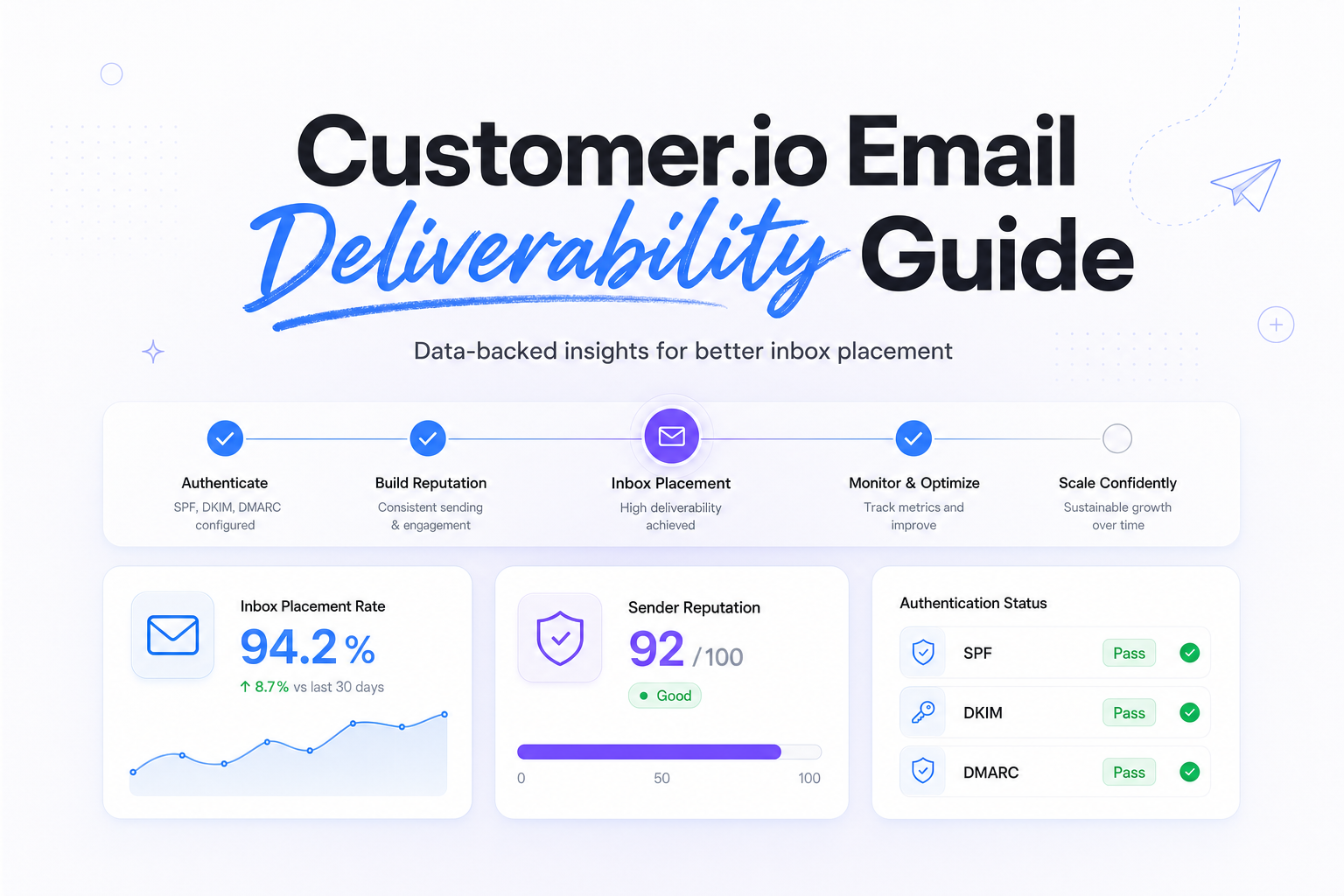
Mailbox providers look at your authenticated domain, your sending IP reputation, your visible From domain, and whether those signals line up. In practical terms, a clean Customer.io setup means SPF and DKIM are working, DMARC is in place, your branded links match your domain strategy, and your marketing traffic is not mixed carelessly with operational mail.
Gmail tends to react quickly to complaint spikes and weak engagement. Outlook often shows more sensitivity to IP reputation, inconsistent traffic patterns, and authentication oddities. Yahoo can look stable until a reactivation send pushes complaints up fast. Apple Mail adds noise to open-rate reporting, so it is useful for reach, but not for judging true interest.
Audience behavior shapes reputation over time
Customer.io is powerful because it sends from behavioral triggers, segments, and journeys. That same power can hurt you when stale profiles, broad win-back segments, or misfired event logic create sudden bursts to people who did not expect the message. A perfect DKIM setup will not offset bad audience timing.
That is why customer.io email reputation usually tracks two things together: how sound your setup is, and whether each campaign is relevant to the recipient right now. Deliverability is rarely just a content problem.
Build a stable sending setup in Customer.io
Use the right domain structure
For most teams, the safest pattern is to separate streams by subdomain, for example marketing.example.com for lifecycle campaigns and notify.example.com for transactional mail. This makes reputation easier to read and reduces the chance that a noisy promotional send affects receipts, password resets, or invoices.
Keep the visible From domain, DKIM signing domain, and tracking domain as aligned as your setup allows. Alignment helps mailbox providers connect your brand identity to your technical identity, which reduces ambiguity and makes troubleshooting faster.
Authenticate before you optimize
Related reading: email deliverability tools and spf and dkim deliverability.
Before you touch segmentation, run a deliverability test across major mailbox providers so you know whether the issue starts with infrastructure or audience response.
- SPF, authorize the systems that can send on behalf of your domain.
- DKIM, sign mail so receiving servers can verify message integrity and domain association.
- DMARC, tell providers how to evaluate alignment and where to send reports.
- Tracking domain, brand links so your click domain does not look disconnected from your From domain.
If you recently moved to a new sending domain or dedicated IP, expect a warm-up period. The mistake most teams make is combining a new domain, new IP, and aggressive campaign volume in the same week. That makes every variable hard to interpret.
Protect list quality inside the lifecycle engine
Customer.io can amplify both good and bad data. Remove hard bounces quickly, suppress users who have not engaged over a sensible time window, and be careful with event-based re-entry rules so the same person does not get multiple near-duplicate sends. If unsubscribe handling or preference logic is messy, complaint rates rise first at Gmail and Yahoo.
Measure the signals that actually predict inbox placement
Open rate is still directional, but it is no longer enough. Apple Mail Privacy Protection can pre-load messages and inflate opens, so the better operating view is complaints, hard bounces, soft bounces, deferrals, clicks, conversions, and inbox placement by provider.
If placement changes after an authentication or volume change, compare pre-send setup with post-send deliverability results to see whether Gmail and Outlook are reacting differently.
| Signal | What it usually means | What to check first |
|---|---|---|
| Spam complaints rising | Expectation mismatch, weak targeting, or over-mailing | Recent segment changes, reactivation sends, unsubscribe friction |
| Hard bounces rising | List decay or bad source quality | Capture points, validation, older dormant segments |
| Soft bounces or deferrals | Reputation pressure or sudden volume shifts | Daily volume trend, IP history, mailbox-provider patterns |
| Good opens, poor clicks | Open data inflation or weak message relevance | Apple Mail share, CTA clarity, audience intent |
| Gmail stable, Outlook weak | Provider-specific filtering differences | IP reputation, content fingerprinting, authentication consistency |
For RevOps and lifecycle teams, this is where reporting discipline matters. Break out metrics by mailbox provider and by stream, promotional versus transactional. A blended dashboard can hide a serious Gmail placement issue behind healthy internal receipts or Apple Mail opens.
Common Customer.io deliverability problems and practical fixes
Problem: Gmail traffic starts landing in spam after a big campaign
This is often a relevance and pacing issue, not a pure technical failure. Check whether you expanded a segment, revived old contacts, or increased frequency. Scale volume back to the most recently engaged users first, then widen only as complaint rate stays controlled.
Problem: Outlook shows more deferrals than Gmail
Outlook often rewards steadier patterns. Look for abrupt send spikes, a recent IP change, or inconsistent authentication records across subdomains. If you use both marketing and transactional streams, confirm they are not sharing reputation in a way that muddies diagnosis.
Problem: Yahoo complaints jump on win-back campaigns
Yahoo users can be quick to mark unexpected mail as spam. Shorten the inactivity window for eligibility, make the subject line unmistakably recognizable, and suppress users who have ignored several recent attempts. Fewer, sharper win-back sends usually outperform broad reactivation blasts.
Problem: Metrics look fine, but revenue from email slips
This is where Apple Mail noise often masks reality. Review clicks, downstream conversion, and provider-level placement instead of treating opens as proof of engagement. In Customer.io, journey logic may still be firing correctly while mailbox placement has quietly weakened for a high-value domain like gmail.com.
The best troubleshooting sequence is simple: verify alignment, review recent volume changes, isolate the affected providers, inspect complaint and bounce movement, then narrow the audience before rewriting templates.
Run your first deliverability test
FAQs
Does Customer.io itself cause deliverability problems?
Usually no. Deliverability outcomes come from your sending setup, audience quality, volume patterns, and reputation signals more than the ESP name alone.
Should I use a dedicated IP for Customer.io?
If your volume is high and consistent, a dedicated IP can make reputation easier to attribute. If volume is low or uneven, it can create more volatility than it solves.
What metrics matter most for Customer.io email deliverability?
Start with spam complaints, hard bounces, soft bounces, deferrals, clicks, conversions, and provider-level inbox placement. Treat opens as supportive, not decisive.
How long does it take to improve deliverability?
Small gains can show up within days after segmentation and pacing fixes. Reputation recovery after complaint spikes or poor list quality often takes several weeks of cleaner sending.
What is the first thing to check when inbox placement drops?
Check authentication alignment and recent volume changes first. Then review complaint rate by mailbox provider and whether a specific segment or journey triggered the decline.
Stay in the loop
Deliverability insights, product updates, and early access to new features. No spam, unsubscribe anytime.
By subscribing, you agree to our Privacy Policy. Unsubscribe anytime.