7 Mail-Tester Alternatives Compared and Evaluated

Key Takeaways
|
Mail-Tester has long been one of the most widely used tools for quick email deliverability checks. Send a message to a test address, review your score, fix any obvious issues, and move on. For many senders, that simplicity is exactly the appeal.
But as email programs grow, that simplicity starts to show its limits. This guide covers the best Mail-Tester alternatives in 2026: what they do differently, how they're priced, and which ones are worth your attention depending on your sending volume and goals.
Why People Look for a Mail-Tester Alternative
Mail-Tester is a point-in-time check against one set of rules. It tells you whether your authentication is configured and whether your content triggers SpamAssassin. What it doesn't tell you is why emails are landing in junk at Outlook, whether your domain reputation is trending in the wrong direction, or how your deliverability is holding up between campaigns. Here's where the gaps show up in practice:
- A 10/10 score and emails still landing in Outlook junk are not mutually exclusive. Mail-Tester confirms that SPF, DKIM, and DMARC are syntactically correct and that content doesn't trigger SpamAssassin, but it doesn't evaluate domain age, IP reputation, or provider-specific trust signals, which are exactly the factors that determine whether Outlook routes mail to junk.
- The score doesn't tell you which provider is failing you. If Gmail is inboxing your email and Outlook is sending it to junk, Mail-Tester returns the same number either way.
- Seed-based testing reflects a cold-send scenario, not your real subscriber behavior. Mail-Tester's test inbox has no engagement history with your domain, and real inbox placement for an engaged list is materially different from what the score suggests.
- It's a snapshot with no visibility into what changes between sends. Sending patterns change, domain reputation shifts, new ESPs get added. Mail-Tester checks the record at the moment of the test. Everything that happens after is invisible to it.
How We Evaluated Mail-Tester Alternatives
Each tool was evaluated against the specific gap Mail-Tester leaves open, not against Mail-Tester itself. Find the evaluation criteria below:
1. What the email actually does after it leaves your server
Spam scoring tells you what's wrong with the email before it sends. Inbox placement testing tells you where it lands after. We prioritized tools that test against real seed addresses across Gmail, Outlook, Yahoo, and other major providers, and report placement per provider, not a single aggregated score.
2. Authentication and alignment depth
SPF, DKIM, and DMARC can all pass individually and still fail DMARC alignment. We looked at whether each tool surfaces alignment failures specifically, not just whether the records are present and syntactically valid.
3. Scope of the problem it solves
A tool built for cold email outreach doesn't serve newsletter senders the same way, and a dev sandbox doesn't replace inbox placement testing. Each tool here was evaluated against the use case it was actually designed for, not forced into a comparison where the categories don't match.
4. Ongoing visibility versus point-in-time checks
A test that runs once before a campaign captures the configuration at that moment. It doesn't catch what changes between sends. Where relevant, we noted whether a tool offers continuous monitoring or is limited to on-demand testing.
5. What it doesn't do
Every tool in this list has a scope boundary. We've noted where each one ends and what it doesn't cover because the most common mistake is asking a spam score to explain a placement problem, or asking a placement tester to replace ongoing authentication monitoring.
The 7 Best Mail-Tester Alternatives Compared
Tool | Category | What it tests | Inbox placement? | Continuous monitoring? | Free tier | Starting price |
| Mailora | Authentication + monitoring | Authentication alignment, DMARC analysis, placement signals, reputation | Yes | Yes | Yes | $40/mo |
| GlockApps | Inbox placement tester | Placement across 70+ seed inboxes, spam filters | Yes | Limited | Yes | $59/mo |
| MailGenius | Spam score checker | Content + authentication score | No | No | Yes (3 free/mo) | $29/mo |
| Unspam.email | Spam score + placement | Spam scoring, inbox tests, AI heatmaps | Yes (limited) | No | Yes (3 tests/mo) | $9/mo |
| Inbox Radar | Inbox placement tester | Gmail, O365, Outlook placement | Yes | Recurring tests | Yes | $4.38/user/mo |
| MXToolbox | DNS / blacklist monitoring | MX records, DNS, blacklist status | No | Yes (blacklist) | Yes | $129/mo |
| Mailtrap | Dev/QA sandbox | Pre-production email testing | No | No | Yes | $15/mo |
Detailed Overview of 7 Mail-Tester Alternatives
1. Mailora
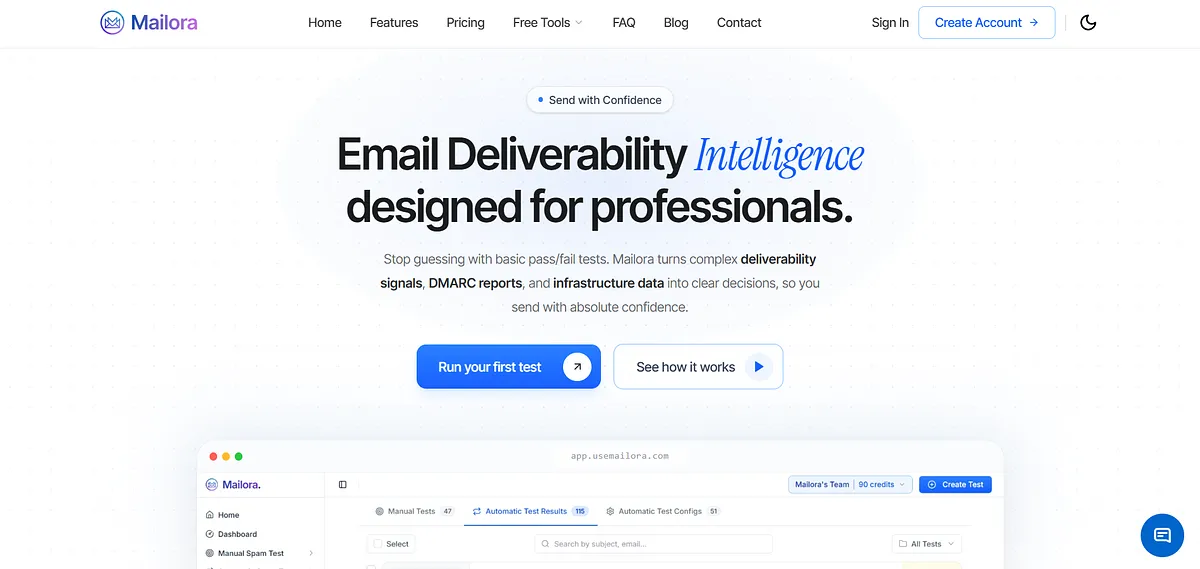
Mailora is an email deliverability intelligence platform that monitors SPF, DKIM, and DMARC alignment continuously across every send. It connects authentication health, inbox placement testing, DMARC aggregate report analysis, and reputation monitoring into a single operational view .
Key features:
- Continuous authentication monitoring: Tracks SPF, DKIM, and DMARC alignment in real time as infrastructure evolves
- Inbox placement testing: Tests where emails actually land across Gmail, Outlook, Yahoo, and other major providers using real seed addresses
- DMARC aggregate report analysis: Parses DMARC XML reports into prioritized actions per sending source, so teams know exactly which platform is failing and why
- SPF lookup health monitoring: Flags when lookup counts approach the ten-mechanism limit before they tip into PermError
- Reputation and drift alerts: Surfaces configuration changes, new sending sources, and alignment gaps between campaigns rather than after delivery has already degraded
Pricing: Mailora offers five plans: Free ($0), Lite ($40), Starter ($85), Professional ($140), and Enterprise ($230) monthly, scaling deliverability testing, integrations, users, automation, analytics retention, and monitoring features.
Best for: Teams that have configured authentication and need continuous monitoring across every send.
Ratings:
2. GlockApps
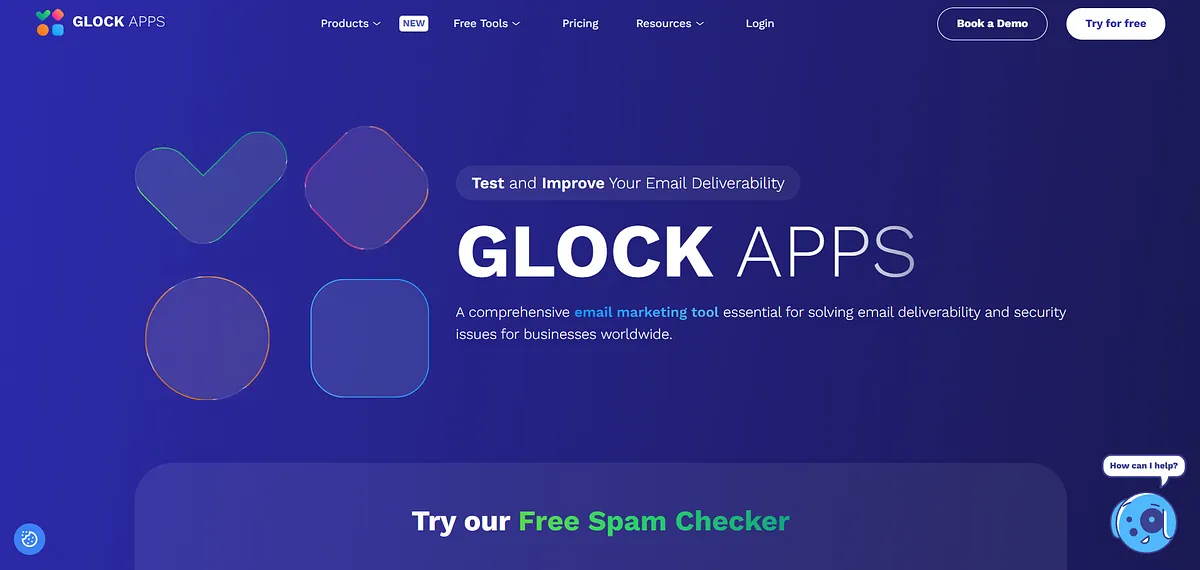
GlockApps is an inbox placement testing platform that sends your email to 70+ seed addresses across Gmail, Outlook, Yahoo, AOL, and corporate email servers, then reports whether each copy landed in the inbox, spam, promotions tab, or went missing. It includes DMARC analytics, blacklist monitoring, content analysis, and Gmail tab prediction.
Key features:
- Seed-based placement testing: Tests against 70+ seed addresses across Gmail personal and Workspace, Outlook.com, Microsoft 365, Yahoo, AOL, and major corporate servers, showing inbox, spam, and tab placement per provider
- Gmail tab prediction: Analyzes HTML weight and content signals to forecast primary inbox vs. promotions placement.
- Authentication diagnostics: Flags SPF, DKIM, and DMARC issues with actionable fix guidance.
- DMARC analytics: Built-in DMARC reporting to identify authentication failures per sending source
Pricing: GlockApps offers Free, Essential ($59), Growth ($99), and Enterprise ($129) plans, combining inbox placement testing, DMARC analytics, uptime monitoring, reputation tracking, API access, and multi-user support.
Best for: Newsletter and bulk senders who need per-provider inbox placement data before campaigns go live.
Cons:
- Seed-list methodology is designed for newsletters, not one-to-one cold email patterns
- UI is dated compared to newer tools in the category
- DMARC analytics are basic relative to dedicated DMARC platforms
Ratings:
3. MailGenius
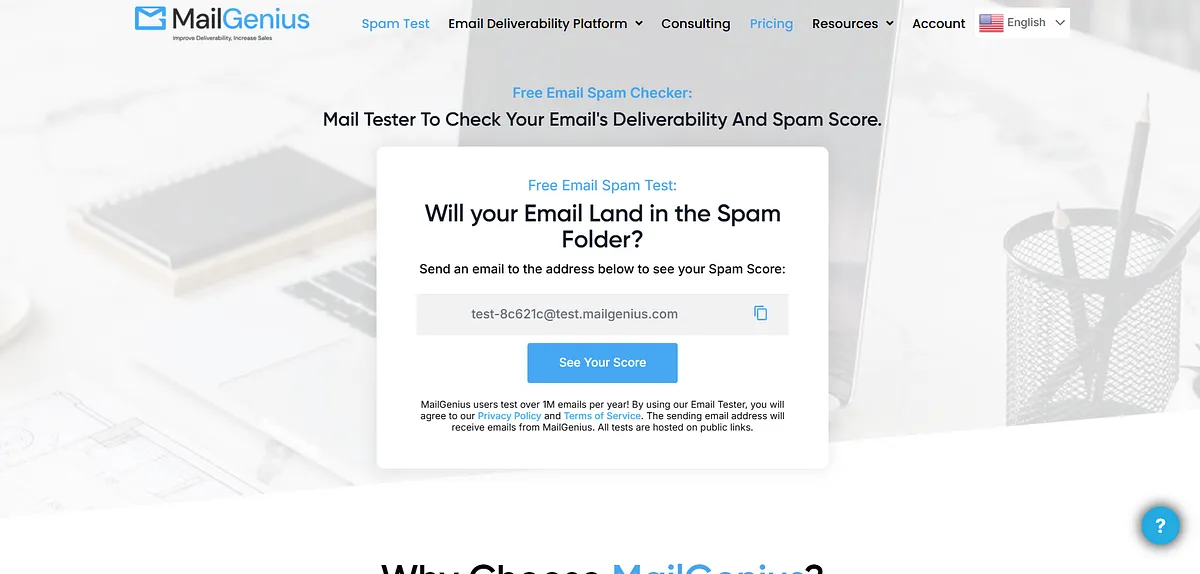
MailGenius is a mail tester that checks email deliverability and spam score. It is built for anyone sending marketing or transactional email who wants to make sure their messages land in inboxes and not spam folders. MailGenius added an AI Email Grader and Rewriter in August 2025.
Key features:
- SPF, DKIM, and DMARC checks: Tests domain authentication settings to confirm SPF, DKIM, and DMARC records are correctly configured and aligned to prevent spoofing
- Spam content analysis: Identifies spam trigger words, problematic content patterns, and HTML issues that could flag filters before the email goes live
- Reverse DNS and domain age checks: Verifies that the sending IP maps back to the domain name and checks domain age, since newer domains are more likely to be flagged as suspicious
- AI Email Grader and Rewriter: Added in August 2025. Scores email content and suggests rewrites to reduce spam risk
- Automatic email testing: Runs quietly in the background, monitoring campaigns for inbox placement, spam triggers, authentication alignment, and blacklist status without disrupting workflow
Pricing: MailGenius offers Beginner ($29), Genius ($49), and Automatic Testing & Monitoring ($97) plans, providing email deliverability testing, AI analysis, copy optimization, competitor monitoring, and automated blacklist alerts.
Best for: Marketers and agencies wanting a free, fast pre-send sanity check on content and authentication.
Cons:
- No ongoing authentication monitoring between sends
- Placement testing coverage is narrower than dedicated seed-based tools like GlockApps
- No DMARC aggregate report parsing or alignment diagnostics at depth
Ratings:
4. Unspam.email
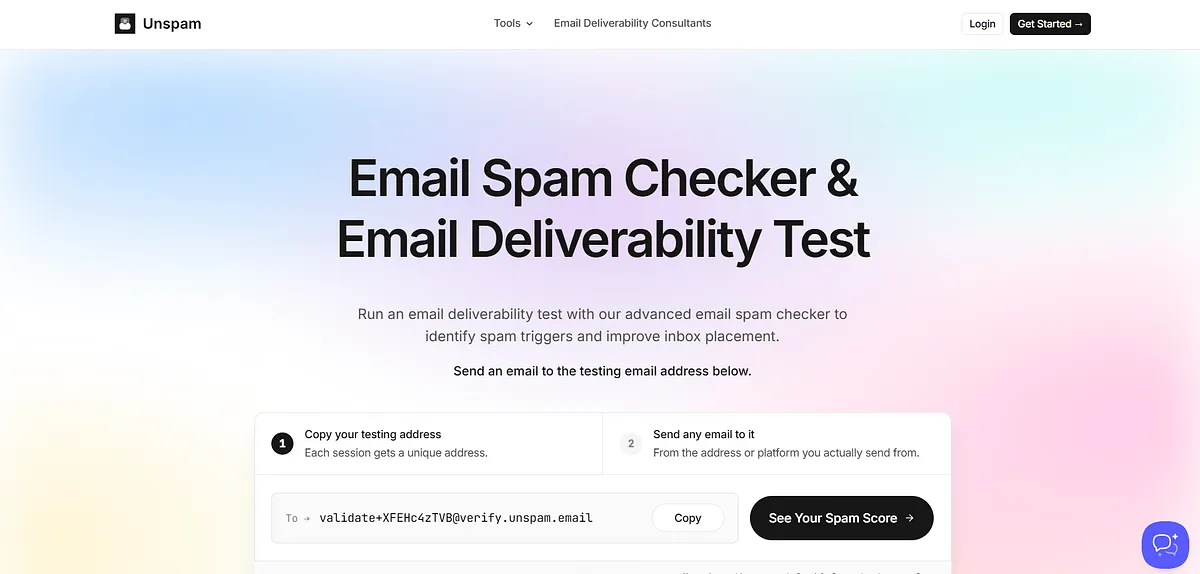
Beyond standard spam scoring, Unspam.email adds AI-powered heatmap predictions that simulate how subscribers visually engage with newsletter layouts. Its inbox placement tool simulates delivery outcomes across major platforms like Gmail, Outlook, and Yahoo, showing whether email is likely to reach the primary inbox, promotions tab, or spam.
Key features:
- Inbox placement testing: Sends to a seed list across Gmail, Outlook, and Yahoo, reporting actual inbox vs. spam vs. tab placement per provider
- AI-powered heatmap predictions: Uses AI to predict where a reader's eyes will be drawn, useful for optimizing layout, CTA placement, and visual hierarchy
- Full authentication checks: Covers SPF, DKIM, and DMARC, as well as reverse DNS verification, domain trust evaluation, and unsubscribe header detection.
- Content and spam trigger analysis: Checks for spam words, broken links, URL shorteners, and image-to-text ratio against established best practices
Pricing: Unspam offers Free ($0), Basic ($9), Business ($19), Agency ($29+), and White Label plans, scaling spam tests, inbox placement testing, previews, heatmaps, AI assistance, and API access.
Best for: Email marketers and designers who want pre-send deliverability diagnostics alongside layout and engagement optimization.
Cons:
- No tools to fix the issues it identifies, purely diagnostic
- No ongoing deliverability monitoring between sends
Ratings:
5. Inbox Radar
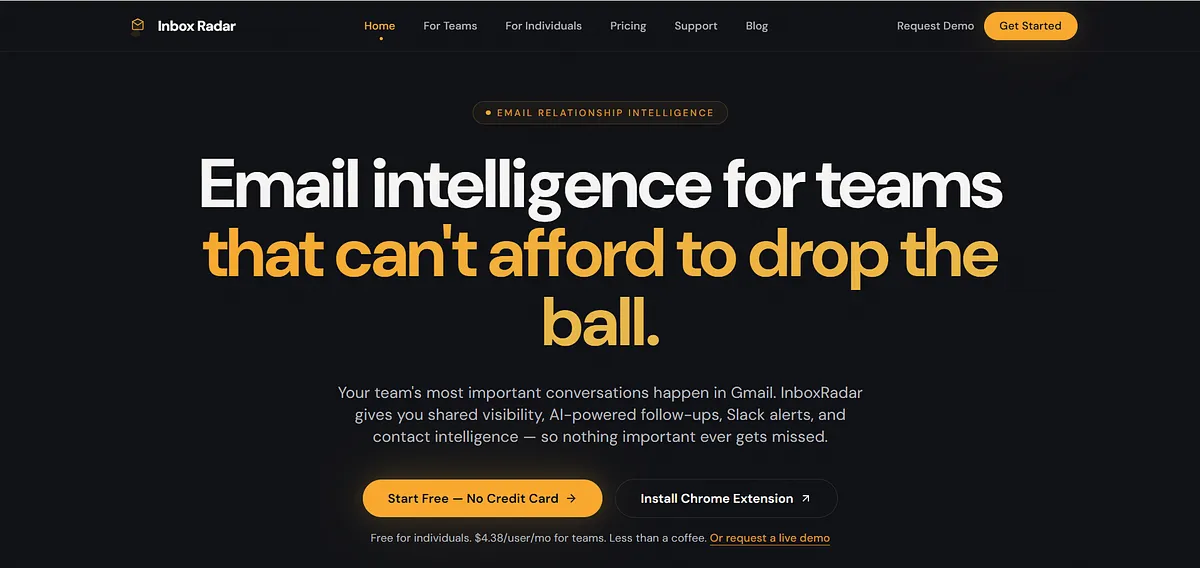
Inbox Radar is an inbox placement testing tool built specifically for cold email and outreach workflows. It tests whether emails land in inbox, spam, tabs, or go undelivered across major providers including Gmail, Outlook, Yahoo, and Zoho, while analyzing content, authentication, IP/domain health, and spam triggers.
Key features:
- Cold-email-specific placement testing: Tests against seed recipients across major providers, delivering inbox/spam/other/undelivered breakdowns by provider
- Automated recurring monitoring: Runs scheduled tests automatically without manual triggering
- Authentication and spam trigger analysis: Reports include SPF/DKIM/DMARC checks, IP and domain blacklist status with delisting suggestions, and SpamAssassin scoring
- Sequence pause automation: Automatically pauses email sequences when placement drops below a configured threshold, preventing reputation damage during active campaigns
Pricing: InboxRadar offers a Free plan for individuals, Team pricing at $4.38 per user/month, and custom Enterprise plans, focusing on email visibility, tracking, collaboration, shared inbox oversight, and alerts.
Best for: Cold email senders who need placement testing against professional ESPs like Google Workspace and Microsoft 365.
Cons:
- Seed list coverage is narrower than GlockApps for newsletter-style bulk sending
- External test setup requires manual steps outside the platform
6. MXToolbox
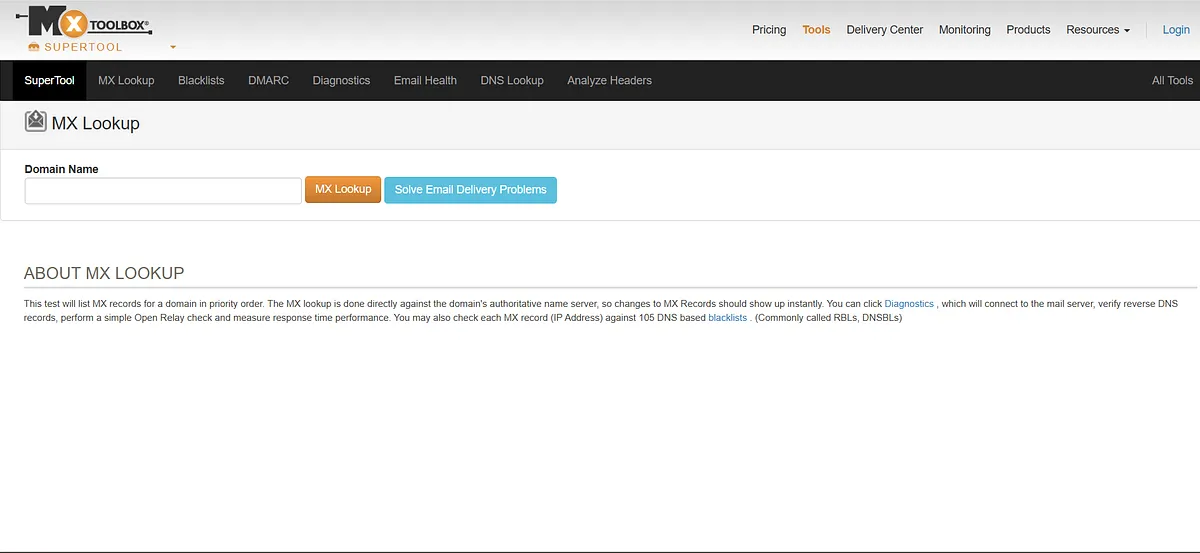
MXToolbox is a free and paid online diagnostic platform that performs DNS lookups, MX record checks, SMTP diagnostics, blacklist monitoring, and email authentication verification. It helps IT administrators, marketers, and domain owners identify and resolve email deliverability issues quickly.
Key features:
- Blacklist monitoring: Monitors over 100 major blacklists, alerting users to potential listing issues
- DNS and MX record diagnostics: Performs live DNS lookups, MX record verification, reverse DNS checks, and SMTP connection tests in seconds
- Email authentication analysis: Assesses SPF, DKIM, and DMARC setups, providing recommendations for optimal configuration
- Delivery Center dashboard: Monitors who is sending email from your domain, IP reputation, inbox vs. spam placement, and DMARC compliance across all sending sources
- DMARC onboarding and policy optimization: Provides hands-on assistance with SPF and DKIM setup, DMARC report analysis, and incremental policy adjustment toward enforcement
Pricing: MXToolbox offers Free, Delivery Center ($129/month), and Delivery Center Plus ($399/month) plans, providing blacklist monitoring, inbox placement testing, DMARC management, mailflow monitoring, complaint reporting, and SPF flattening
Best for: IT administrators and technical teams needing DNS diagnostics, authentication verification, and blacklist monitoring.
Cons:
- Inbox placement testing requires a paid Delivery Center plan
- Interface prioritizes IT diagnostics over marketer-friendly reporting
- Point-in-time checks by default, continuous monitoring requires paid tiers
Ratings:
7. Mailtrap
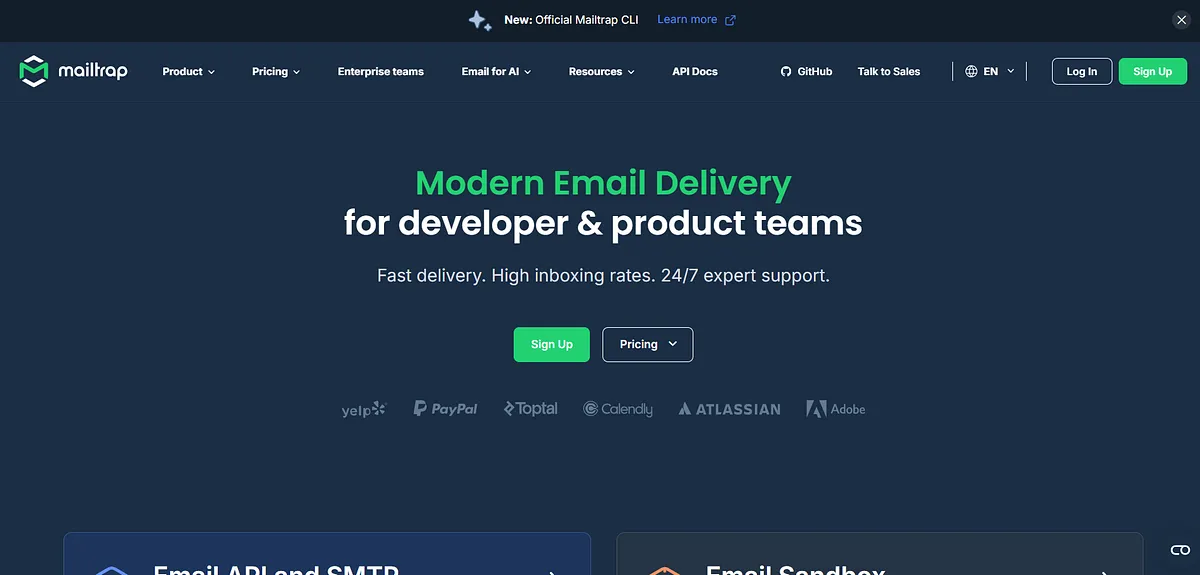
Mailtrap is an email testing tool that allows users to capture SMTP traffic from staging and development environments. It offers features such as automating test flows and scenarios with a flexible API, analyzing email content for spam score, and validating HTML and CSS.
Key features:
- Email sandbox: Captures all outgoing SMTP traffic from staging and development environments. No real recipients receive test emails
- HTML and CSS validation: Validates HTML structure, flags insecure images, and analyzes how emails render across clients before production deployment
- Spam score analysis: Checks email content against spam filter rules and surfaces issues in the test environment before they reach live sends
- Flexible API: Automates test flows and scenarios, integrating directly into development and CI/CD pipelines
Pricing: Mailtrap offers Free, Basic ($15), Business ($85), and Enterprise ($750) plans for transactional email sending, with scalable email volumes, analytics, deliverability tools, dedicated IPs, APIs, and support.
Best for: Developers and QA teams who need a safe sandbox to inspect and debug emails without sending to real recipients.
Cons:
- Not designed for inbox placement testing against real mailbox providers
- No seed-list testing or per-provider placement reporting
- Authentication monitoring is limited compared to dedicated deliverability tools
- Primarily a developer tool. Not built for marketing team workflows
Ratings:
Which Mail-Tester Alternative Should You Actually Use?
The right tool depends on the question you're actually trying to answer. So we’ve created a decision matrix mapping your questions to the tool and why it makes sense:
If your question is… | Tool | Explanation |
| I need ongoing authentication monitoring, placement visibility, and DMARC intelligence between sends | Mailora | For teams who've handled the basics and need to know what's changing between campaigns, not just whether one test came back clean |
| Does this email look spammy before I send it? | MailGenius or Unspam.email (free tier) | Same category as Mail-Tester. No reason to pay for what these cover for free |
| Where exactly does this email land across Gmail, Outlook, and Yahoo? | GlockApps | Strongest dedicated seed-based placement tester. For cold email specifically, Inbox Radar by Saleshandy is built around that workflow |
| My deliverability was fine last month. I want to know what changed | Mailora | Configuration drift is often invisible. Mailora monitors authentication alignment, lookup health, and placement signals continuously, catching what point-in-time checks miss by definition |
| It passes Gmail but fails Outlook, why? | GlockApps or Inbox Radar | Most common cause is partial authentication, records present but DMARC alignment off, or a secondary sending domain not covered. Per-provider gap surfaces here |
| Is my domain or IP on a blacklist? Are my DNS records intact? | MXToolbox | Run alongside a placement tool, not instead of one |
| I need to test emails in a dev or QA environment | Mailtrap | Different problem entirely. Right tool for pre-production testing |
| My authentication is configured but I don't know if it's actually working | Mailora | SPF, DKIM, and DMARC can all be present and still misaligned. Mailora surfaces exactly where authentication is passing, where it's failing, and which sending source is causing it |
For a methodology-level view of how to approach this properly, the guide on how to test email deliverability covers the full testing workflow.
Why One-Off Scores Lose to Continuous Intelligence
Most teams start looking for a Mail-Tester alternative because they want a more accurate spam score, more checks, or better reporting. What they usually find is that the score was never the problem.
A spam score surfaces obvious issues before a message goes out, such as authentication gaps, content risks, technical misconfigurations.
However, it doesn't explain why a campaign that scored well last month is performing worse today, or how domain/IP reputation is shifting across mailbox providers. It doesn't confirm whether emails are consistently reaching the inbox after the send.
For some teams, a better pre-send checker is enough. If the goal is occasional diagnostic checks before major campaigns, several tools in this guide handle that well.
For teams responsible for deliverability across multiple campaigns, domains, or sending platforms, the more valuable shift is from one-off testing to continuous visibility, understanding how authentication alignment, reputation signals, and inbox placement are changing between sends.
A spam score tells you how one message looked on one day. Mailora monitors authentication alignment, inbox placement, and reputation continuously, so what changes between sends gets caught before it becomes a deliverability problem.
Run your first deliverability test
FAQs
Is Mail-Tester accurate, can you trust the score?
Mail-Tester accurately checks SpamAssassin scoring, authentication record syntax, and basic blacklist status. It's not a proxy for inbox placement. A spam score and an inbox-placement result are entirely different measurements.
Why does my email pass Mail-Tester but still land in spam?
Mail-Tester checks what inbox providers evaluate. Gmail and Outlook use proprietary filters, engagement signals, and domain reputation history that no spam score can replicate. A perfect score can coexist with a DMARC alignment problem or a sender-behavior signal a specific provider penalizes.
Is there a free Mail-Tester alternative?
A few Mailtester alternatives include MailGenius, Unspam.email, MXToolbox, GlockApps.
What's the difference between a spam score and inbox placement testing?
A spam score checks how your email looks, including content, authentication, blacklist status, and returns a number. Inbox placement testing sends to real seed addresses and reports actual inbox versus spam rates per provider.
Do I still need Mail-Tester if I use another deliverability tool?
Depends on the tool. If you're running inbox placement testing with GlockApps, Mail-Tester adds limited value. If you're using an ongoing monitoring platform, a quick Mail-Tester check before a major send is still a reasonable sanity check on content and records.
Stay in the loop
Deliverability insights, product updates, and early access to new features. No spam, unsubscribe anytime.
By subscribing, you agree to our Privacy Policy. Unsubscribe anytime.