Key Takeaways
|
Google says Gmail has more than 1.8 billion users, so when a message misses the Primary tab you are dealing with a visibility problem at enormous scale, not a cosmetic inbox detail.
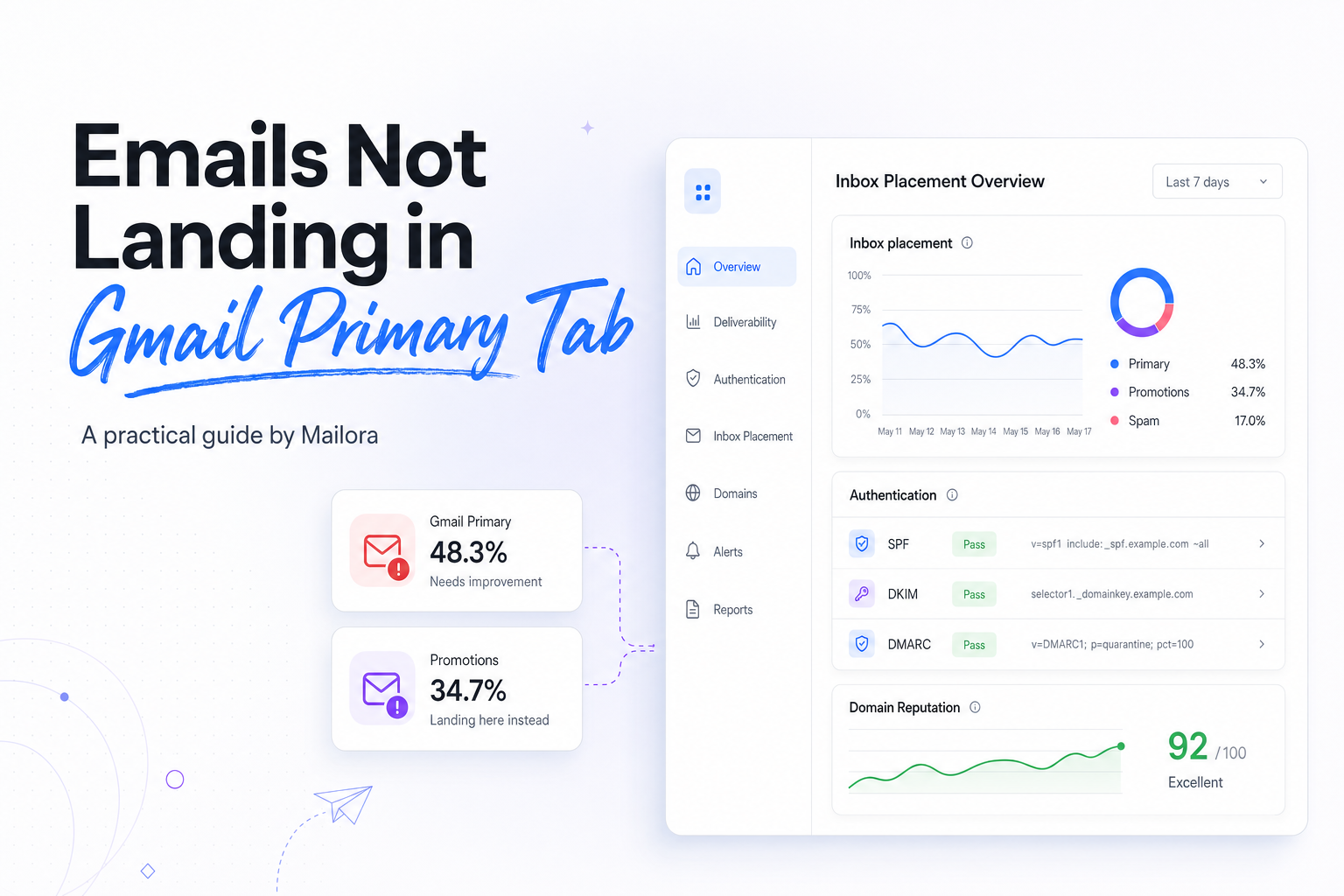
At Gmail, Primary tab placement sits on top of deliverability. A message can be delivered to the inbox, pass authentication, and still land in Promotions or Updates because Gmail thinks that is the best fit for the user.
That is why the right question is not, “How do I force Primary?” It is, “What signals is Gmail reading, and which of those can we change without hurting the purpose of the email?”
Gmail Primary tab placement is a classification decision
Gmail does not treat the Primary tab as a universal quality badge. It uses a mix of sender reputation, message features, and recipient behavior to decide where a message belongs. The same email can land in Primary for one recipient and Promotions for another.
That personalization matters for lifecycle and RevOps teams. If a prospect has replied to your rep, opened product updates, and moved earlier emails into Primary, Gmail has stronger evidence that future mail from your domain is relationship-driven. If the recipient ignores your messages or only sees high-volume promotional sends, Gmail has less reason to surface them in Primary.
It also helps to separate tabs from spam filtering. Spam placement is a trust problem. Primary versus Promotions is usually a categorization problem. Those need different fixes.
Why emails miss the Gmail Primary tab
The message looks like a campaign
Gmail is very good at spotting marketing structure. Heavy HTML, large hero images, stacked buttons, discount language, multiple tracked links, and a newsletter-style layout all increase the odds that a message is classified as Promotions. That does not mean the email is bad. It means the format is telling Gmail, and the user, that this is a campaign.
For lifecycle programs, this is a common mismatch. Teams send onboarding, activation, or renewal emails that are operational in intent but promotional in design. When the job of the message is to get a reply, complete setup, or return to the product, a cleaner and more direct format often performs better anyway.
Sender reputation is limiting Gmail's confidence
Google's bulk sender guidance is clear on the trust baseline. Senders should authenticate with SPF or DKIM, senders at more than 5,000 messages a day to Gmail should publish DMARC, marketing messages should support one-click unsubscribe, and reported spam should stay under 0.3%. Those are not Primary-tab rules, but when trust is weak Gmail has less incentive to give your messages prominent placement.
A reputation issue often shows up first as unstable tab placement. One week a nurture lands in Primary for highly engaged users, the next week similar mail slides to Promotions or spam for colder segments. That pattern usually means Gmail is not seeing consistent positive signals across the stream.
Recipient history matters more than most teams expect
Gmail learns from user actions. Opens help a bit, but stronger signals include replies, moving a message between tabs, starring, adding the sender to contacts, and consistently clicking or visiting the site after receiving mail. Negative signals include deletes without reading, complaints, and long periods of inactivity.
This is also where measurement gets messy. Apple Mail privacy protections make opens noisier, and many teams over-read them. For Gmail tab work, clicks, replies, and downstream product activity are far more dependable than open rate alone.
| Signal | More likely to help Primary | More likely to push elsewhere |
|---|---|---|
| Message format | Short copy, one clear action, conversational layout | Hero image, multiple offers, newsletter blocks |
| Intent | Relationship, support, product usage, direct follow-up | Broad promotion, batch announcement, discounting |
| User interaction | Replies, saves to contacts, repeat clicks | Deletes, ignores, complaints |
| Reputation | Low complaint rate, clean authentication, stable engagement | Complaint spikes, mixed streams, low recent engagement |
| Cadence | Timely, expected sends | Frequent bulk sends with similar creative |
What to check before you change copy or design
Authentication and alignment
Start with the basics because they influence everything else. SPF or DKIM should pass, DKIM signing should be stable, and your visible From domain should make sense for the mailstream. If you send more than 5,000 messages a day to Gmail, DMARC should be in place and aligned with how the stream actually works. None of that guarantees Primary, but missing basics creates noise that makes diagnosis harder.
Mailstream separation
Do not send everything from the same identity if the purposes are different. Product alerts, receipts, lifecycle nurtures, newsletters, and outbound sales each teach Gmail something about user expectations. When those streams are mixed, your most promotional messages can shape how Gmail interprets your more important lifecycle mail.
This is especially relevant for teams sending to Gmail, Outlook, Yahoo, and Apple Mail users from one shared stream. Gmail's tab system is unique, but the engagement damage from over-mailing a mixed audience is not.
Recent engagement and frequency
Before making big creative changes, isolate a recent-engagement Gmail segment. A practical starting point is recipients who clicked, replied, or logged in within the last 30 to 90 days. If Primary placement improves only for that cohort, the issue is probably recipient history and list quality more than template structure.
Also check frequency by segment. A weekly lifecycle email can behave like a promotional campaign if it is sent to too many low-intent users. Gmail reads that pattern quickly.
How to improve Gmail Primary-tab placement
Match the format to the job of the email
If the email is trying to continue a relationship, make it feel relational. Use a recognizable sender name, write tighter copy, reduce visual chrome, and keep the call to action singular. For sales follow-ups, customer success outreach, trial nudges, and renewal reminders, a plain or lightly formatted layout often outperforms a designed template because it better matches the user's expectation of personal mail.
If the email is truly promotional, be honest about that. Trying to disguise a campaign as a one-to-one note usually hurts trust and can increase complaints. Promotions is not failure when the message is a promotion.
Earn stronger user signals
Ask questions that invite a reply. Make the sender identity consistent. Send from addresses recipients have seen before. Encourage subscribers to add your address to contacts if the mail is high value to them. Those actions give Gmail clearer evidence that your messages belong in a higher-attention tab.
For lifecycle programs, the best signal is utility. Messages tied to a real product event, such as first login, abandoned setup, usage milestone, billing issue, or renewal date, tend to generate the engagement that Gmail rewards. Generic nurture dressed up as lifecycle usually does not.
Reduce mixed signals in the template
Audit your template elements. Repeated promotional banners, social icon rows, footer link stacks, and multiple secondary buttons often tell Gmail this is bulk marketing, even when the message body is operational. Strip out anything that does not help the recipient complete the next step.
Watch your link behavior too. If every message points to a crowded set of tracked URLs, preference centers, and content hubs, Gmail sees a familiar marketing pattern. Fewer links usually creates a clearer intent signal.
How to measure whether your changes worked
Do not judge this work by seed-list screenshots alone. Seed accounts can show direction, but Gmail personalizes tabs, so one inbox view is never the whole story. Measure the effect on a real Gmail audience.
A strong test design looks like this: keep audience, timing, and offer stable, change one meaningful variable, and compare performance within Gmail recipients only. Use clicks per delivered email, replies, conversion rate, and downstream product activity as primary outcomes. Opens can be a supporting metric, but they are not enough.
Give Gmail time to learn. For low-volume streams, a few sends may not be enough to create a stable read. For higher-volume streams, watch performance over two to four weeks and check that complaint rate remains well below Google's 0.3% threshold while business outcomes improve.
The most important decision is strategic, not cosmetic. Some messages should aim for Primary because they are relationship-based and time-sensitive. Others should be optimized to perform well in Promotions or Updates because that is where users expect them. Better classification, not forced classification, is the real goal.
Related reading: half your gmail audience isnt seeing your emails anymore and change gmail address.
Run your first deliverability test with Mailora, then use the result to separate trust issues from Gmail tab classification.
FAQs
Does SPF, DKIM, or DMARC guarantee the Gmail Primary tab?
No. Authentication helps Gmail trust the sender and is required for healthy deliverability, but tab placement also depends on message type, user engagement, and Gmail's classification of intent.
Why does the same email hit Primary for some users and Promotions for others?
Because Gmail personalizes tabs. Recipient history, prior replies, contact saves, clicks, and other user actions can outweigh the template alone.
Should all lifecycle emails try to land in Primary?
No. Password resets, billing alerts, and direct follow-ups are strong Primary candidates. Newsletters, broad announcements, and offers can perform perfectly well outside Primary if they match user expectations.
Can asking users to drag an email into Primary help?
Yes, it can help for that recipient because Gmail uses user corrections as a signal. It is most useful for high-value streams where the recipient clearly wants the mail.
How long does it take to improve Primary-tab placement?
It depends on volume and engagement quality. Template changes can shift behavior quickly, but reputation and recipient-history improvements usually take multiple sends to show a consistent pattern.
Stay in the loop
Deliverability insights, product updates, and early access to new features. No spam, unsubscribe anytime.
By subscribing, you agree to our Privacy Policy. Unsubscribe anytime.