Key Takeaways
|
Litmus reported in 2024 that Gmail generated about 30% of tracked email opens, so where Gmail files a message has real impact on lifecycle and revenue programs.
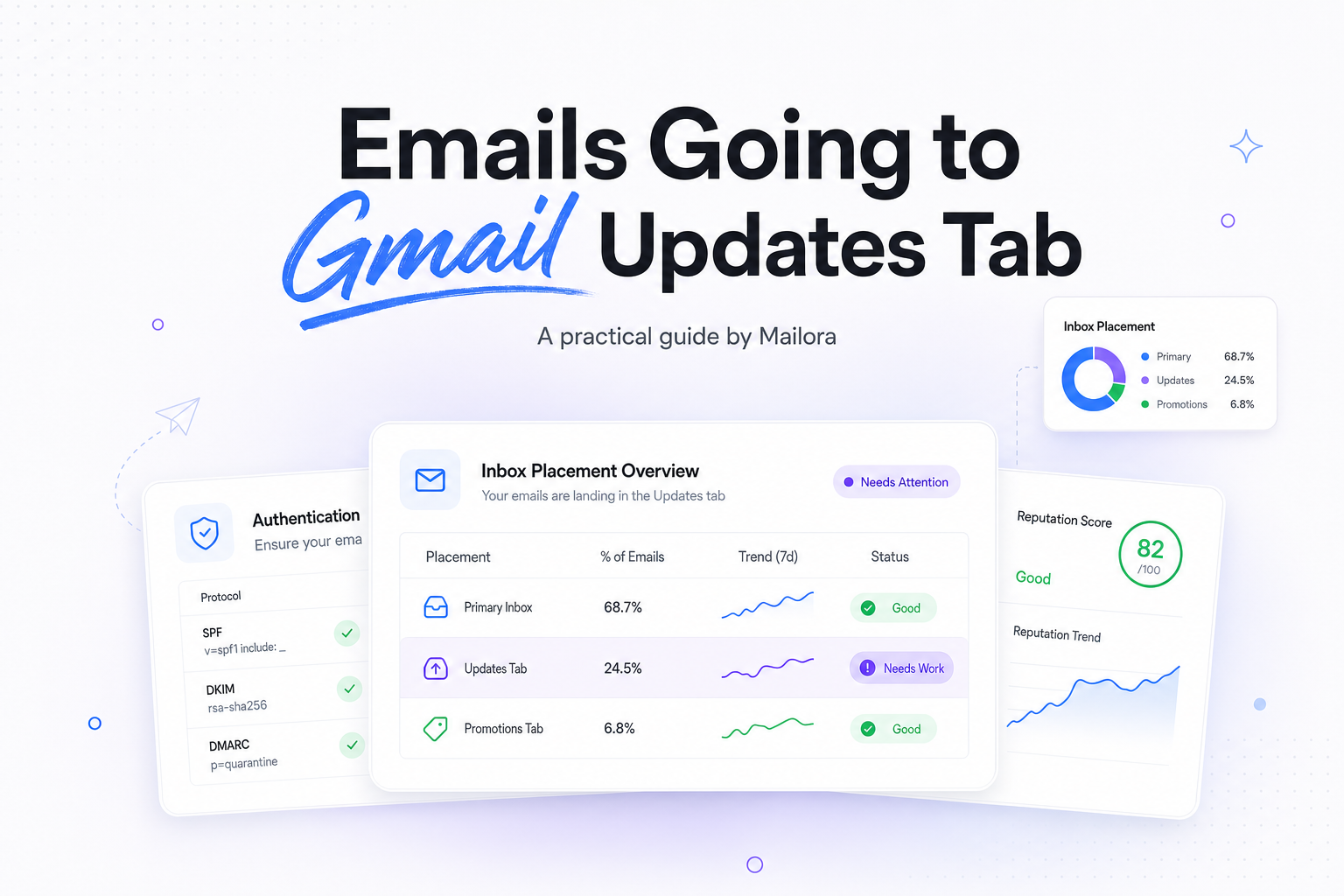
If your email is going to the Gmail Updates tab, that is not the same thing as landing in spam. In most cases, Gmail is reading the message as informational, account-related, or event-driven rather than personal or overtly promotional.
The useful question is not how to beat tabs. It is whether Gmail classified the message the way your subscriber would expect, and whether that classification still supports the goal of the send.
What the Gmail Updates tab actually means
Gmail tabs are a mailbox organization layer inside Gmail. They are not a universal deliverability score, and they do not map cleanly to what Outlook, Yahoo, or Apple Mail will do with the same message.
Updates usually catches messages tied to an ongoing relationship, order status, account activity, billing events, product usage, reminders, and confirmations. That is why product-led lifecycle teams often see onboarding emails, renewal notices, usage alerts, webinar reminders, and account change notices drift into Updates even when inbox placement is healthy.
For many programs, that is appropriate. A shipping confirmation in Primary is not automatically better than a shipping confirmation in Updates. The right benchmark is whether the message gets seen and acted on by the subscriber who asked for it.
Why emails go to Gmail Updates tab
Your content reads like an account or system message
Gmail is very good at spotting language that signals status, activity, and utility. Phrases like your report is ready, billing updated, new sign-in, subscription renews tomorrow, and complete your setup tend to look like Updates content.
That includes a lot of legitimate lifecycle email. A product adoption nudge can feel like marketing to your team and still look like an account update to Gmail.
Your template mixes utility content with newsletter structure
A common pattern is a useful lifecycle message wrapped in a broader marketing shell. Think one core account reminder followed by a hero image, six product cards, three navigation rows, social icons, and a footer full of campaigns. Gmail may read that as mixed intent and choose Updates or Promotions based on which signals dominate.
Related reading: icloud mail emails going to spam and microsoft 365 emails going to junk.
Before you start changing copy, run a deliverability test against Gmail inboxes so you can see whether the pattern is consistent across a controlled panel.
User-level history matters
Tabs are not only sender-level. They are heavily influenced by each user's own behavior. If one subscriber regularly opens your product notices and moves them to Primary, Gmail can adapt. Another subscriber who ignores the same stream may continue seeing those messages in Updates.
That is why teams get confused when internal seeds show Primary, a customer screenshot shows Updates, and a seed vendor shows a split result. All three can be true at once.
Primary, Updates, and Promotions are solving different jobs
| Tab | Typical message type | What to optimize for |
|---|---|---|
| Primary | Personal, conversational, one-to-one feeling, direct human exchange | Relevance, expected sender identity, reply behavior |
| Updates | Receipts, reminders, account notices, product usage, event-driven lifecycle | Clarity, timeliness, action completion |
| Promotions | Offers, newsletters, launches, merchandising, campaigns | Value proposition, offer strength, click and conversion rate |
The mistake is assuming Primary is the only winning outcome. A renewal reminder may perform perfectly well from Updates because the recipient already expects it to be an account message. A weekly product newsletter may convert well from Promotions because the user mentally files it there.
Signals that can push a message toward Updates
No one outside Google can give you Gmail's exact formula, but experienced senders repeatedly see the same signal clusters:
- Subject and preheader language, especially dates, status words, reminders, receipts, and account terminology.
- Message purpose, where the core job is to notify, confirm, summarize, or prompt a next step.
- Layout patterns, including app-style modules, dashboards, summaries, and activity blocks.
- Link and CTA profile, where multiple product actions and settings links make the email look account-related.
- Past engagement, especially whether recipients open, archive, drag, reply, or ignore similar sends.
- Sender reputation and authentication, which affect inboxing broadly even if they do not decide the exact tab on their own.
It helps to separate deliverability issues from classification issues. If Gmail is accepting the mail and placing it in a tab, reputation is usually not the main problem. If the same stream is also clipping, delaying, or partially foldering, then you may have a broader inboxing issue layered on top.
How to improve placement, when Primary is actually the right outcome
Start with message intent, not hacks
If the email is truly account-related, let it be account-related. If it is really a personal nudge from customer success, onboarding, or sales, make the entire message support that claim. Gmail tends to reward consistency more than cosmetic tricks.
Reduce mixed signals inside lifecycle sends
Many Updates placements come from stuffing one operational email with extra campaign content. Strip the send back to its single job. If the email exists to remind a user to finish setup, do that and stop. Save cross-sell modules for a separate campaign.
In practice, that often means reducing link count, removing large merchandising blocks, shortening the footer, and cutting secondary CTAs. Going from 12 links to 4 will not guarantee Primary, but it often makes the intent easier for Gmail and the subscriber to interpret.
Use the right sender identity
From name and reply behavior matter. An email from Jordan at Acme that invites a reply is more likely to be read as person-driven than one from Acme Notifications. That does not mean you should fake a personal sender for system mail. It means you should match the sender identity to the real purpose of the message.
Keep utility messages useful
Utility mail that is concise and predictable often performs better even when it stays in Updates. For onboarding, billing, renewals, and product alerts, strong scannability can matter more than tab location.
After each change, rerun the same deliverability test so you can separate normal Gmail variation from real movement caused by the new creative.
What not to do
- Do not disguise a promotion as a personal note. Gmail and recipients are both good at spotting that move.
- Do not remove required compliance elements. Hiding the unsubscribe link or footer to look more personal is a bad trade.
- Do not optimize for seed screenshots alone. Real user behavior can override what a controlled inbox shows.
- Do not collapse separate streams into one template. Transactional, lifecycle, and campaign messages usually perform better when each has a clear job.
If you push too hard for Primary, you often end up with a less honest email. That can raise replies or opens in the short term, but it can also increase complaints, reduce trust, and hurt long-term engagement.
How to know whether the change worked
Use a business outcome frame. If a message moves from Updates to Primary but clicks, conversions, or downstream product actions stay flat, the shift did not create much value. If it moves to Primary and complaints rise from 0.02% to 0.09%, that is a loss, not a win.
For lifecycle and RevOps teams, the best scorecard usually includes:
- Gmail inbox placement across a consistent seed panel
- Open rate trends, with Apple Mail noise removed where possible
- Click-to-open rate and conversion rate
- Complaint rate and unsubscribe rate
- Time-to-action for the core task, such as activate, verify, renew, or attend
A good test design is simple. Hold audience, cadence, and offer constant. Change one variable at a time, such as sender name, layout density, or CTA count. Then compare both tab placement and user outcomes over enough volume to matter.
Run your first deliverability test with Mailora, then use the result to decide whether Gmail is classifying the message the way you intended.
FAQs
Is the Gmail Updates tab bad for deliverability?
No. Updates is still inbox placement inside Gmail. It is a categorization choice, not a spam placement event.
Can I force emails into Gmail Primary?
Not reliably. Gmail tab placement is message-level and user-influenced. You can improve alignment between message intent and classification, but you cannot dictate Primary placement at scale.
Why do my onboarding emails go to Updates instead of Promotions?
Onboarding emails often look like account or product activity messages. If the copy is focused on setup, reminders, or usage, Updates is a common outcome.
Should transactional emails be in Primary?
Usually, no. Receipts, password resets, billing notices, and order updates are often a natural fit for Updates, as long as they are delivered promptly and engaged with.
Why does one Gmail account show Primary while another shows Updates?
Because Gmail adapts to each user's behavior. Tab placement can differ by recipient based on prior interactions with your mail and similar messages.
Stay in the loop
Deliverability insights, product updates, and early access to new features. No spam, unsubscribe anytime.
By subscribing, you agree to our Privacy Policy. Unsubscribe anytime.