Key Takeaways
|
Statista estimated Gmail had about 1.8 billion users in 2024, which is why even a modest shift in Gmail tab placement can show up quickly in revenue and engagement reporting.
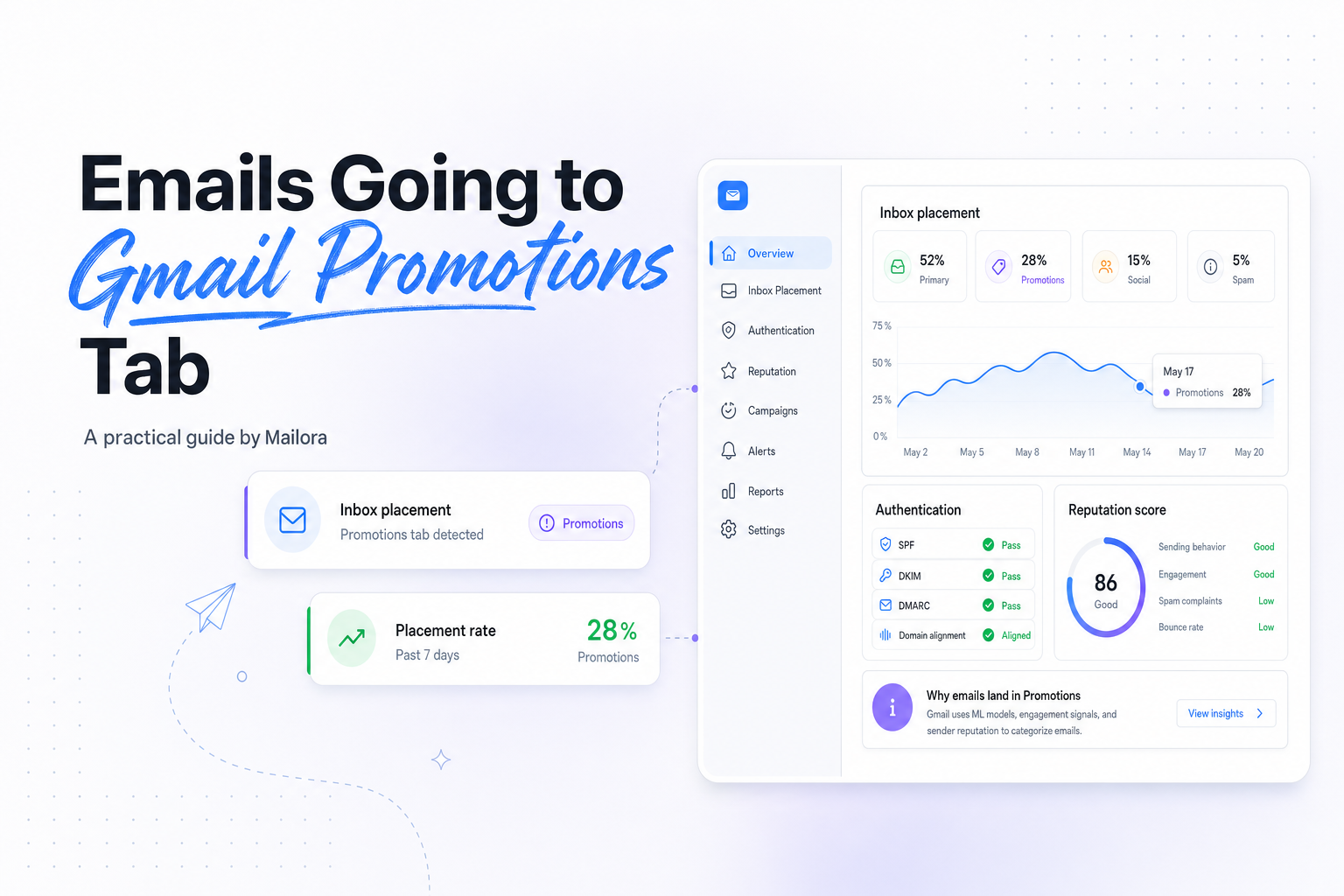
If your emails are going to Gmail Promotions Tab, the first decision is not how to force Primary. It is whether Promotions is actually hurting performance for this program, audience, and send type.
For many lifecycle, newsletter, and commercial sends, Promotions is normal. Gmail is trying to sort intent, not punish senders, and some of the highest performing email programs still live there.
Why Gmail puts emails in Promotions
Gmail's tab system is a classification model. It looks at whether a message behaves more like a personal conversation, an account update, or a marketing message. Promotional language, repeated campaign patterns, image heavy layouts, and offer driven creative all give Gmail useful context.
That means Promotions placement is often accurate, not accidental. A weekly newsletter with multiple links, a hero image, a sale headline, and a branded footer looks different from a one to one note from a sales rep or a password reset from a product team.
It also means the same campaign can land differently across recipients. Gmail uses global patterns, but it also uses individual user behavior. If one subscriber opens, clicks, and moves your mail to Primary, Gmail may treat future messages differently for that person than for a disengaged subscriber.
Promotions vs Primary vs Spam
| Placement | What it usually means | What to watch |
|---|---|---|
| Primary | Gmail sees the message as more personal or directly relevant to the user's core conversations. | Reply rate, consistent sender identity, simple formatting, low complaint risk. |
| Promotions | Gmail sees the message as a legitimate marketing or bulk message. | Open rate, click rate, conversions, frequency fit, creative quality. |
| Spam | Gmail sees higher risk or lower trust in the message or sender. | Authentication, complaints, unknown users, reputation, list quality. |
The important operational point is this: Promotions is an inbox placement outcome, spam is a trust problem. Those are different problems and they need different fixes.
What signals push messages toward Gmail Promotions Tab
1. Promotional content and structure
Gmail can read the difference between a product launch email and a short account notification. Messages with discount language, multiple calls to action, merchandising blocks, colorful templates, and dense HTML are more likely to fit Promotions.
That does not mean design is bad. It means design communicates purpose. If the purpose is clearly marketing, Gmail will usually classify it that way.
2. Bulk sending patterns
High volume campaigns sent on predictable schedules often look promotional because they are promotional. Daily digests, weekly roundups, sale announcements, and nurture drips all create recognizable patterns at the mailbox provider level.
Gmail also compares your message to similar mail it has already seen. If your structure and sending behavior resemble common newsletter or commerce traffic, Promotions is a logical destination.
3. Engagement and recipient behavior
Gmail pays attention to what users do after delivery. Opens, clicks, replies, deletes without reading, and manual moves between tabs all help shape future classification.
This is why low engagement segments often see more Promotions placement, while highly engaged subscribers can sometimes pull the same sender closer to Primary. The model is dynamic, not fixed.
4. Sender consistency and trust signals
Authentication matters, but it is not a direct lever for Primary. SPF, DKIM, and DMARC help Gmail trust that you are who you say you are. They reduce avoidable risk, especially compared with true spam placement, but they do not convert a clearly promotional campaign into a personal message.
Consistency matters too. Sudden changes in from name, domain, template, or sending cadence can create uncertainty. Gmail, Outlook, and Yahoo all reward predictable identity over time.
What will not reliably move your email to Primary
A lot of advice on this topic confuses classification with gaming. In practice, the quick fixes rarely hold up.
- Removing images or all branding, this can change appearance, but it will not erase other promotional signals.
- Using fake reply prefixes like Re:, this can hurt trust and create user confusion.
- Hiding unsubscribe options, this raises complaint risk and can damage reputation.
- Turning a marketing email into awkward fake plain text, Gmail still sees links, structure, cadence, and sender behavior.
- Changing subject lines only, subject lines matter, but Gmail is evaluating much more than one field.
If your message is a marketing email, trying to disguise it as a personal email usually trades short term curiosity for long term trust damage.
How to reduce unnecessary Promotions placement
The goal is not to make every campaign look personal. The goal is to make each message match its purpose, audience, and expected level of urgency.
Match format to message type
Receipts, password resets, shipping alerts, meeting confirmations, and true account notifications should be clearly transactional. Keep them concise, keep calls to action focused, and avoid dropping unrelated promotions into the same send.
If you bundle marketing blocks into operational email, Gmail has more reason to treat the whole message as promotional.
Segment by engagement
Your most engaged Gmail users send Gmail the strongest positive signals. If you keep mailing cold segments at the same cadence, you dilute those signals and make classification harder to improve.
For newsletters and lifecycle programs, it is often smarter to tighten frequency for low engagement cohorts than to rewrite the whole template.
Simplify where simplicity serves the message
If the email is meant to drive one action, do not build a six module template with twelve links. A lighter layout, fewer competing calls to action, and cleaner copy can help Gmail understand the message as more directly relevant.
This matters for lead nurture, product education, and customer success emails in particular. Many B2B sends end up in Promotions because they are built like mini landing pages instead of clear follow ups.
Protect trust signals
Use consistent from names, authenticated domains, and recognizable branding. Sudden domain changes, alias hopping, or mixing outreach with marketing from the same identity can make classification less predictable.
Also keep message size in check. Gmail clips messages over 102 KB, which is more of a rendering problem than a tab placement problem, but heavy templates are often a sign that the email is doing too much.
When staying in Promotions is the right call
If the email is a promotion, a newsletter, or a product marketing send, Promotions may be the right tab. The better question is whether subscribers still engage and convert there.
Some teams lose time chasing Primary when the real issue is weaker offer relevance, tired creative, or over mailing. If Gmail users are opening, clicking, and buying from the Promotions tab, you may already have the right outcome.
This is especially true when your audience is trained to look for your messages there. Apple Mail users experience inboxes differently, and Outlook and Yahoo do not mirror Gmail's tab logic exactly, so optimizing your whole program around one tab can create the wrong incentives.
How to test changes without guessing
Treat Gmail tab placement like any other deliverability variable, isolate one change at a time and measure business impact. Test content density, number of links, template complexity, offer framing, and audience selection separately.
Then compare more than opens. Watch clicks, conversions, unsubscribes, complaints, and downstream revenue from Gmail recipients specifically. If a cleaner format lifts Primary placement a bit but lowers clicks, it may not be a win.
A practical testing sequence looks like this:
- Pick one Gmail heavy segment.
- Hold send time, audience size, and offer constant.
- Test one variable, such as a lighter template or fewer links.
- Measure tab placement indicators alongside engagement and conversion.
- Repeat only if the result is durable across multiple sends.
That is how you turn a frustrating symptom into a manageable operating decision.
Related reading: icloud mail emails going to spam and microsoft 365 emails going to junk.
Run your first deliverability test with Mailora, and see what Gmail is telling you before and after you send.
FAQs
Is Gmail Promotions Tab bad for email performance?
Not necessarily. For many newsletters, lifecycle campaigns, and promotional sends, it is normal. Judge performance by engagement and conversion, not by tab label alone.
Can I force my emails into Gmail Primary?
No. Gmail classification is algorithmic and user specific. You can influence signals, but there is no reliable switch that forces Primary placement.
Why do some subscribers get my email in Primary while others get Promotions?
Gmail uses individual engagement patterns as part of classification. The same campaign can land differently based on how each recipient has interacted with your mail.
Do SPF, DKIM, and DMARC keep emails out of Promotions?
They help establish trust and support inboxing, but they do not by themselves move a marketing email from Promotions to Primary.
Should I make marketing emails look like plain text?
Only if plain text genuinely fits the message. Using plain text as a disguise is rarely a durable solution, and it can reduce clarity or trust for subscribers.
Stay in the loop
Deliverability insights, product updates, and early access to new features. No spam, unsubscribe anytime.
By subscribing, you agree to our Privacy Policy. Unsubscribe anytime.