How to Identify Patterns Across Email Campaigns (and Make Better Decisions)
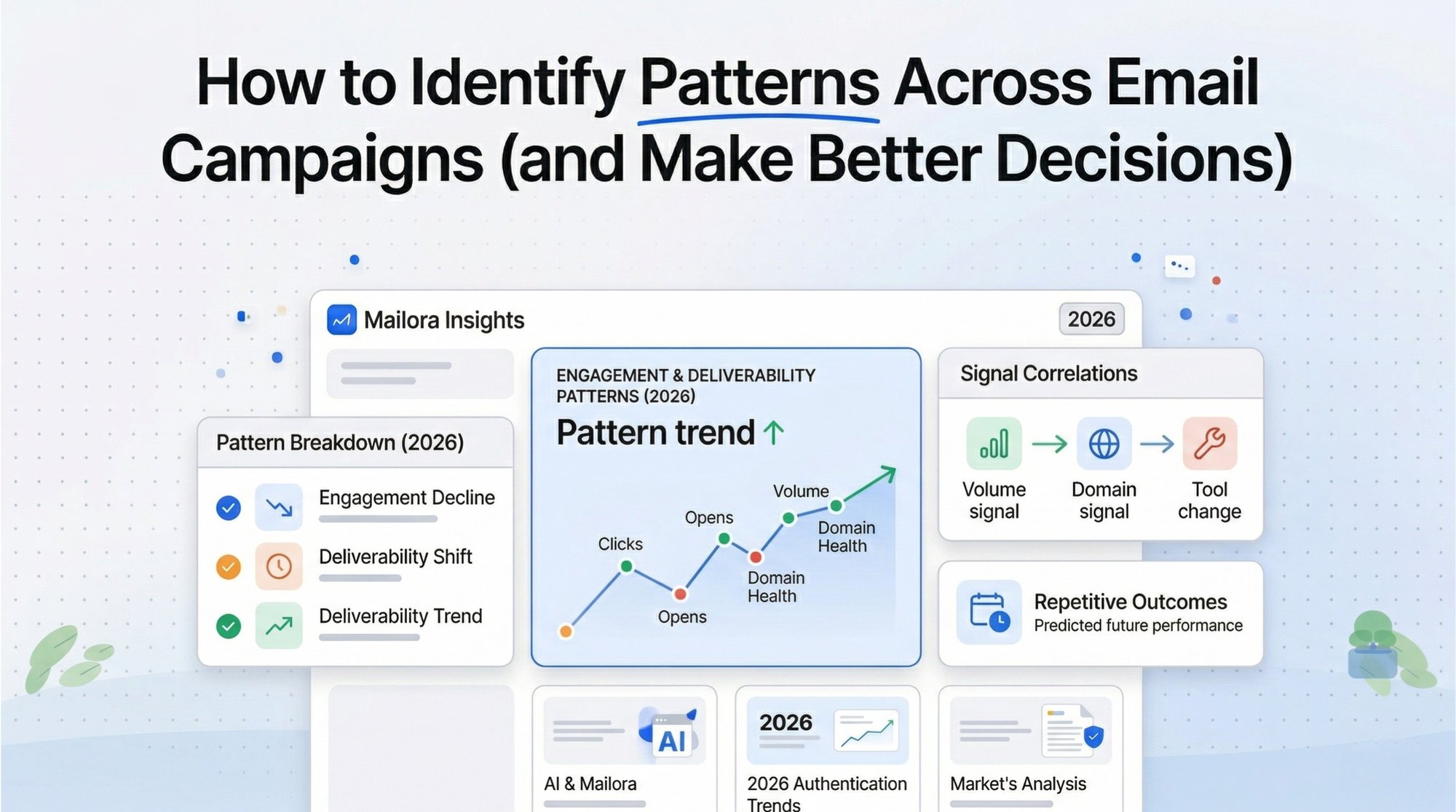
Most marketers approach email campaign analysis by looking at their results one by one. While this provides a snapshot of how a specific broadcast performed, it often leads to misleading conclusions and random, reactive decision-making. You might see a dip in clicks and blame the creative, when the real culprit is a systemic shift in ISP filtering that a single report can't reveal.
Real improvement doesn't come from obsessing over individual results; it comes from identifying patterns. By shifting your perspective to a high-level email campaign analysis, you can move beyond "what happened" and finally understand the "why" behind your performance fluctuations.
Why Single Campaign Analysis Is Misleading
In a vacuum, a single campaign's performance is statistically noisy. A high open rate on a Tuesday might be the result of a great hook, or it might be because a major competitor stayed out of the inbox that day. Conversely, a dip in performance might be attributed to "bad creative" when, in reality, it was a subtle shift in ISP filtering.
One Campaign ≠ Signal
Performance fluctuates naturally based on seasonality, global events, and list churn. If you optimize your entire strategy based on the results of one "hero" campaign or one "flop," you are chasing outliers rather than building a foundation. Effective email campaign analysis requires a larger sample size to filter out this noise.
External Factors
Your ESP (Email Service Provider), the recipient's ISP (Internet Service Provider), and even the device used to open the email create variables that a single-campaign report cannot account for.
Core Idea: Campaigns are data points. Patterns are insights.
What “Patterns” Actually Mean in Email Marketing
In a professional context, a pattern is a consistent relationship between variables that persists over time. It is the "connective tissue" between your send button and your revenue.
Identifying patterns allows you to move from monitoring (seeing what happened) to understanding (knowing why it happened). Common patterns include:
- Segment Fatigue: A steady decline in engagement across a specific high-frequency segment, despite varying content.
- ISP Throttling: A pattern of delayed delivery or spam placement that only triggers after your daily volume exceeds a certain threshold.
- Infrastructure Sensitivity: Performance drops that correlate specifically with a change in your tracking domain or authentication protocols.
The 4 Types of Patterns Every Marketer Should Track
To simplify your email campaign analysis, categorize your data into four distinct pillars. This framework helps you isolate where a problem (or opportunity) actually lives.

1. Engagement Patterns
While open rates have become less reliable due to privacy changes like Apple’s MPP, engagement patterns still offer the clearest signal of audience health.
- Active Signals: Look for trends in click-to-open rates (CTOR) and reply behavior.
- Negative Signals: Track the rate of unsubscribes and "mark as spam" reports over a rolling 30-day period.
2. Deliverability Patterns
Deliverability is not a "yes/no" binary; it is a fluid trend.
- Provider Behavior: Analyze how Gmail treats your mail compared to Yahoo or Outlook. If Gmail placement is 98% but Outlook is 70%, you don't have a content problem—you have a reputation pattern specific to Microsoft’s filters.
- Volume Spikes: Look for correlations between increased send volume and immediate dips in inbox placement.
3. Behavioral Patterns
These patterns relate to how your sending cadence interacts with human behavior.
- Frequency vs. Engagement: There is often a "sweet spot" where volume maximizes revenue without cratering engagement.
- Timing Consistency: Does your audience respond better to a predictable "Tuesday Routine," or does engagement spike when you break the pattern?
4. Infrastructure Patterns
This is the "technical debt" of email marketing. Most teams miss these signals entirely because they don't correlate performance with technical changes.
- Authentication Shifts: Did your click rates drop the same week you updated your SPF or DKIM records?
- Tracking Domains: If you use a shared tracking domain, your performance may be suffering due to the "noisy neighbor" effect.
How to Identify Patterns Step-by-Step
Moving to pattern-based email campaign analysis requires a shift in your weekly workflow. Use this five-step process to build your "Insight Engine."
Step 1: Stop Looking at Campaigns in Isolation
Create a "Master View." Group your campaigns by segment (e.g., Win-back vs. Newsletter) or by goal (e.g., Conversion vs. Retention).
Step 2: Track Trends, Not Snapshots
Ignore the "final" number for a moment and look at the direction.
- Stability vs. Volatility: Is your click rate a steady 2.1%, or does it swing wildly between 0.5% and 4.0%? Volatility is a pattern that suggests your list quality is inconsistent.
Step 3: Correlate Changes With Events
Every time you make a change—no matter how small—document it. When you see a shift in the data during your email campaign analysis, look back at your "Event Log." The pattern usually starts the moment the change was implemented.
Step 4: Compare Across Providers
This is the "Secret Sauce" of high-level deliverability. If your metrics are healthy on 4 out of 5 major ISPs, the 5th ISP is giving you a specific signal.
Step 5: Look for Repeated Outcomes
Does every "Sale" email you send result in a 2-day dip in reputation? If it happens three times, it's a pattern you can use to predict future results.
Common Mistakes When Analyzing Email Campaigns
Even experienced CRM managers fall into these traps:
- Over-relying on open rates: Using opens as your primary pattern metric will lead to false positives.
- Ignoring provider-level differences: Treating "The Inbox" as a monolith.
- Confusing correlation with causation: You need to see a pattern repeat across multiple campaigns to claim causation.
- Not documenting changes: If you don't know when you changed your DNS settings, you can't identify the pattern that followed.
Why Most Teams Miss Patterns
The hard truth is that most email tools are designed for execution, not analysis. They show you a snapshot of a single send because that’s the easiest data to serve.
Furthermore, data is often fragmented. Without a unified view that connects infrastructure to engagement, the patterns remain invisible. Deep email campaign analysis requires bridging the gap between these silos.
From Data to Insight: What Patterns Should Lead To
The goal of identifying patterns isn't just to make prettier charts. It's to make higher-stakes decisions with confidence.
- Smarter Segmentation: Stop sending "Hard Sell" offers to segments that only click on educational content.
- Risk Mitigation: Spot a pattern of declining reputation and throttle your volume before you get blocklisted.
- Revenue Optimization: Identify the pattern of your most profitable send times to maximize ROI.
The Difference Between Monitoring and Understanding
Monitoring tells you the house is on fire. Understanding tells you the wiring was faulty.
| Focus | Individual metrics | Interconnected signals |
|---|---|---|
| Timeline | Last 24 hours | 30-90 day trends |
| Outcome | "What happened?" | "Why did it happen?" |
How to Build a Pattern-Driven Email Strategy
- Centralize Your Signals: Bring placement data and engagement metrics into one view.
- Analyze Weekly: Set aside time to look at the week-over-week delta, not just the daily totals.
- Run Controlled Experiments: If you suspect a pattern, test it across three campaigns.
- Use Placement + Performance Together: Never look at click rates without also looking at inbox placement.
Identify Patterns and Send with Confidence
The transition from a "Campaign Manager" to a "Strategy Lead" happens the moment you stop guessing. When you can point to a dashboard and say, "Our Gmail engagement is trending down because our volume spikes are triggering a reputation throttle," you have mastered email campaign analysis.
At Mailora, we built a system designed specifically for this level of analysis. We don't just show you that your email was delivered; we help you connect the dots between your infrastructure, your sending behavior, and your audience's response.
Stop guessing. Start seeing the patterns.
[Run a deliverability test and start tracking patterns across your campaigns with Mailora]Most marketers approach email campaign analysis by looking at their results one by one. While this provides a snapshot of how a specific broadcast performed, it often leads to misleading conclusions and random, reactive decision-making. You might see a dip in clicks and blame the creative, when the real culprit is a systemic shift in ISP filtering (from major mailbox providers) that a single report can't reveal.
Real improvement doesn't come from obsessing over individual results; it comes from identifying patterns. By shifting your perspective to high-level email analytics and email campaign analysis, you can move beyond "what happened" and finally understand the "why" behind your campaign performance and performance fluctuations.
Why Single Campaign Analysis Is Misleading
In a vacuum, a single campaign's performance is statistically noisy. A high open rate on a Tuesday might be the result of a great hook, or it might be because a major competitor stayed out of the inbox that day. Conversely, a dip in performance might be attributed to "bad creative" when, in reality, it was a subtle shift in ISP filtering.
One Campaign ≠ Signal
Performance fluctuates naturally based on seasonality, global events, and list churn. If you optimize your entire strategy based on the results of one "hero" campaign or one "flop," you are chasing outliers rather than building a foundation. Effective email campaign analysis requires a larger sample size to filter out this noise—and to separate true marketing email performance signals from random variation.
External Factors
Your ESP (Email Service Provider), the recipient's ISP (Internet Service Provider), and even the device used to open the email create variables that a single-campaign report cannot account for—especially when you're trying to understand how different recipients actually experienced the send.
Core Idea: Campaigns are data points. Patterns are insights.
What “Patterns” Actually Mean in Email Marketing
In a professional context, a pattern is a consistent relationship between variables that persists over time. It is the "connective tissue" between your send button and your revenue.
Identifying patterns allows you to move from monitoring (seeing what happened) to understanding (knowing why it happened). Common patterns include:
- Segment Fatigue: A steady decline in engagement across a specific high-frequency segment, despite varying content.
- ISP Throttling: A pattern of delayed delivery or spam placement that only triggers after your daily volume exceeds a certain threshold.
- Infrastructure Sensitivity: Performance drops that correlate specifically with a change in your tracking domain or authentication protocols.
The 4 Types of Patterns Every Marketer Should Track
To simplify your email campaign analysis, categorize your data into four distinct pillars. This framework helps you isolate where a problem (or opportunity) actually lives—and which key metrics matter most.
1. Engagement Patterns
While open rates have become less reliable due to privacy changes like Apple’s MPP, engagement patterns still offer the clearest signal of audience health and shifting subscriber behavior.
- Active Signals: Look for trends in click-to-open rates (CTOR) and reply behavior (and when relevant, your CTR).
- Negative Signals: Track the rate of unsubscribes and "mark as spam" reports over a rolling 30-day period.
- Engagement levels: Watch whether engagement drops after specific content themes, not just after a single send.
2. Deliverability Patterns
Deliverability is not a "yes/no" binary; it is a fluid trend—and a core input to true campaign performance.
- Provider Behavior: Analyze how Gmail treats your mail compared to Yahoo or Outlook. If Gmail placement is 98% but Outlook is 70%, you don't have a content problem—you have a reputation pattern specific to Microsoft’s filters.
- Volume Spikes: Look for correlations between increased send volume and immediate dips in inbox placement.
3. Behavioral Patterns
These patterns relate to how your sending cadence interacts with human behavior.
- Frequency vs. Engagement: There is often a "sweet spot" where volume maximizes revenue without cratering engagement.
- Timing Consistency: Does your audience respond better to a predictable "Tuesday Routine," or does engagement spike when you break the pattern?
- Subscriber data signals: Look at repeat-click windows and time-to-purchase to understand downstream subscriber behavior, not just immediate clicks.
4. Infrastructure Patterns
This is the "technical debt" of email marketing. Most teams miss these signals entirely because they don't correlate performance with technical changes.
- Authentication Shifts: Did your click rates drop the same week you updated your SPF or DKIM records?
- Tracking Domains: If you use a shared tracking domain, your performance may be suffering due to the "noisy neighbor" effect.
- Sending infrastructure: Even changes like moving to Amazon SES or reconfiguring a dedicated IP can quietly shift deliverability patterns.
How to Identify Patterns Step-by-Step
Moving to pattern-based email campaign analysis requires a shift in your weekly workflow. Use this five-step process to build your "Insight Engine" for email marketing analytics.
Step 1: Stop Looking at Campaigns in Isolation
Create a "Master View." Group your campaigns by segment (e.g., Win-back vs. Newsletter) or by goal (e.g., Conversion vs. Retention). This makes campaign tracking easier and prevents “one-off” interpretation.
Step 2: Track Trends, Not Snapshots
Ignore the "final" number for a moment and look at the direction.
- Stability vs. Volatility: Is your click rate a steady 2.1%, or does it swing wildly between 0.5% and 4.0%? Volatility is a pattern that suggests your list quality is inconsistent.
- Track metrics consistently: Define the same campaign metrics and performance metrics across every send so comparisons stay valid.
Step 3: Correlate Changes With Events
Every time you make a change—no matter how small—document it. When you see a shift in the data during your email campaign analysis, look back at your "Event Log." The pattern usually starts the moment the change was implemented.
Step 4: Compare Across Providers
This is the "Secret Sauce" of high-level deliverability. If your metrics are healthy on 4 out of 5 major ISPs, the 5th ISP is giving you a specific signal—often tied to that provider’s filtering rules and how they interpret your engagement from their users.
Step 5: Look for Repeated Outcomes
Does every "Sale" email you send result in a 2-day dip in reputation? If it happens three times, it's a pattern you can use to predict future results—and improve future campaign performance.
Common Mistakes When Analyzing Email Campaigns
Even experienced CRM managers fall into these traps:
- Over-relying on open rates: Using opens as your primary pattern metric will lead to false positives.
- Ignoring provider-level differences: Treating "The Inbox" as a monolith.
- Confusing correlation with causation: You need to see a pattern repeat across multiple campaigns to claim causation.
- Not documenting changes: If you don't know when you changed your DNS settings, you can't identify the pattern that followed.
- Skipping industry benchmarks: Without reference points (even lightweight industry benchmarks), teams can mistake “normal variance” for a crisis.
Why Most Teams Miss Patterns
The hard truth is that most email tools are designed for execution, not analysis. They show you a snapshot of a single send because that’s the easiest data to serve (whether you’re in Campaign Monitor, Emma email marketing, or most other email service providers).
Furthermore, data is often fragmented. Without a unified view that connects infrastructure to engagement, the patterns remain invisible. Deep email campaign analysis requires bridging the gap between these silos—turning raw numbers into valuable data and actionable email insights.
From Data to Insight: What Patterns Should Lead To
The goal of identifying patterns isn't just to make prettier charts. It's to make higher-stakes decisions with confidence—and deliver exceptional brand experiences consistently.
- Smarter Segmentation: Stop sending "Hard Sell" offers to segments that only click on educational content.
- Risk Mitigation: Spot a pattern of declining reputation and throttle your volume before you get blocklisted.
- Revenue Optimization: Identify the pattern of your most profitable send times to maximize ROI (and ultimately drive more ROI).
- Better decision-making: Align your team around a shared set of essential metrics and repeatable review rituals for better results.
The Difference Between Monitoring and Understanding
Monitoring tells you the house is on fire. Understanding tells you the wiring was faulty.
| Focus | Individual metrics | Interconnected signals |
|---|---|---|
| Timeline | Last 24 hours | 30-90 day trends |
| Outcome | "What happened?" | "Why did it happen?" |
How to Build a Pattern-Driven Email Strategy
- Centralize Your Signals: Bring placement data and engagement metrics into one view to power your email analytics and email marketing analytics.
- Analyze Weekly: Set aside time to look at the week-over-week delta, not just the daily totals.
- Run Controlled Experiments: If you suspect a pattern, test it across three campaigns.
- Use Placement + Performance Together: Never look at click rates without also looking at inbox placement.
- Standardize key metrics: Define a consistent set of key metrics (deliverability, clicks, complaints, unsubscribes, revenue) so every stakeholder reads the same scoreboard.
Identify Patterns and Send with Confidence
The transition from a "Campaign Manager" to a "Strategy Lead" happens the moment you stop guessing. When you can point to a dashboard and say, "Our Gmail engagement is trending down because our volume spikes are triggering a reputation throttle," you have mastered email campaign analysis—and you’re well on your way to mastering email analytics.
At Mailora, we built a system designed specifically for this level of analysis. We don't just show you that your email was delivered; we help you connect the dots between your infrastructure, your sending behavior, and your audience's response—so your team can acquire new customers and retain existing ones with a powerful set of insights.
Stop guessing. Start seeing the patterns.
Run a deliverability test and start tracking patterns across your campaigns with Mailora
Stay in the loop
Deliverability insights, product updates, and early access to new features. No spam, unsubscribe anytime.
By subscribing, you agree to our Privacy Policy. Unsubscribe anytime.