Top HIPAA-Compliant Email Providers Compared (2026)
Key Takeaways
|
Introduction
Most healthcare organizations that have experienced a HIPAA violation related to email had a compliant provider, the right platform, the right intentions, and in many cases a signed BAA. What they didn't have was the correct configuration.
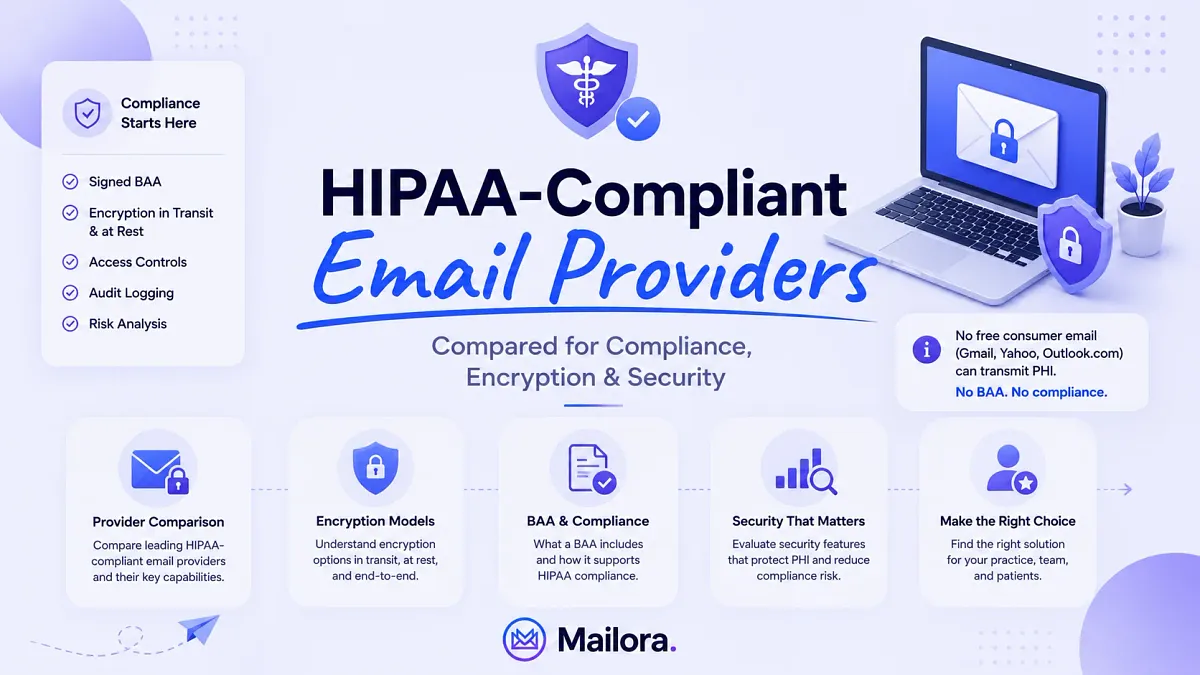
There is no such thing as an inherently HIPAA-compliant email service. Compliance is a function of the platform, the signed Business Associate Agreement, the encryption, and how the setup is configured and documented over time.
This guide covers the providers most healthcare organizations actually evaluate with a decision framework built to match provider choice to specific situations
What is a HIPAA-Compliant Email?
HIPAA-compliant email is a method of electronic communication that meets the requirements of the HIPAA Security Rule for transmitting and storing protected health information (PHI).
It combines four elements:
- A signed Business Associate Agreement with the email provider
- Encryption of messages in transit and at rest
- Technical access controls that restrict who can view PHI, and
- Documented configuration maintained as part of an ongoing risk analysis.
No email platform is HIPAA-compliant by default because compliance is the product of the right provider, the right legal contract, and the right setup. A healthcare organization that skips any one of these elements is out of compliance even if the others are in place.
The Best HIPAA-Compliant Email Providers Compared (2026)
Provider | Delivery model | BAA | Encryption | Integrates with | Standout features | Starting price | Best for |
| Paubox | Seamless TLS (portal fallback for ~1–2% of recipients) | Included on all plans | TLS in transit, AES-256 at rest, HITRUST CSF certified | Google Workspace, Microsoft 365 | Zero-step encryption inside existing inbox, secure forms | ~$29/user/month | Practices on Google or Microsoft that want frictionless encryption |
| Virtru | Encryption overlay on Gmail/Outlook | Included with paid plans | TLS in transit, AES-256 at rest, message revocation | Google Workspace, Microsoft 365 | Message revocation, granular access control, expiration dates | $119/month for 5 users (annual) | Teams needing audit-level control over sent messages |
| Hushmail for Healthcare | Portal-based for external recipients | Included with healthcare plans | TLS, OpenPGP, AES-256 | Standalone inbox | Secure forms, e-signature, intake workflows | ~$9.99/user/month | Small practices wanting all-in-one patient communication |
| Google Workspace (with BAA) | Standard email + optional encryption add-on | Available on Business Standard and above | TLS, Google-managed encryption at rest | Native Google stack | Drive, Calendar, Meet integration | $14/user/month (Business Standard) | Practices already standardized on Google |
| Microsoft 365 (with BAA) | Standard email + Microsoft Purview encryption | Available on Business and Enterprise plans | TLS, BitLocker at rest, Purview Message Encryption | Native Microsoft stack | DLP, Defender, Purview compliance suite | $12.50/user/month (Business Standard) | Practices already standardized on Microsoft |
| LuxSci | Configurable: TLS, secure portal, or PGP | Included | High-assurance encryption tiers, FIPS 140-2 | Custom integrations | High-compliance specialty work | Custom pricing | Specialty practices, research, behavioral health |
| Proton Mail Business | E2EE between Proton users, password-protected for external | Available | End-to-end encryption, Swiss-based infrastructure | Standalone | Privacy-first, no metadata logging | $12.99/user/month | Privacy-sensitive specialties, mental health |
[Table: An overview comparison table with quick snapshot of each tool’s core strengths, pricing, and key features]
Detailed Overview of HIPAA Compliant Email Providers
1. Paubox
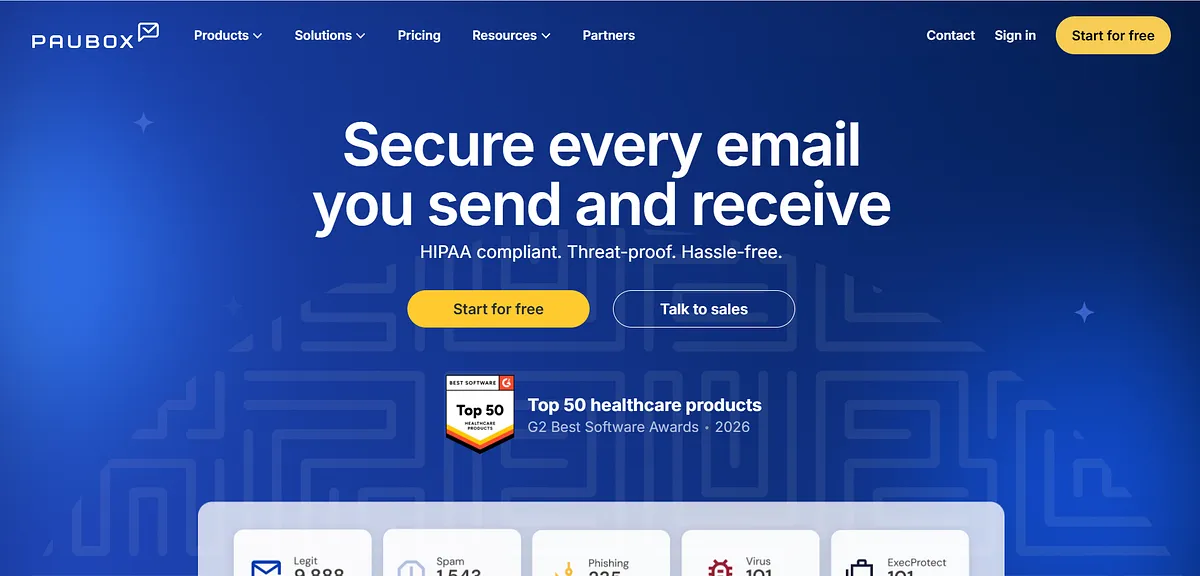
Paubox is a HIPAA-compliant email encryption platform that delivers encrypted messages directly to the recipient's standard inbox without requiring a portal login, a notification click, or any additional step from the patient.
The platform carries HITRUST CSF certification and includes a Business Associate Agreement on every plan.
- Seamless inbox delivery: Messages arrive encrypted in the patient's normal inbox with no portal login, notification click, or account creation required.
- BAA on every plan: Business Associate Agreement included at every pricing tier.
- HITRUST CSF certified: Carries the most recognized healthcare-specific certification, which carries more weight than SOC 2 alone in vendor risk reviews.
- Integrates with existing inboxes: Works inside Gmail and Outlook, so you continue using the same interface with no platform migration or retraining required.
Cons:
- No message revocation. Once a message is sent and opened, access cannot be withdrawn
- Portal fallback for ~1–2% of recipients means seamless delivery is not universally guaranteed
Pricing: Paubox offers three HIPAA-compliant email plans (up to 5 senders):
- Standard at $32/month for encrypted email
- Plus at $65/month adding AI-powered spam, phishing, and malware protection, and
- Premium at $75/month adding email archiving and data loss prevention (DLP). All plans include a BAA, HITRUST certification, support, and a 14-day free trial.
Best for: Healthcare practices on Google Workspace or Microsoft 365 wanting zero-friction encrypted delivery.
2. Virtru
Virtru is a message-level encryption platform that operates as an overlay on Gmail and Outlook, adding HIPAA-compliant encryption controls to an existing email infrastructure without replacing it.
Rather than routing messages through a separate secure inbox, Virtru encrypts individual messages at the point of composition and allows senders to set access controls, expiration dates, and revocation permissions that remain enforceable after delivery.
- Message revocation: Recall sent messages containing PHI at any time after delivery, including after the recipient has already opened them.
- Message expiration dates: Set automatic access cutoffs so PHI cannot be accessed after a defined window, limiting exposure from forwarded or retained messages.
- Granular per-message access controls: Restrict forwarding, printing, and downloading on individual messages after send, on a per-recipient basis.
- BAA on all paid plans: Business Associate Agreement included on every paid tier; five-seat minimum applies regardless of headcount.
Cons:
- Five-seat minimum regardless of headcount. Not viable for solo or one-to-two person practices
- Encryption is applied per message, not automatically, which means staff must remember to activate it each time
- External recipients access PHI through a web reader, not their normal inbox, which adds friction
Pricing: Virtru offers four data protection tiers (pricing includes 5 users, billed annually):
- Starter at $119/month for encrypted email
- Business at $219/month adding secure file sharing, compliance integrations, and audit logging
- Compliance at $499/month for FedRAMP, CMMC, ITAR, and advanced key management, and Enterprise with custom pricing.
All plans focus on email/file encryption, compliance support, and secure collaboration.
Best for: Teams that occasionally send PHI and need post-send control over individual messages.
3. Hushmail
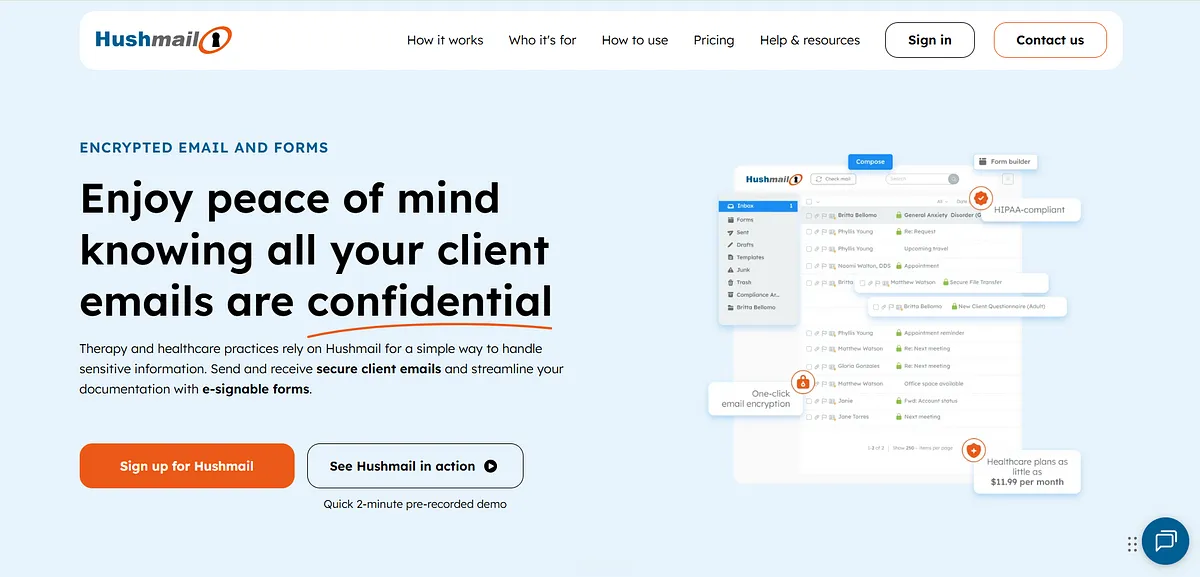
Hushmail for Healthcare is a standalone HIPAA-compliant email platform built specifically for small medical practices, combining encrypted email with integrated patient communication tools including secure web forms, e-signature, and intake workflow management.
The platform consolidates the communication tools a small practice manages daily into a single HIPAA-covered environment without requiring separate tools for forms, signatures, or intake.
- Guaranteed portal encryption: Every message is encrypted regardless of the receiving server's TLS capability, with no silent fallback to plaintext.
- Secure patient forms included: Built-in web forms collect PHI from patients through an encrypted channel with no separate tool or third-party integration needed.
- E-signature built in: Patients sign consent forms and intake documents through the same encrypted platform, eliminating the need for an additional e-signature tool.
- Patient intake workflows: Intake sequences built into the platform, reducing the number of tools a small practice needs to manage patient communication.
Cons:
- Standalone inbox means staff must manage two separate email environments if the practice also uses Gmail or Outlook
- Portal-based delivery requires patients to click through and log in, more friction than seamless inbox delivery
- Feature depth on forms and e-signature may not match dedicated tools for higher-volume practices
- Not designed for multi-location groups or practices expecting to scale beyond small team size
Pricing: Healthcare Starter $11.99/month (1 account, BAA, Private Message Center, up to 2 secure web forms); Healthcare Recommended $24.99/month (up to 5 accounts, e-signatures, up to 5 forms); Healthcare Custom from $47.99/month (10-100 accounts). All plans include a BAA and 14-day free trial.
Best for: Small practices wanting encrypted email, forms, and e-signature without managing multiple tools
4. Google Workspace
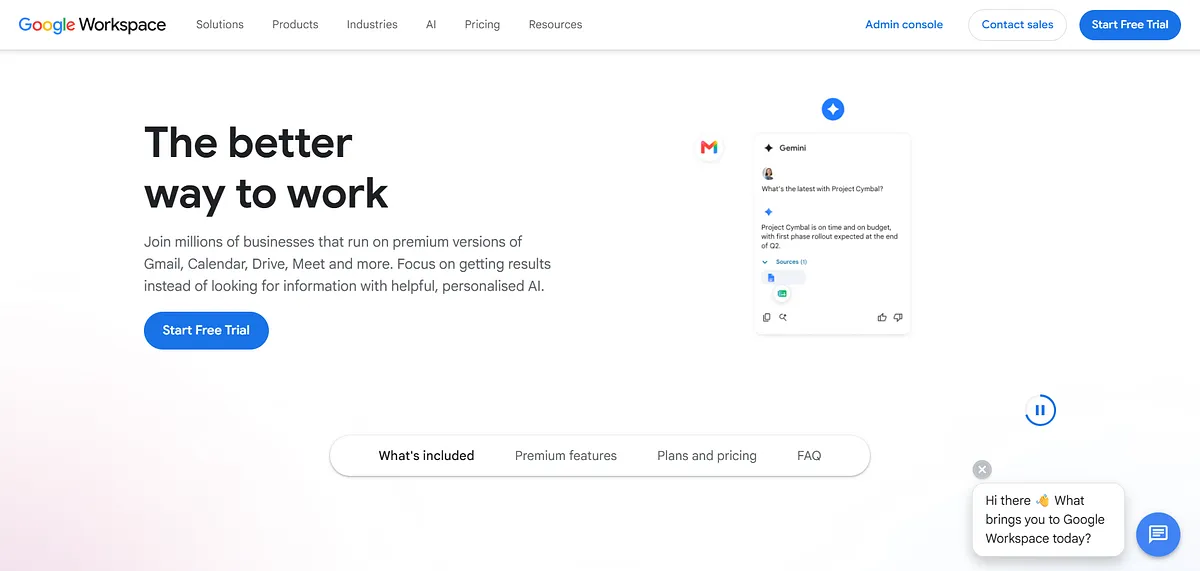
Google Workspace is a cloud-based productivity suite that becomes HIPAA-capable for email when a Business Associate Agreement is signed through the Admin Console on Business Standard plans and above.
The platform provides Gmail as its email client, with TLS encryption in transit and Google-managed encryption at rest across its storage infrastructure.
Compliance configuration, including TLS enforcement, DLP rules, retention policies, and role-based access controls, requires customer-side setup and is not active by default after the BAA is signed.
- BAA in Admin Console: Business Associate Agreement available directly in the Admin Console on Business Standard and above with no separate request or procurement process required.
- Native Google ecosystem: Drive, Calendar, Meet, and Gmail stay within a single compliant environment staff already use daily, with no workflow disruption.
- Google Vault for retention and audit: Email retention and audit logging configurable through Vault to meet the six-year HIPAA retention requirement at the platform level.
- TLS in transit, Google-managed at rest: Messages encrypted in transit using TLS, at-rest encryption managed across Google's storage infrastructure by default.
Cons:
- DLP rules for PHI detection require manual configuration and are not active immediately after signing the BAA
- No built-in healthcare-specific features, secure forms, patient intake, and e-signature require separate tools
- Guaranteed outbound encryption requires purchasing and configuring a third-party overlay on top of the existing subscription
Pricing: Google Workspace (USD): Business Starter $7/user/month; Business Standard $14/user/month; Business Premium $22/user/month; Enterprise at custom pricing.
Best for: Practices already standardized on Google that want HIPAA compliance without switching platforms.
5. Microsoft 365
Microsoft 365 is a cloud-based productivity suite that becomes HIPAA-capable for email when a Business Associate Agreement is signed on Business or Enterprise plans. Email is handled through Exchange Online, with TLS enforcement in transit and BitLocker full-disk encryption protecting data at rest.
PHI-specific encryption and data loss prevention are managed through Microsoft Purview, which requires deliberate policy configuration to become active, else messages are not automatically encrypted for PHI after the BAA is signed.
- Microsoft Purview message encryption: Policy-based encryption enforces PHI protection on outbound mail, but requires manual rule configuration before it applies to any message.
- BitLocker encryption at rest: PHI stored across Microsoft's infrastructure is encrypted at rest using BitLocker full-disk encryption, active by default across all plans.
- Purview DLP for PHI detection: DLP rules detect PHI patterns in outbound messages and apply encryption or block the send automatically, once the rules are built and tested.
- Broadest compliance toolset in category: Microsoft Defender, Compliance Manager, and Purview combine to give the most complete enterprise compliance and audit stack available.
Cons:
- Purview message encryption requires specific rule-building before it applies to any outbound message because it is not active by default
- More complex initial compliance setup than Google Workspace; requires IT familiarity with Purview policy configuration
- BAA scope needs to be confirmed per plan, not all Microsoft services are automatically covered
- No healthcare-specific features; lacks secure forms, patient intake tools, and e-signature capability
Pricing: Microsoft 365 for Business starts at $6/user/month (Business Basic) with business email, Teams, web/mobile Office apps, and 1 TB storage. Business Standard costs $12.50/user/month and adds desktop Office apps. Business Premium costs $22/user/month and adds advanced security, device management, threat protection, and data loss prevention. All plans support up to 300 users and include custom email domains.
Best for: Practices already on Microsoft 365 that need a full compliance and security toolset in one platform.
6. LuxSci
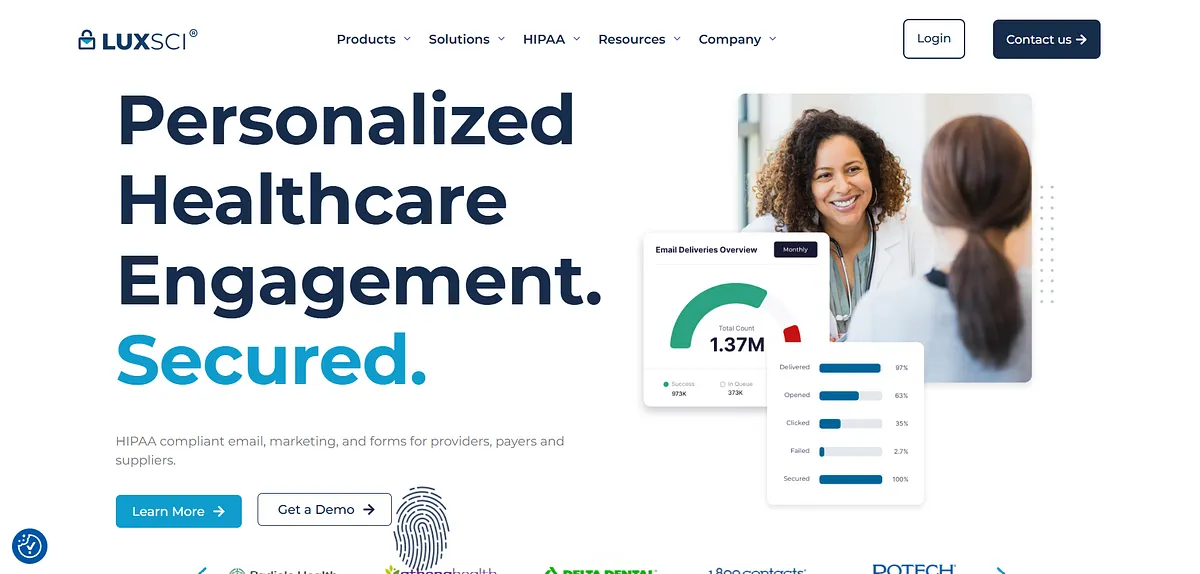
LuxSci is a high-assurance email platform built for healthcare organizations and research environments with elevated or non-standard compliance requirements. It offers configurable encryption tiers, TLS, secure portal, and PGP, applied per message based on the recipient's server capabilities and the sensitivity of the content.
LuxSci holds both FIPS 140-2 and HITRUST CSF certifications, making it one of the few commercial email providers to meet federal encryption standards alongside the leading healthcare-specific compliance framework.
- Configurable encryption tiers: Choose TLS, secure portal, or PGP per send, matched to the recipient's capability and the message's sensitivity level.
- FIPS 140-2 certified: Meets the federal encryption standard required for government-adjacent and high-security healthcare environments where standard commercial certification is insufficient.
- HITRUST CSF certified: Carries the highest-weight healthcare compliance certification for vendor risk reviews, enterprise audits, and payer credentialing processes.
- Built for complex compliance workflows: Structured for specialty practices, behavioral health, and research settings with non-standard data handling requirements that general providers don't support.
Cons:
- Significantly more complex to configure than general-purpose HIPAA email platforms
- Feature set and pricing structure are mismatched for small practices with simple PHI sending needs
- PGP configuration requires technical familiarity that most small practice staff do not have
Pricing: Not available. Contact sales team
Best for: Specialty practices, research institutions, and behavioral health settings with elevated or non-standard compliance requirements
7. Proton Mail Business
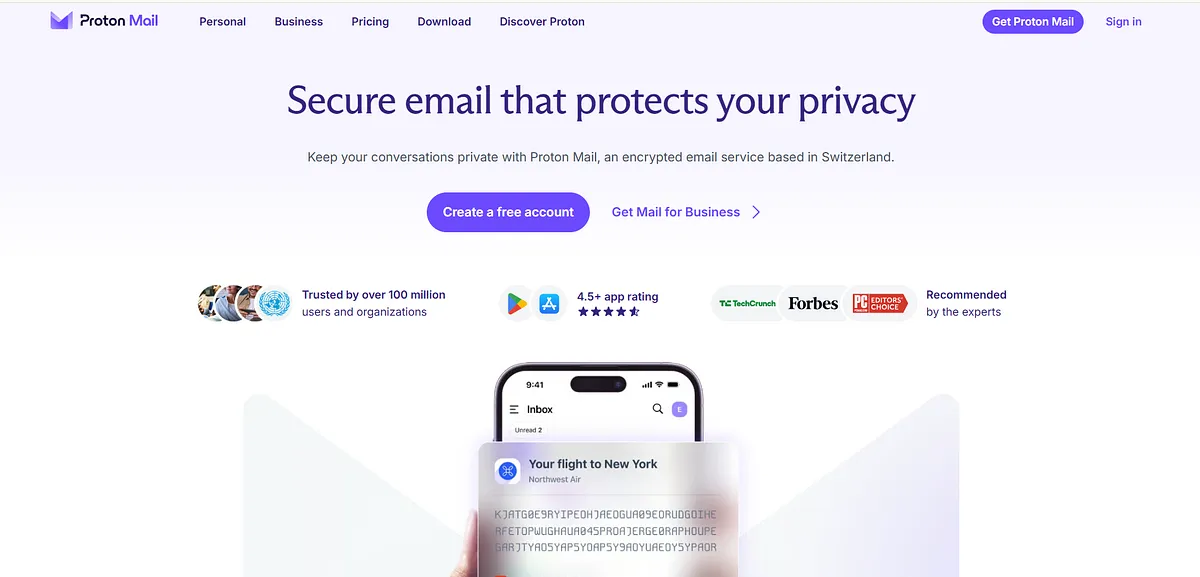
Proton Mail Business is a privacy-first email platform built on end-to-end encryption and zero-access architecture, hosted in Switzerland under Swiss privacy law. Messages exchanged between Proton Mail users are encrypted end-to-end, meaning the content cannot be accessed by Proton or any third party during transit or storage.
Messages sent to recipients outside the Proton ecosystem are delivered through a password-protected link, requiring the recipient to enter a shared password to read the content.
The platform retains no metadata, including IP addresses or access logs, which distinguishes it from standard HIPAA-capable platforms where metadata handling is governed by BAA terms rather than eliminated by architectural design.
- End-to-end encryption between Proton users: Messages between Proton accounts are encrypted end-to-end, Proton itself cannot access the content of any message in transit or at rest.
- Password-protected external delivery: Recipients outside Proton receive a secure link and enter a shared password to access the message, maintaining encryption throughout the full chain.
- Zero metadata logging: No IP addresses, device identifiers, or access timestamps retained, above-baseline privacy for practices treating sensitive patient populations.
- Swiss data infrastructure: Data stored under Swiss privacy law, which applies stronger protections than US federal standards for health information in storage.
Cons:
- Password-protected external delivery adds friction. Every patient outside Proton must enter a password to access messages
- End-to-end encryption only applies between Proton users; external recipients receive portal-style access, not inbox delivery
- Requires migrating away from existing Gmail or Outlook inboxes. Does not function as an overlay
- Less established BAA infrastructure and healthcare compliance documentation compared to enterprise-grade alternatives
Pricing: Proton Mail for Business: Mail Essentials from $6.99/user/month; Business Standard from $12.99/user/month; Business Premium from $19.99/user/month (annual billing). 14-day free trial available. Note: Mail Plus ($3.99/mo) and Proton Unlimited ($9.99/mo) are consumer plans and not the product reviewed here.
Best for: Privacy-sensitive specialties, behavioral health, addiction medicine, reproductive health, requiring above-baseline data protection posture
Which HIPAA-Compliant Email Provider Is Right for You?
Use the framework below to match your situation to the options that actually fit.
Scenario | What Matters Most | Best Pick |
| Solo or small practice wanting zero configuration overhead | Encryption that disappears into the existing workflow, or a single bundled tool for all patient communication | Paubox is already on Google Workspace or Microsoft 365. Hushmail if secure forms, e-signature, and intake are needed alongside email. |
| Already standardized on Google Workspace or Microsoft 365 | BAA signed with the existing provider; guaranteed outbound encryption on top | Google Workspace + Paubox, or Microsoft 365 + Purview Message Encryption. Choice usually comes down to which add-on fits the existing DLP framework better. |
| Needs post-send control over PHI | Message revocation, expiration dates, granular access control after the send | Virtru for teams sending PHI occasionally who need post-send control on specific messages. LuxSci for structured high-compliance environments. |
| Specialty practice with elevated privacy expectations | Above-baseline privacy posture for sensitive patient populations | Proton Mail Business or LuxSci. Relevant for behavioral health, addiction medicine, reproductive health, and similar specialties. |
| Healthtech or digital health company sending patient email at volume | Compliant provider plus a verification layer covering authentication, transport encryption, and inbox placement | Any provider above for the compliance layer. Add DMARC enforcement, TLS-RPT reporting, and inbox placement monitoring separately, these sit outside what any compliant provider covers. |
[Table: Decision matrix mapping your specific compliant scenario to the right pick]
There is no single best provider. The right answer depends on practice size, existing stack, and whether the goal is workflow-integrated compliance or a standalone secure inbox.
How to Evaluate the Comparison Criteria to Assess HIPAA Compliant Email Providers?
The following six criteria are what actually differentiate providers once the contract is signed.
BAA Terms
Not all BAAs are equal. Check the contract, not just whether one exists.
- Which pricing tier does the BAA attach to?
- What activities and data types does it cover?
- What indemnification does the provider accept in the event of a breach on their end?
- What happens to PHI when the contract ends?
Encryption and Delivery Model
How the message reaches the patient matters as much as whether it's encrypted.
- Seamless TLS: encrypted message lands in the patient's normal inbox, with no extra steps
- Portal-based: patient receives a notification and clicks through to a secure web portal to read the message
- What percentage of sends fall back to the portal on TLS-dependent providers?
- Does the portal require the patient to create an account?
Integration with the Existing Stack
Some providers run as an encryption layer on top of an existing Google Workspace or Microsoft 365 account. Others replace the email platform entirely with a separate secure inbox.
- Does it layer on top of Google Workspace or Microsoft 365, or replace the inbox entirely?
- How much staff retraining does it require?
- Does it work within existing DLP and policy frameworks?
Healthcare-Specific Features
For small practices managing the full patient communication workflow, bundled features often matter more than encryption depth.
- Secure web forms included?
- E-signature capability?
- Patient intake workflows?
- SMS or appointment reminders?
Certifications
- SOC 2 compliant?
- HITRUST CSF certified?: carries more weight than SOC 2 alone during vendor risk reviews and compliance audits
Pricing and Practice-Size Fit
Minimum seat requirements are where the math breaks for small practices.
- Per-user monthly cost
- Minimum seat requirement and effective floor price
- Does the BAA tier carry a price premium over the base plan?
- Annual vs monthly billing difference
The right answer depends on which criteria matter most for the size and volume of your practice.
Implementation Checklist: Turning a Compliant Provider Into a Compliant Setup
Selecting the right provider is a procurement decision, but what happens after that is a compliance decision. Most OCR audit failures come from organizations that chose correctly and then treated the signup as the finish line.
Sign the BAA before transmitting any PHI: Sending PHI through a compliant provider without a signed BAA is still a violation, regardless of encryption, and recipient.
Enable TLS enforcement: Configure the platform to reject outbound mail that cannot be delivered over an encrypted connection rather than falling back to plaintext. On Google Workspace and Microsoft 365 this is a specific admin console setting, whereas on dedicated providers it is usually the default but should be verified.
Configure DLP rules for PHI patterns: Set up detection for SSNs, MRNs, ICD-10 codes, lab result formats, and any other PHI indicators relevant to the practice. DLP is the control that catches the human error of sending PHI through a channel that wasn't flagged for encryption.
Set retention policies to meet the six-year requirement: Both email content and audit logs need to be retained for the full window. Configure at the platform level and verify in the admin reports.
Enable MFA and configure role-based access controls: Every account that can access PHI needs MFA. Access permissions should follow least privilege, not default to admin-level access for convenience.
Document every configuration decision as part of the risk analysis: This is the step that gets skipped most often and matters most during an OCR audit. A configuration that cannot be demonstrated is not a compliant one.
Train staff on the workflow: Specifically: the difference between regular email and PHI email, when to use the compliant channel, and what to do if PHI is mistakenly sent through a non-compliant path.
Configuration is what turns a compliant provider into a compliant setup. It does not prove that the email leaving the system is authenticated, encrypted on every hop, or actually arriving in the patient's inbox. Those are separate questions.
See What Your Patient Email Is Actually Doing
A signed BAA and a compliant email provider give a healthcare organization permission to send PHI by email, securely. They do not confirm the email was authenticated, encrypted on every hop, or that it reached the patient. They do not prevent attackers from spoofing the domain to reach those patients first.
The verification layer that closes those gaps is operationally separate from the provider, and it is where most patient-facing email programs have the least visibility today.
Run a deliverability test using Mailora on the patient communication infrastructure you have in place. The test surfaces per-provider placement across Gmail, Outlook, and Yahoo, authentication state across SPF, DKIM, and DMARC, and any drift between what is configured and what is actually happening on every send.
For healthtech and high-volume patient-email senders, get started with Mailora to see continuous monitoring across authentication, transport encryption, and inbox placement, with each finding tied back to the campaigns and configurations that produced it.
FAQs
Is Gmail or Outlook HIPAA compliant?
The free consumer versions are not HIPAA compliant and cannot be made compliant. Google Workspace and Microsoft 365 can be HIPAA-compliant when a Business Associate Agreement is signed and the platform is configured correctly, including BAA enablement, encryption, MFA, audit logging, and DLP.
Do I really need a Business Associate Agreement to email patients?
Yes, before any PHI is transmitted. Sending PHI by email without a signed BAA is a HIPAA violation, even if the message is encrypted, even if the recipient is the patient, and even for a single send.
Is encrypted email automatically HIPAA compliant?
No. Encryption is one required component, but compliance also depends on the signed BAA, access controls, audit logging, retention policies, DLP configuration, and proper documentation. An encrypted message sent through a provider without a BAA is still a violation.
What's the difference between portal-based and seamless (TLS) HIPAA email delivery?
Seamless TLS delivery sends the encrypted message directly to the recipient's normal inbox, where they read it like any other email. Portal-based delivery sends a notification email that links the recipient to a secure web portal where the actual message is read.
Will the 2025 or 2026 HIPAA Security Rule update make email encryption mandatory?
As of mid-2026, the proposed rule has not been finalized. HHS issued the NPRM in December 2024, the comment period closed in March 2025, and OCR has not published a final rule. The proposal would remove the addressable distinction and require encryption of ePHI at rest and in transit, but it remains proposed and may be modified, delayed, or withdrawn. The current Security Rule remains in effect.
Stay in the loop
Deliverability insights, product updates, and early access to new features. No spam, unsubscribe anytime.
By subscribing, you agree to our Privacy Policy. Unsubscribe anytime.