What Is DMARC RUA? Understanding Aggregate Reports
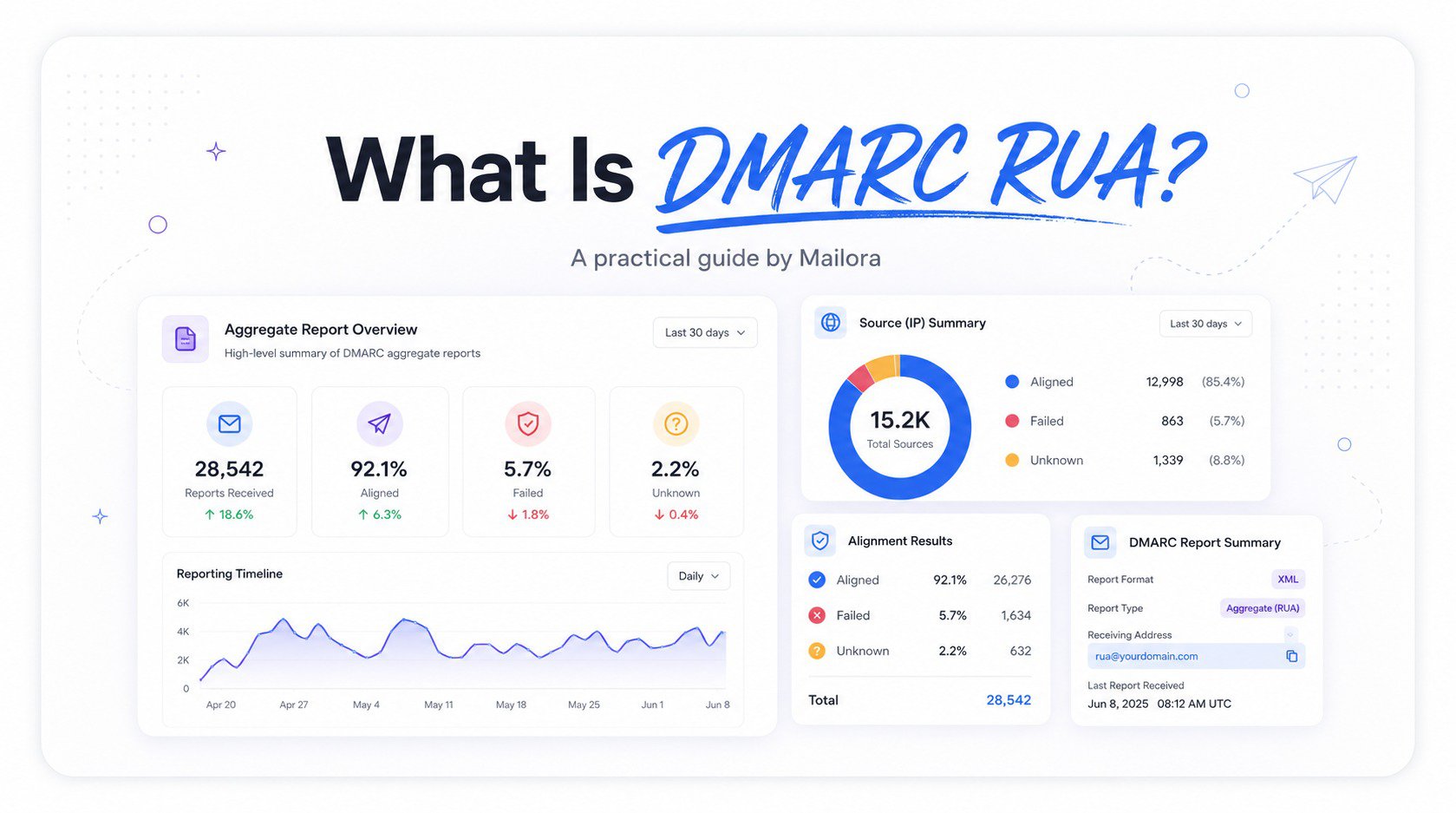
Most domain owners publish a DMARC record, glance at a green checkmark somewhere, and assume the work is done. But DMARC's real value only shows up after that record is live, in the form of a steady stream of data most senders never look at: DMARC RUA, short for aggregate reports. These reports are one of the most underused sources of deliverability visibility available, largely because they arrive as raw XML files that look intimidating rather than useful.
What the RUA Tag Does in a DMARC Record
A DMARC record is a single DNS TXT entry, also called a TXT resource record, made up of several tags, each controlling a different aspect of policy and reporting. The rua tag specifically tells receiving mail servers, like Gmail, Outlook, and Yahoo, where to send DMARC RUA data. A typical DMARC record example might include something like rua=mailto:dmarc-reports@yourdomain.com, which instructs any email receiver or mailbox provider evaluating your domain's mail to periodically send a summary report to that address.
It's worth being precise about what the rua tag does not do. It has no effect on how strictly authentication failures are enforced. That's the job of the p tag, which sets the DMARC policy, whether none, quarantine, or reject.
| Tag | Purpose | Affects Enforcement? |
|---|---|---|
| p | Sets policy for the domain | Yes |
| rua | Where DMARC RUA (aggregate) reports are sent | No, reporting only |
| ruf | Where forensic reports are sent, if supported | No, reporting only |
| pct | Percentage of failing mail the policy applies to | Yes |
Even a domain with a policy of p=none, which takes no enforcement action at all, can and should have rua configured, since the reporting alone provides valuable insight before any enforcement decisions are made. Multiple email addresses can be specified using multiple URIs in a comma-separated list, which is common when both an internal team and a third-party monitoring tool need to receive the same data. For example, two email addresses might appear as rua=mailto:security@yourdomain.com,mailto:dmarc@monitoring.example.
If reports are sent to a different target domain, the receiving provider may require external domain verification, sometimes called EDV, before sending the reports.
What's Inside a DMARC RUA Report
A DMARC RUA report arrives as a compressed XML file, and while the format isn't especially readable at a glance, the underlying structure is fairly consistent across email service providers. Each report covers a specific time window, typically 24 hours, and includes a policy_published section restating the DMARC policy in effect, followed by one or more record entries.
Each record in a DMARC RUA report represents a distinct combination of sending IP and authentication outcome:
- Source IP address that sent the mail
- Volume of messages sent from that IP during the reporting window
- Whether SPF passed or failed
- Whether DKIM passed or failed
- Whether each check aligned with the domain in the From header
This structure is what makes DMARC RUA data so useful. Rather than a single yes or no answer about whether your domain "passed DMARC," you get a breakdown by sending source, which makes it possible to see exactly which systems are sending email messages on your domain's behalf.
How to Read RUA Reports Without a Parsing Tool
Opening a raw DMARC RUA report for the first time can be discouraging, since the XML format buries the useful information inside nested tags. But it is readable manually, especially for a domain with a small number of sending sources.
Start by identifying every unique source_ip listed across the report. For each one, check the row_count to understand sending volume, then look at the auth_results section, which shows the SPF and DKIM outcomes as reported by that specific mailbox provider. Cross-reference each IP against your known sending infrastructure. Any IP address that doesn't match a known, authorized sender is worth investigating immediately.
For domains with dozens of sending sources, this manual process becomes tedious quickly, and this is where dedicated DMARC reporting or monitoring tools earn their keep, parsing and visualizing this same DMARC RUA data in a dashboard rather than requiring someone to open XML files by hand. Tools such as MxToolbox, EasyDMARC, and DMARCLY can also help organize DMARC email reports and improve DMARC visibility.
Common Issues RUA Reports Reveal
DMARC RUA data tends to surface a handful of recurring issues, some more serious than others:
- Unauthorized senders: an IP address sending mail as your domain that you don't recognize, which could indicate anything from a forgotten legacy system to actual spoofing activity or phishing attacks.
- Alignment failures from legitimate senders: a known, authorized source shows SPF or DKIM passing but failing alignment, usually pointing to a configuration issue on the sending platform's side.
- Forwarding-related false positives: when a recipient forwards an email, the forwarding server often breaks SPF alignment, since the message now originates from a new IP not listed in your SPF record.
- Volume anomalies: an unexpected spike from a particular source can indicate a testing environment sending mail it shouldn't, or a compromised system being used to send spam under your domain's identity.
Turning DMARC RUA Data Into Action
DMARC RUA reports are only valuable if they inform decisions, and the most common use case is a gradual, evidence-based path toward DMARC enforcement. A domain typically starts at p=none, collecting RUA data for several weeks to build a complete picture of every legitimate sending source and confirm each one authenticates correctly. Once that picture is clear, policy can move to p=quarantine at a low percentage, before eventually moving to full enforcement at p=reject.
Skipping this data-gathering phase and moving straight to a strict policy is one of the more common and costly DMARC mistakes, since it risks blocking legitimate mail that DMARC RUA data would have flagged in advance. Beyond the initial rollout, RUA data deserves ongoing attention rather than a one-time review, since new sending sources get added as a business adopts new tools. This reporting process is part of a typical DMARC implementation and helps maintain reliable DMARC authentication over time.
Frequently Asked Questions
What is DMARC RUA, in simple terms?
DMARC RUA refers to the aggregate reports mailbox providers send to a domain owner, summarizing which sources sent mail claiming to be from that domain and whether each one passed authentication. These are also called DMARC aggregate feedback or DMARC aggregate reports.
How often are DMARC RUA reports sent?
Most major mailbox providers send DMARC RUA reports once every 24 hours, though the exact cadence isn't strictly standardized and can vary slightly by provider.
Do I need rua configured if my DMARC policy is set to none?
Yes, and this is actually the ideal setup during the early stages of DMARC implementation. A policy of none takes no enforcement action, but DMARC RUA reporting still provides full visibility into sending sources and authentication outcomes.
Can I read DMARC RUA reports without any special software?
Yes, since they're XML files that can be unzipped and opened in any text editor, though the format becomes difficult to manage manually once a domain has more than a handful of sending sources. Some senders also confuse RUA reporting with ruf, which is used for forensic reports and may not be supported by every provider.
Learn how Mailora helps you turn raw DMARC RUA data into clear, actionable visibility, so you always know who's sending mail on your domain's behalf.
Stay in the loop
Deliverability insights, product updates, and early access to new features. No spam, unsubscribe anytime.
By subscribing, you agree to our Privacy Policy. Unsubscribe anytime.